
Sony's new PS5 firmware update didn't fix the Black Ops Cold War download bug. Luckily there's an easy fix.

Before now, gamers had to completely factory reset their PS5 consoles to fix the download bug. Do NOT do this. It's completely unnecessary. Today Sony confirmed a guaranteed fix to the dreaded Cold War download bug on PS5 and it's really easy to do. All you have to do is rebuild your database. I was one of the many affected by the Cold War PS5 glitch, and I can confirm this fix actually works.
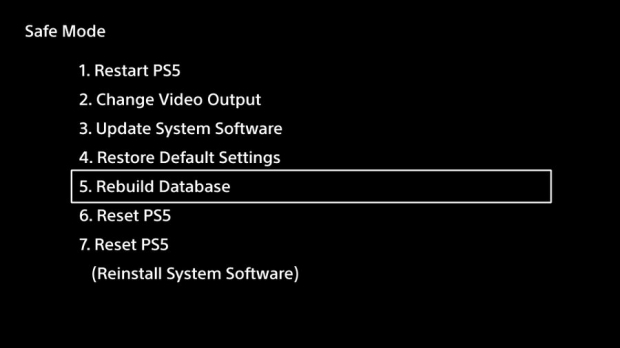
Here's how to do it:
- Turn off your PlayStation 5
- Boot into Safe Mode - Hold the power button until it beeps twice
- Select Rebuild Database in the Safe Mode menu
- The system will auto-reboot
- Select Call of Duty Black Ops Cold War from the Game Library section
- Select the game, then hit Options, then select the PS5 version. The Download button should appear.
- Download and play
Confirmation rebuilding the database will work:
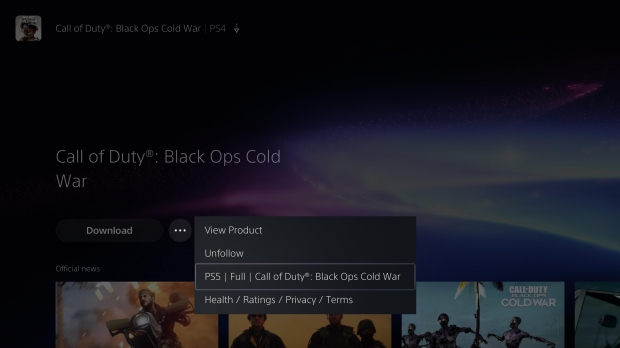
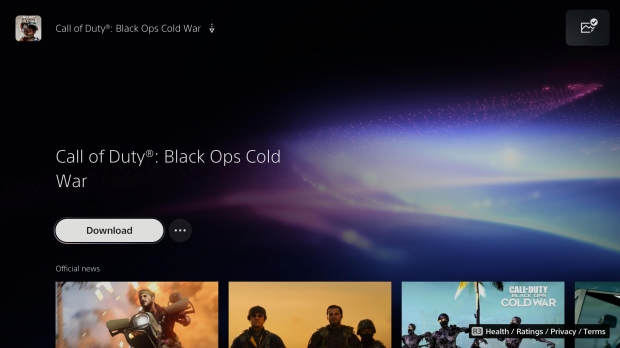
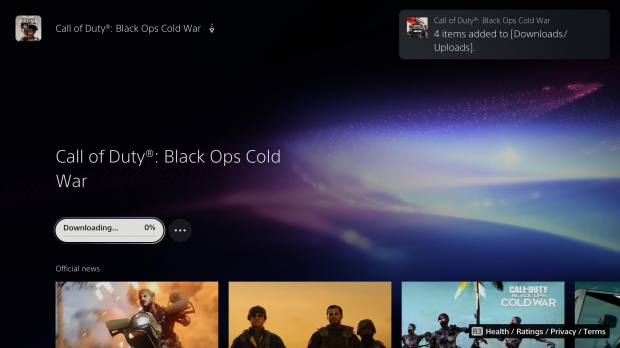
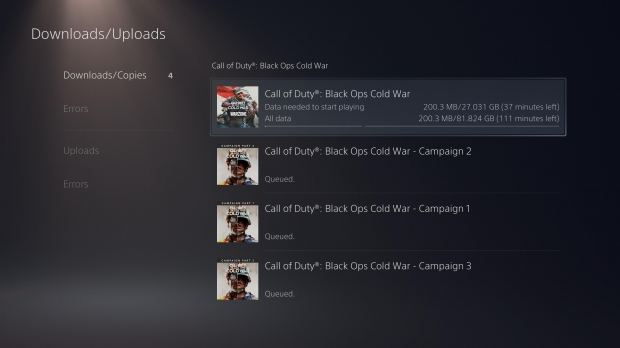
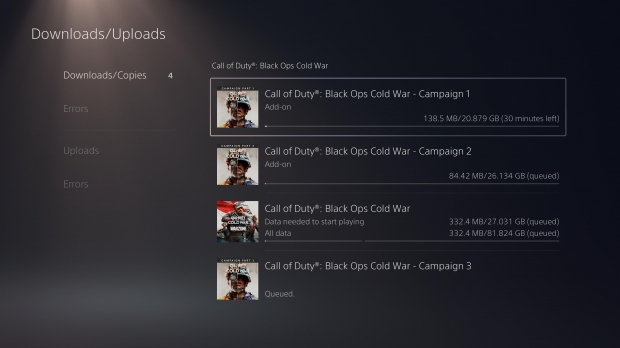
Sony says rebuilding the database does the following:
"Scans the drive and creates a new database of all content on the system. Select this option if you are experiencing issues such as game freezes or frame rate drops."
Be sure to do this if you have any issues with other games not downloading.
Here's more of our PS5 coverage, including some tricks and tips regarding saves:
- PlayStation 5 supports external USB mics, USB headsets with soundcards
- PS5 doesn't play PS4 game demos--that's why P.T. isn't supported
- PlayStation 5 doesn't support Bluetooth audio devices
- Here's how to manually eject a disc on PS5
- It's WAY too easy to accidentally switch to another game on PS5
- These PS5 games support new in-game Game Help strategy guide feature
- PS Plus is the only way to back up PS5 save games, no USB save exports
- PS4 save data missing on PS5? Here's how to get it back
- The PS5 does have a web browser, but you can't really access it
- The PS5 separates saves by gen, causes save files to not appear
- PS5: How to watch videos and listen to music from a USB drive
- PS5 can install and store both PS5 and PS4 games at the same time