Microsoft has followed through with its promises of releasing the first Windows 11 Preview Build for its Insiders on the Dev Channel.
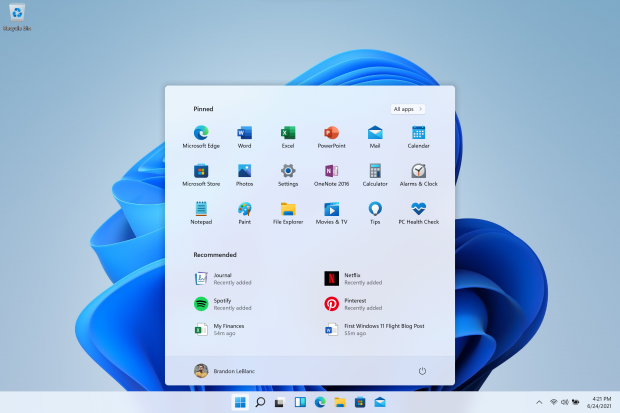
Windows 11 Build 22000.51 is available and while this is the very latest version of Microsoft's operating system, it won't pack all of the new features and functions that Windows 11 will have when it releases officially later this year. But, there are still some great things to play around with inside of Windows 11 Build 22000.51 now that it's out.
Amanda Langowski and Brandon LeBlanc of the Windows development team wrote explains: "As we finalize the product over the coming months, we will work with you to validate the experience. You will get to try many, but not all, of the new features we showed last week in this early preview".
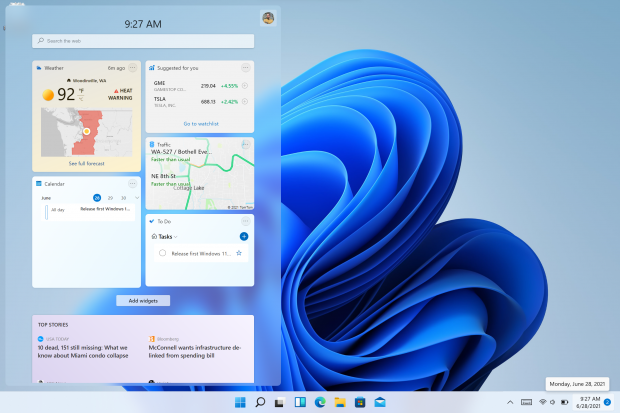
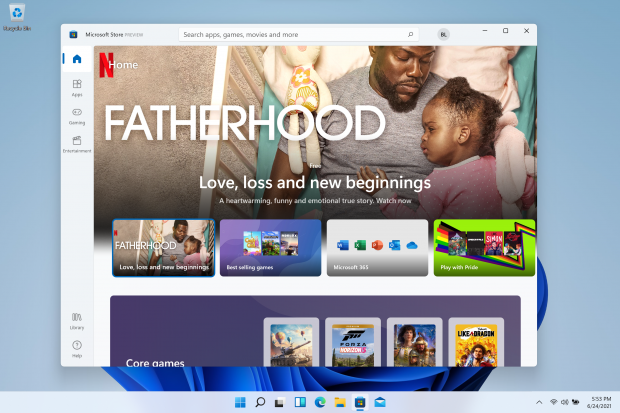
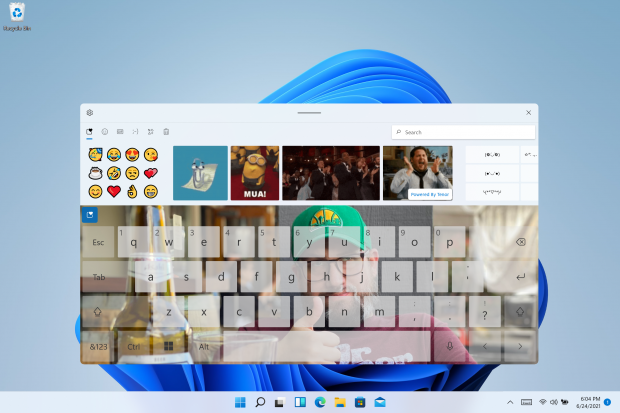
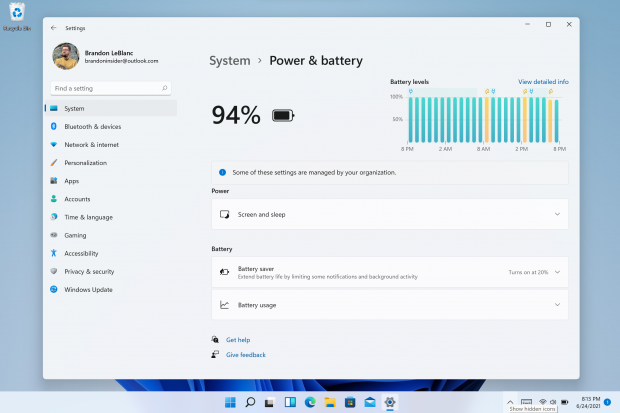
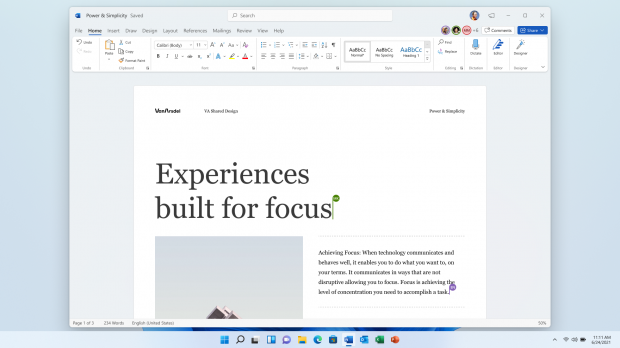
That doesn't mean you don't get a lot to play around with, as there's still a bunch of things to play around with inside of the new Windows 11 preview build. You've got the new Start Menu, Windows 11 docking functionality, the new Microsoft Store, and more.
There's the new Dynamic Refresh Rate function, which will automatically boost the refresh rate when you're inking, or scrolling -- resulting in a smoother desktop experience. DRR can be enabled easily, by going to Settings > System > Display > Advanced display and then Choose a refresh rate and then select the "Dynamic" refresh rate.
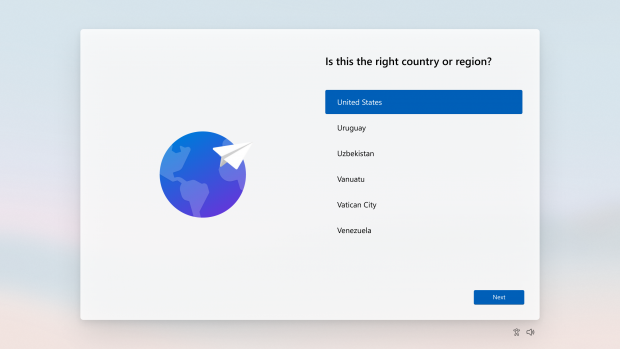
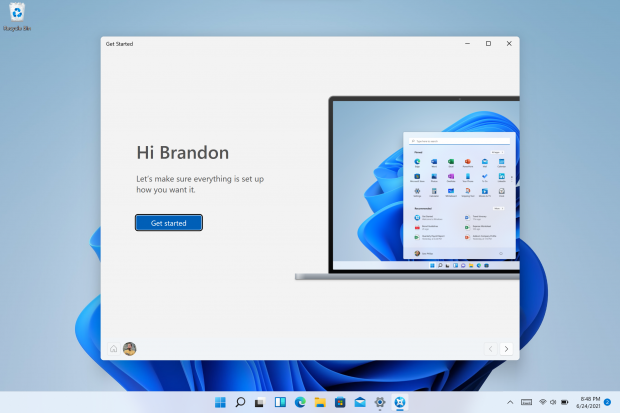
The entire Windows 11 setup experience has been redesigned, with the post on the official Windows Insider blog explaining: "This new setup experience is designed to build excitement for Windows 11 right from the moment you first turn on a new Windows 11 PC for the very first time. Based on your feedback, we have added the ability to name your PC during the setup experience".
- You can read more about, and get the steps to download and install the first Insider Preview for Windows 11 here.