



Our Verdict
Introduction, Specifications, and Pricing
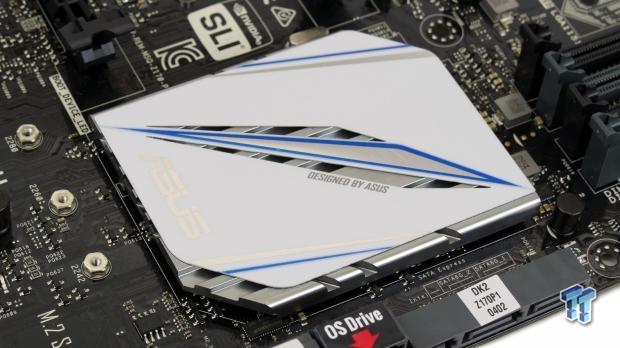
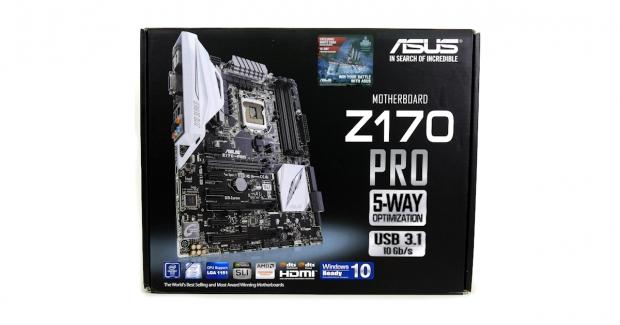
I have looked at many ASUS Z170 motherboards, all the way from the Z170-A to the Maximus VIII Extreme. Each one has its distinct price to performance ratio, and today I take a look at a very popular motherboard, the Z170-Pro. At first glance, the Z170-Pro looks unassuming, and, to be honest, it looks eerily similar to the Z170-A.
So the question then becomes, why is the Z170-Pro almost $40 more expensive than the Z170-A. It took me a few minutes to figure out the major differences, and honestly, there aren't too many on the surface. The big difference between the two motherboards is quality, and not necessarily where you expect it.
While the Intel Z170 chipset offers a wide variety of connectivity options, there are still a few places it lacks, and those areas are where the Z170-Pro shines. Follow me as I examine this interesting ASUS mainstream Z170 motherboard.
Specifications
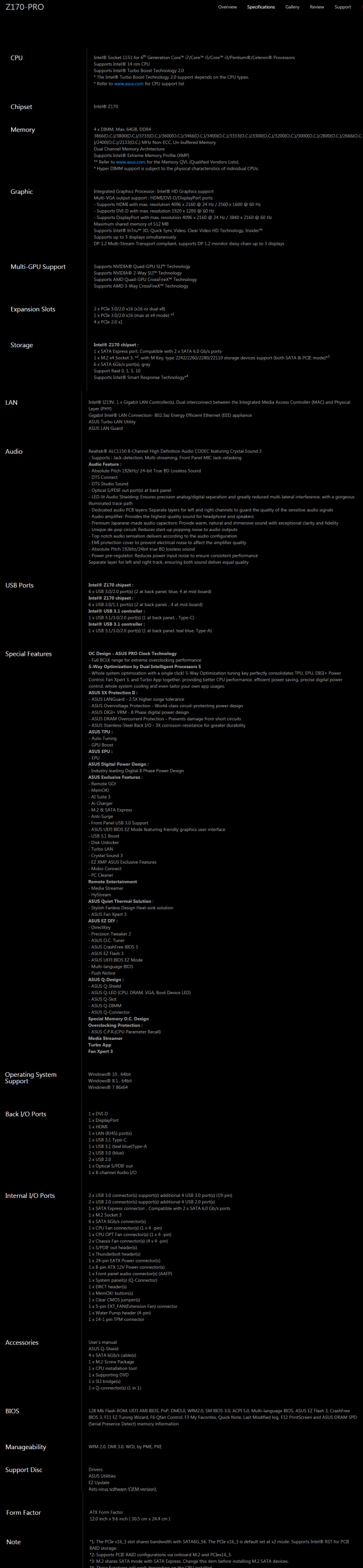
The ASUS Z170-PRO has many high-end features such as M.2 32Gb/s, SATA Express, USB 3.1 Type-A and Type-C, Intel 1Gbit NIC, and 7.1 channel HD-Audio.
Pricing
The ASUS Z170-PRO is available from many large retailers for roughly $195.
Packaging and Z170-PRO Overview

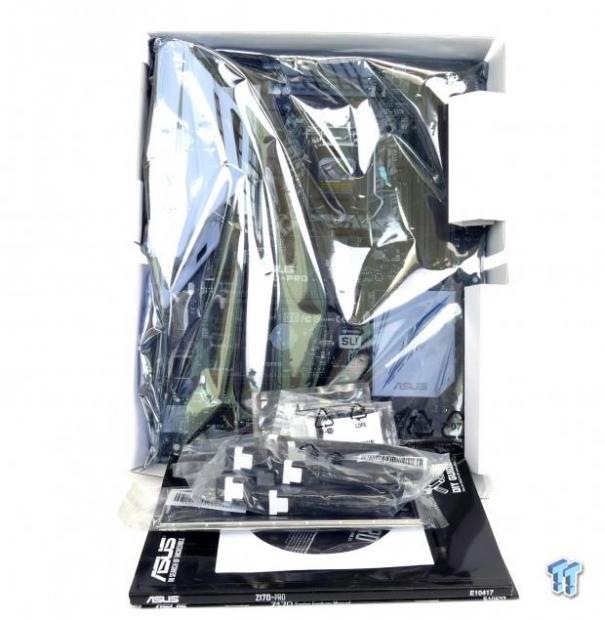
The Z170-PRO's box is very similar to other ASUS Z170 motherboards. Packaging is also very similar to other ASUS Z170 motherboards, and the product is well protected from the elements.
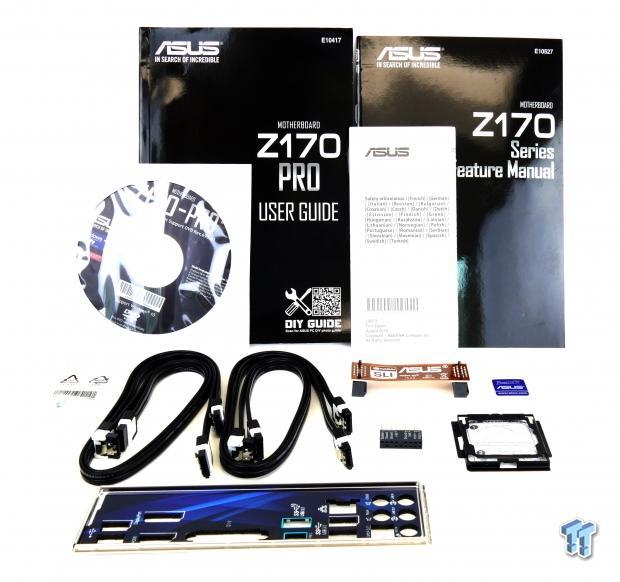
There are plenty of accessories: 4x SATA 6Gb/s cables, SLI bridge, IO shield, Q-connector, M.2 screws, CPU installation tool, and software DVD/user manuals. The IO shield of the Z170-Pro is much better than that of the Z170-A in both aesthetic appeal and durability.
Our Latest Socket LGA 1150/1151 Review Coverage
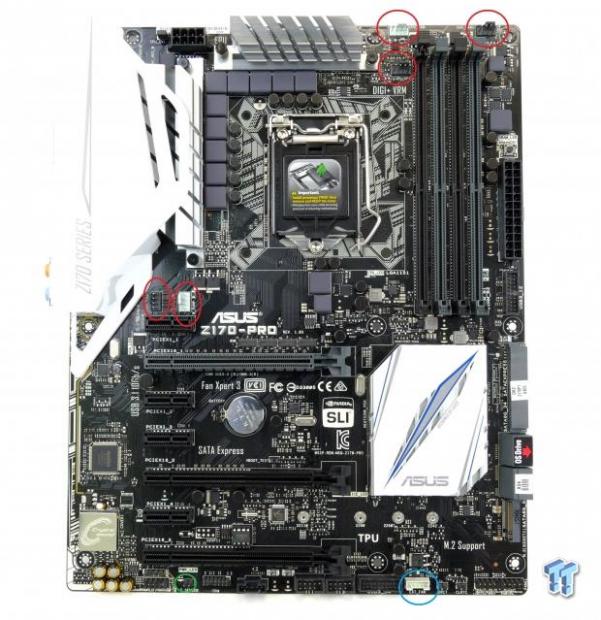
The ASUS Z170-PRO has five fan headers circled in red. The CPU fan header automatically detects if the fan plugged in is a PWM fan or DC mode fan. All fan headers can be set to either mode in the UEFI and Windows. Full control over all the fans and those from the optional fan extension panel (header circled in blue) is offered in the UEFI and Windows. There is a temperature input header circled in green.
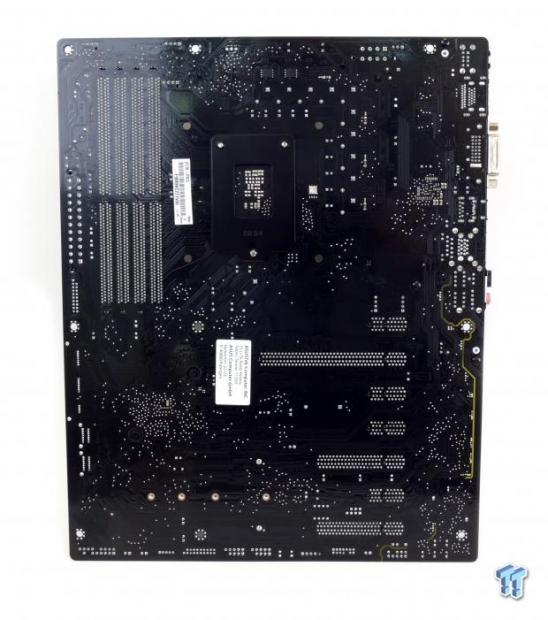
Compared to the Z170-A, the aesthetics are similar, but there is one glaring difference. The PCB of the Z170-PRO is significantly better looking than that of the Z170-A because it is black instead of a black/brown mixture. The black PCB contrasts much better with the white shield and the heat sinks. The back of the motherboard is bare except for some minor components and LEDs to illuminate the audio PCB divide.
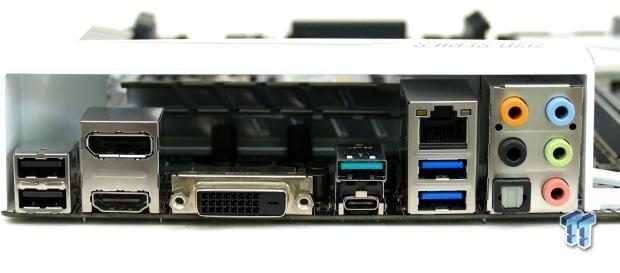
The IO panel on the Z170-PRO has two USB 2.0 ports, two USB 3.0 ports, USB 3.1 Type-A, USB 3.1 Type-C, DVI, DisplayPort, HDMI, RJ-45 LAN, and S/PDID with 7.1 audio TOSLINK.
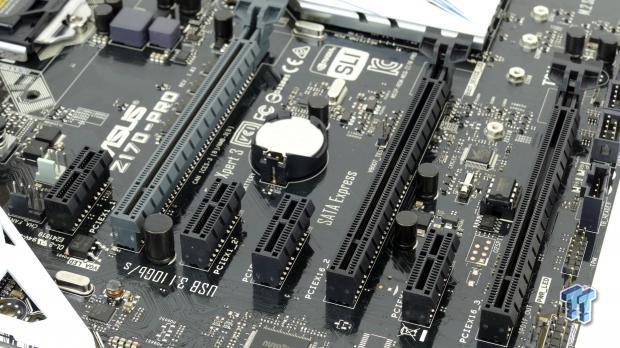
The PCI-E layout is straightforward. The first two full sized 16x slots are wired to the CPU and can work at 16x/0x or 8x/8x and support SLI or CrossFireX. The last slot is wired to the PCH and shares two high-speed IO (HSIO) ports with SATA6G_56, it also support RAID with an add-in card and the onboard M.2 slot. The PCI-E 1x slots are wired to the PCH.
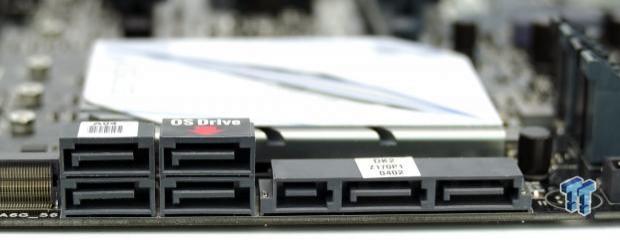
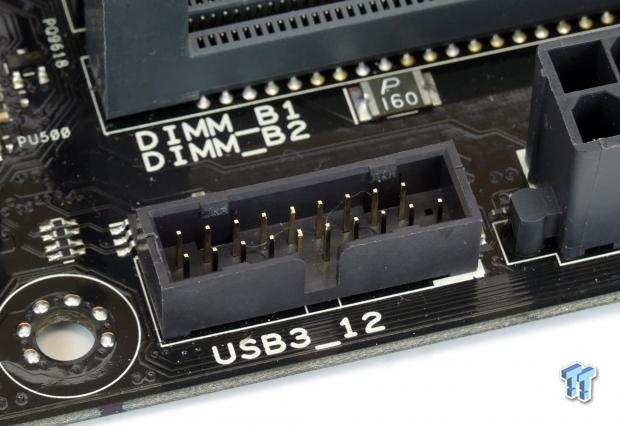
The SATA Express port can operate as two SATA ports. If an M.2 SATA drive is installed, it will use the SATA Express connection. One thing I do like is how ASUS marks which SATA ports to use for your main OS drive. A USB 3.0 internal header is located right below the 24-pin power connector for easy access.
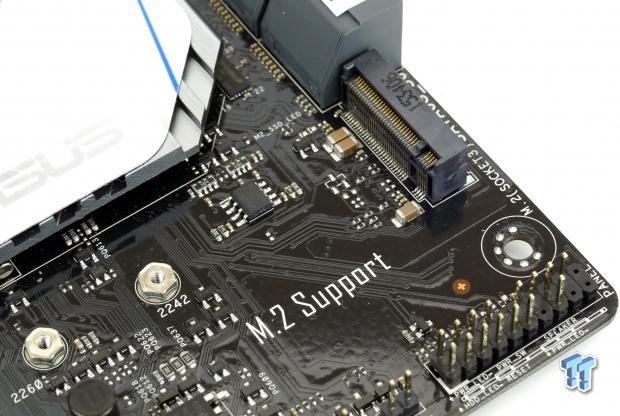
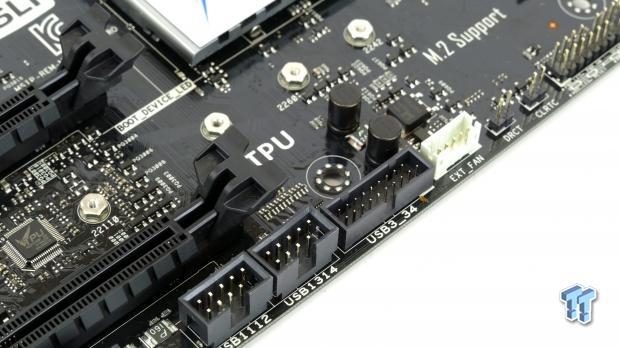
The M.2 slot is a full speed 32Gb/s slot, but you should configure the type of M.2 device you are using in the UEFI to properly allocate bandwidth. A second USB 3.1 header is located toward the rear panel area for rear facing USB 3.0 ports. There are also two internal USB 2.0 headers and a fan expansion device header. Jumpers for DRCT (easy BIOS access) and Clear CMOS are located near the front panel header.
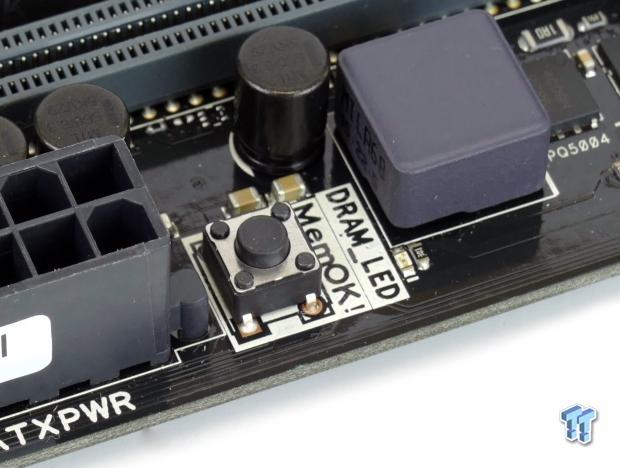
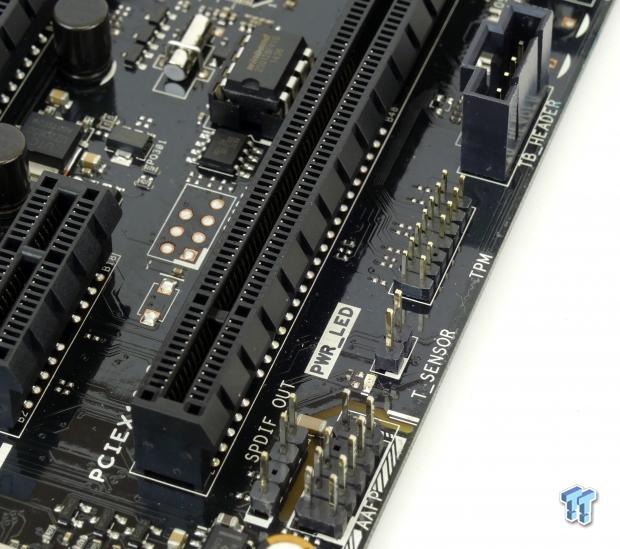
A "MemOK!" button is located above the 24-pin header. The motherboard also provides a TPM header, Thunderbolt 3 GPIO header, and an external temperature sensor for fan control.
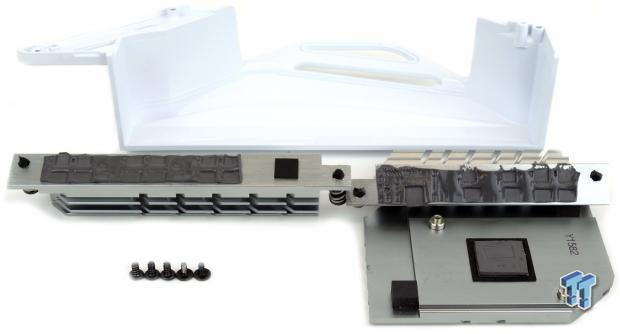
Heatsinks make great contact with the PCB. The VRM heat sinks are held down by push pins while the PCH heat sink uses screws.
ASUS Z170-PRO Circuit Analysis
Circuit Analysis
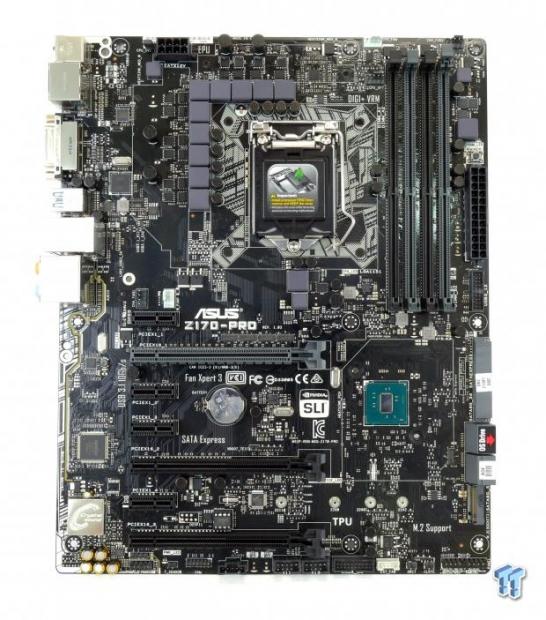
Now we can start to see the differences between the ASUS Z170-A and the Z170-Pro.
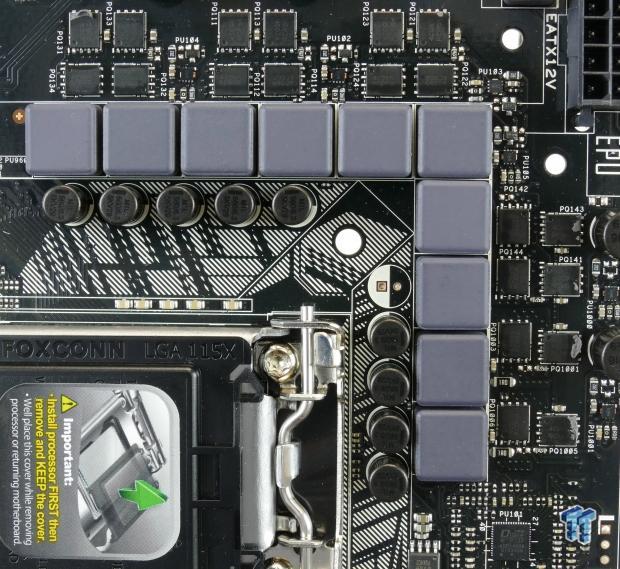
This VRM is an 8+2 phase (VCore + iGPU).
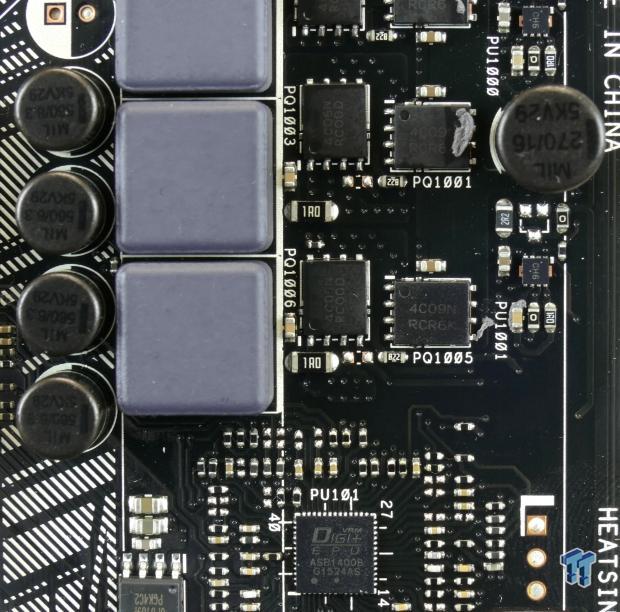
ASUS is using pretty much the same VRM as they did on the Z170-A. The ASP1400B is an unknown PWM (not IR35201 or IR35203 because of pin count, and most likely not one of the common Intersil PWMs). It can output at least 4+2 phases. The "+2" phases are provided to two drivers labeled "CE1" and output to two low-side and a single high-side MOSFET for each iGPU phase. The first four phases each goes to a "C1E" driver which outputs to two sets of one low-side and high-side MOSFET and two inductors. The eight phases are created by doubling the driver output. The high-side MOSFETs are ON Semiconductor NTMFS4C09N, and the low-side are NTMFS4C06N.
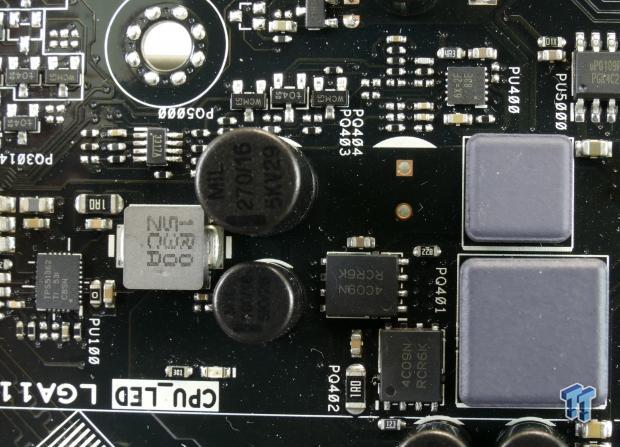
The VCCSA gets power from a single phase VR using the same MOSFETs as the CPU VRM and a Richtek PWM. The VCCIO gets power from a Texas Instruments 10A integrated step-down regulator.
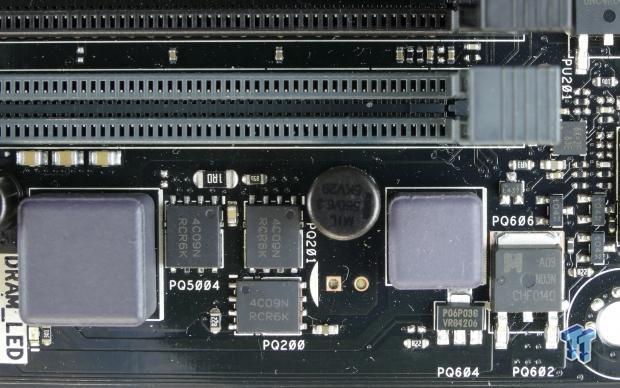
The memory VRM uses the same components as the VCCSA VRM.
ASUS Z170-PRO Circuit Analysis Continued
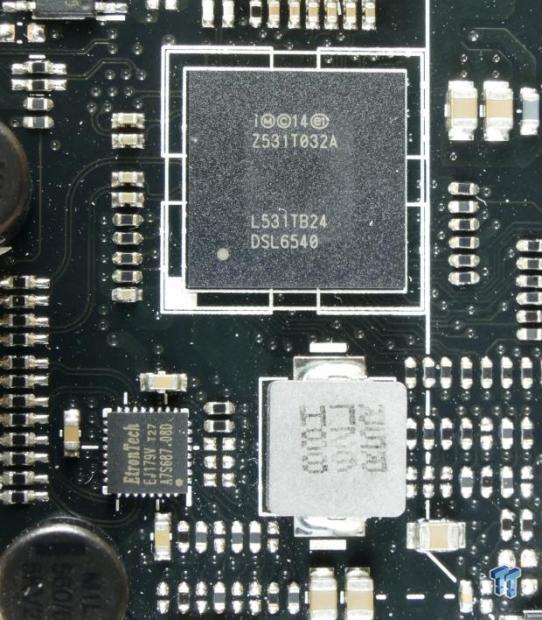
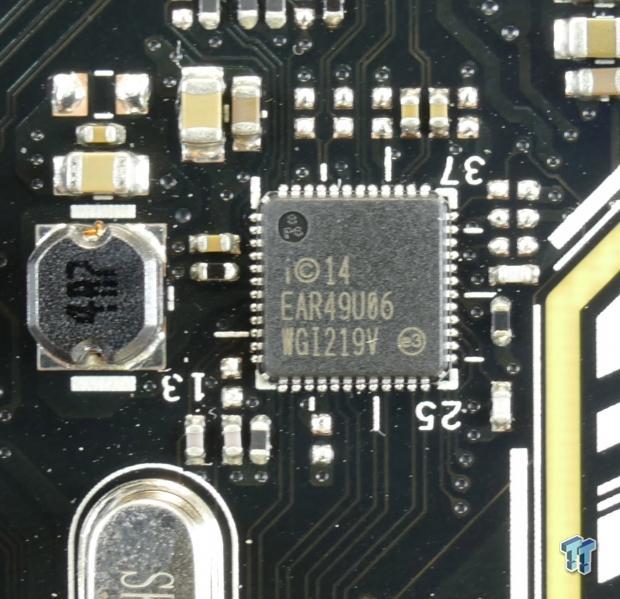
The Intel 3.1 controller, known as the DSL6540 "Alpine Ridge" controller, provides USB 3.1 or Thunderbolt 3 depending on the implementation. The Intel USB 3.1 controller an expensive part, and is the a large part of the reason the Z170-Pro costs almost $40 more than the Z170-A. The implementation is using the Alpine Ridge controller for USB 3.1, and ASUS adds an EtronTech EJ179V for USB Power Delivery 2.0 and USB 3.1 Type-C switch capabilities. ASUS is also using the integrated MAC along with the Intel i219v PHY for the 1Gbit NIC.
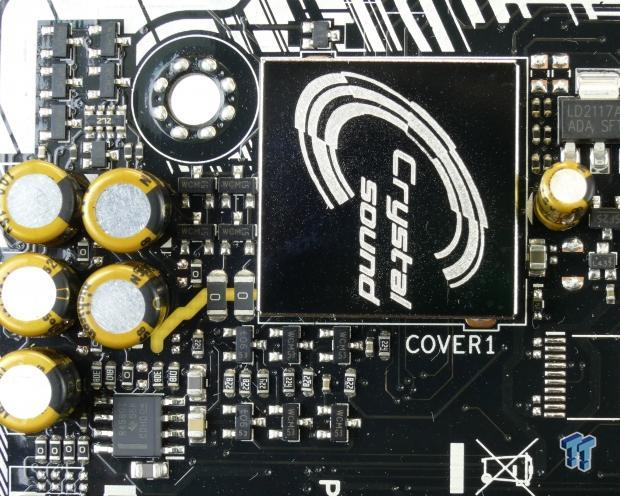
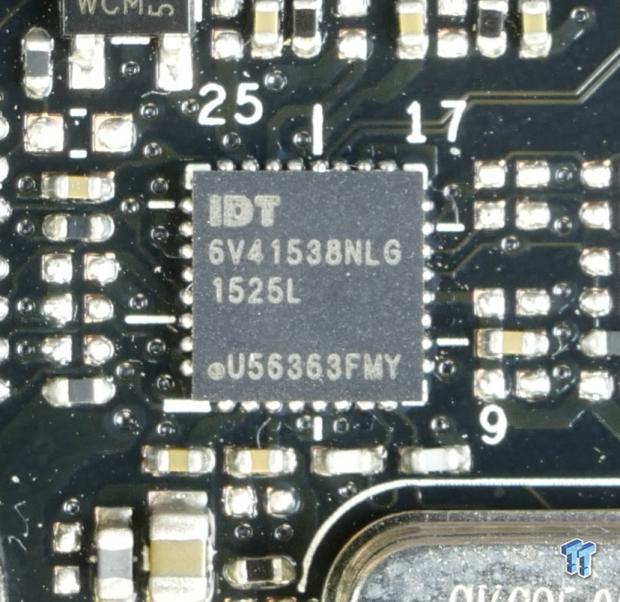
The audio area is another area where the Z170-Pro is dubbed superior to the Z170-A. You cannot see it, but the Z170-Pro uses an ALC1150 while the Z170-A used the ACL892. The ALC1150 is a superior audio codec, and much newer. ASUS provides the audio circuit with some Nichicon Gold series audio capacitors and a Texas Instruments R458012 amplifier for the front panel output. For better BLCK overclocking margins, ASUS uses the IDT 6V4153NLG.
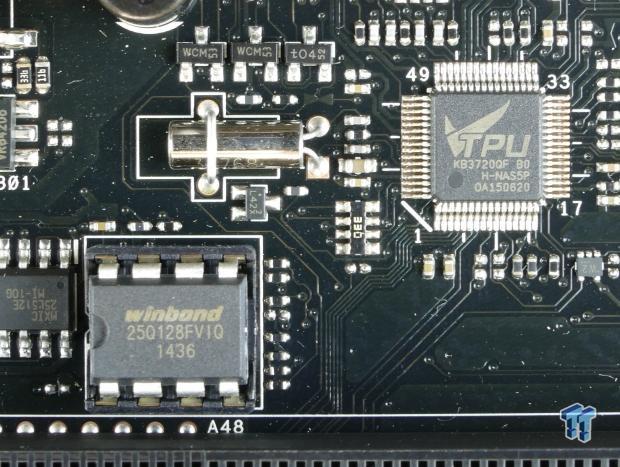
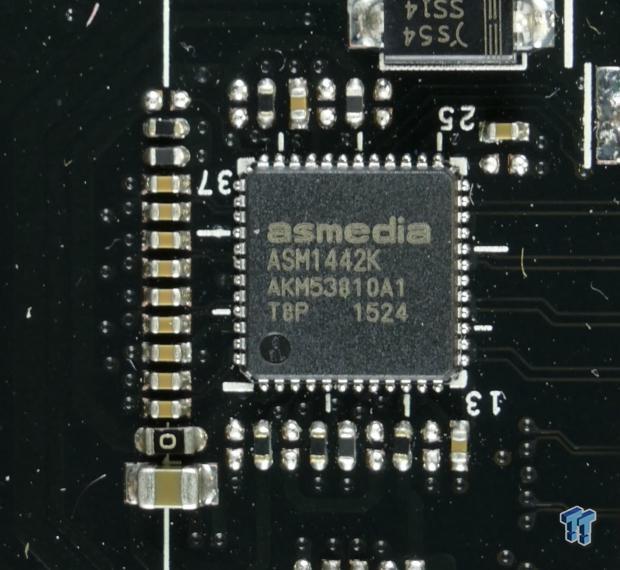
A 128Mbit (16MB) BIOS ROM sits in a DIP socket for easy replacement, and a TPU EC provides expanded fan control and temperature monitoring. The ASMedia ASM1442K is a level shifter that converts digital video into HDMI.
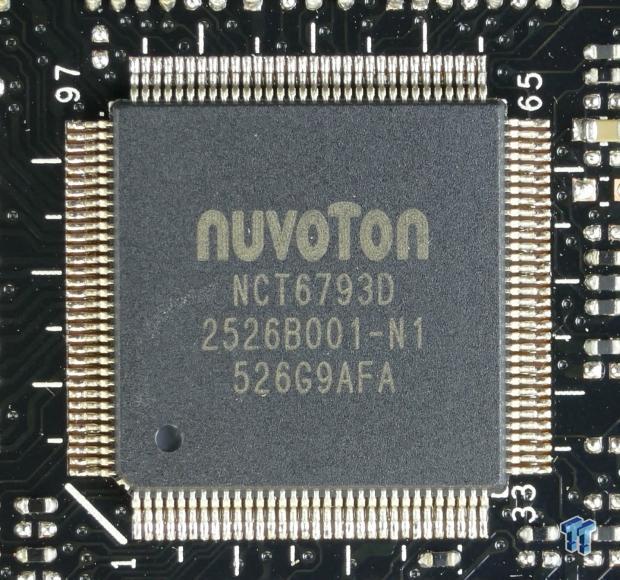
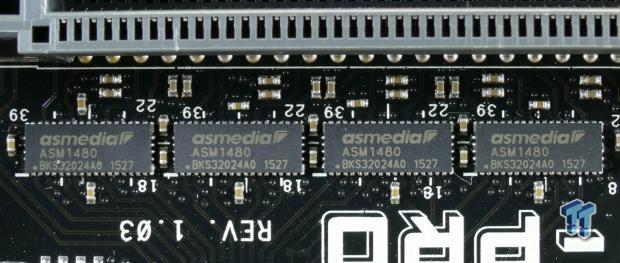
The nuvoTon NCT6793D is the main Super IO, and it does most of the basic system monitoring. These four ASMedia ASM1480 are quick switches and together switch 8x PCI-E 3.0 between the first and second PCI-E 16x slots.
BIOS and Software
BIOS
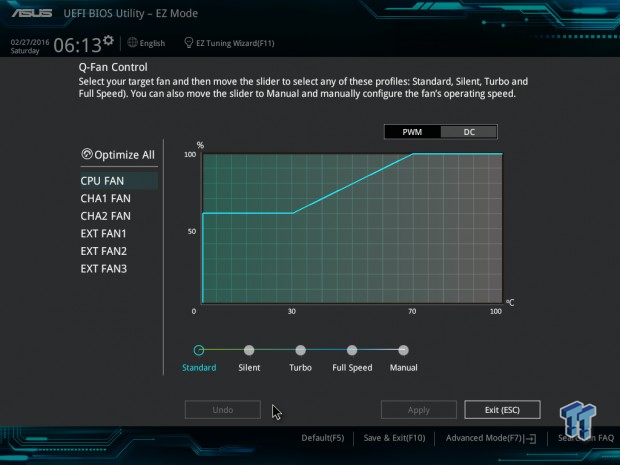
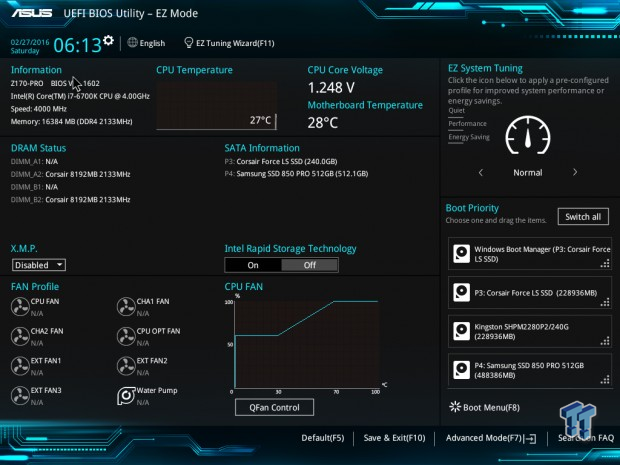
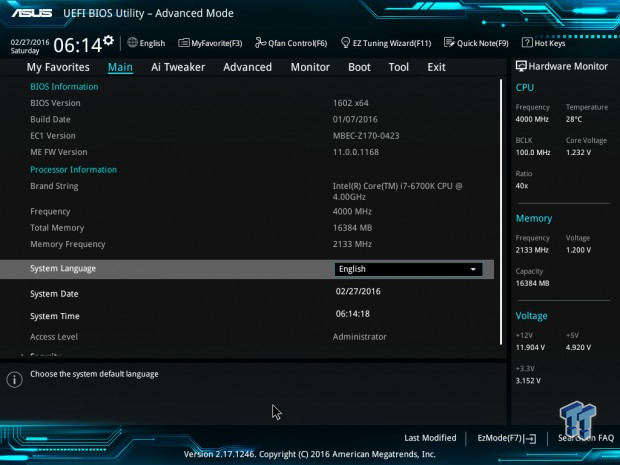
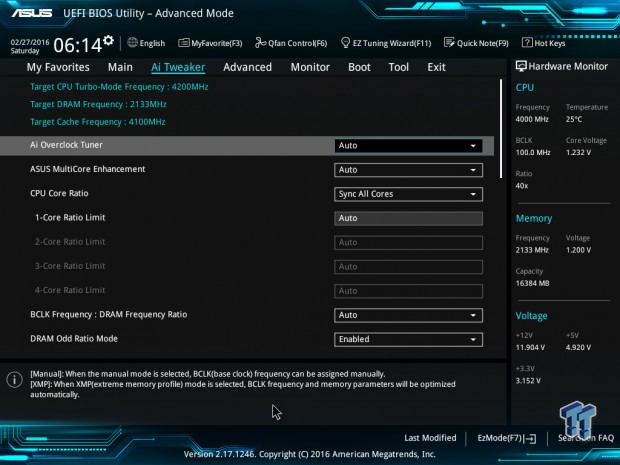
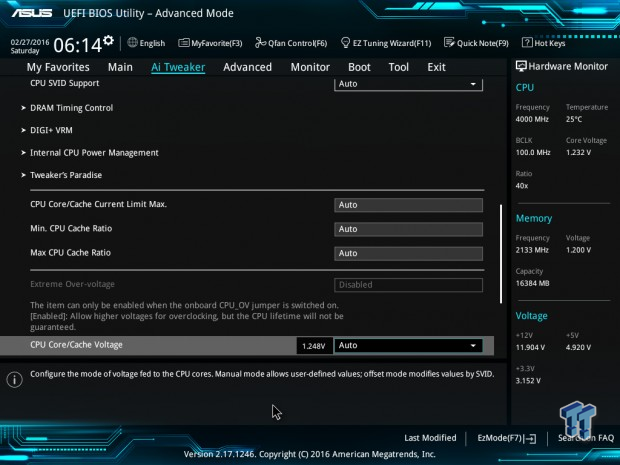
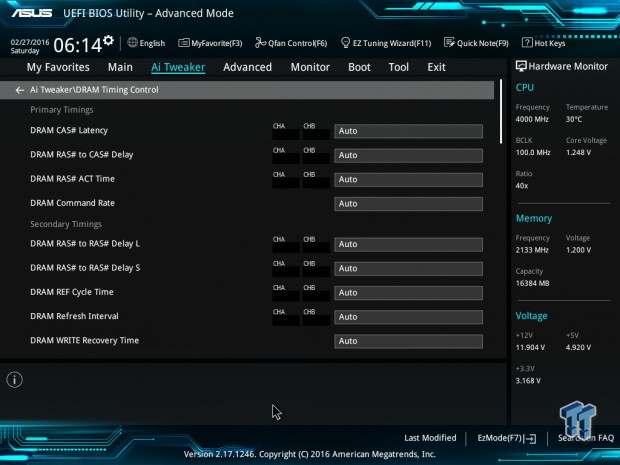
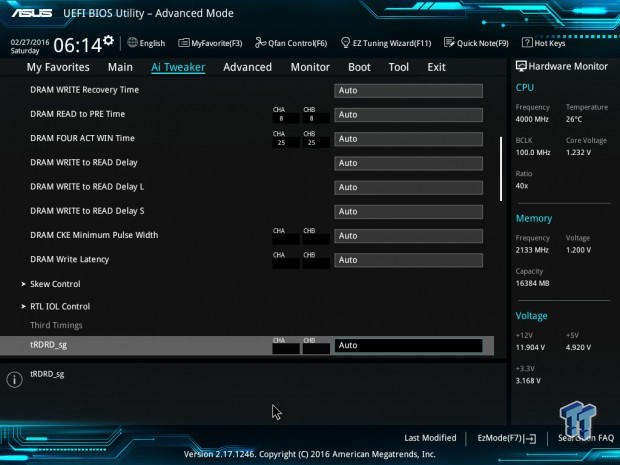
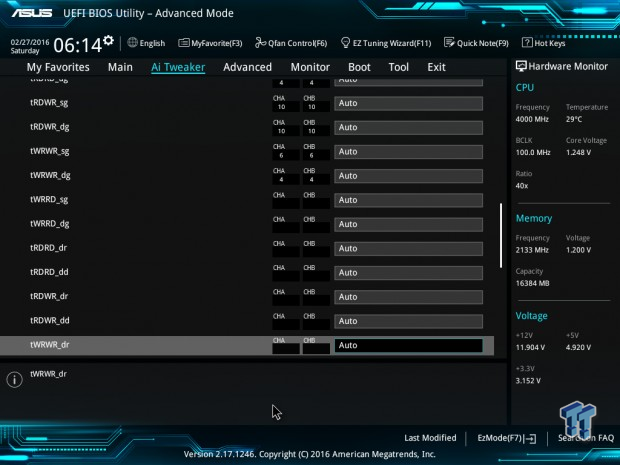
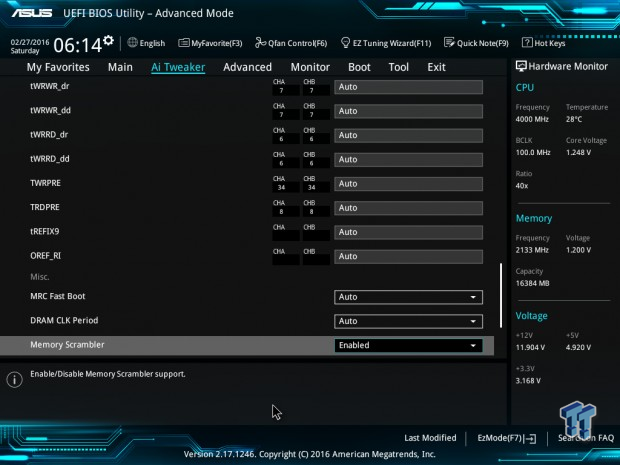
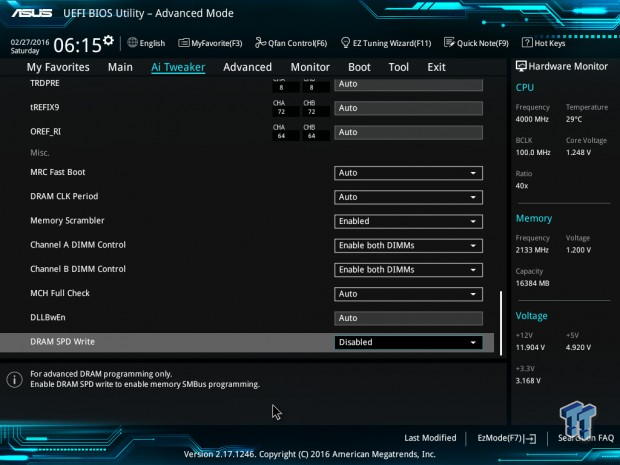
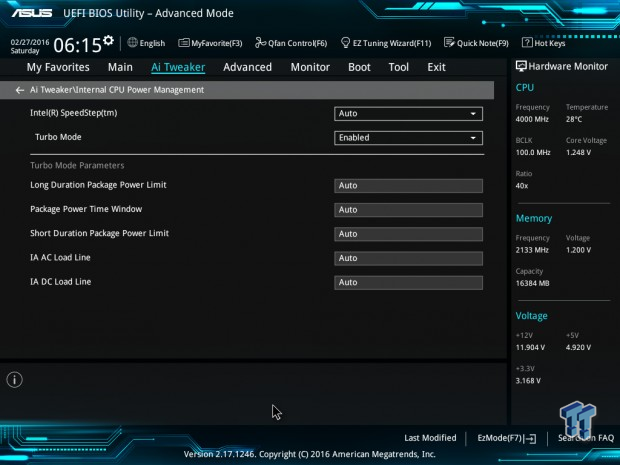
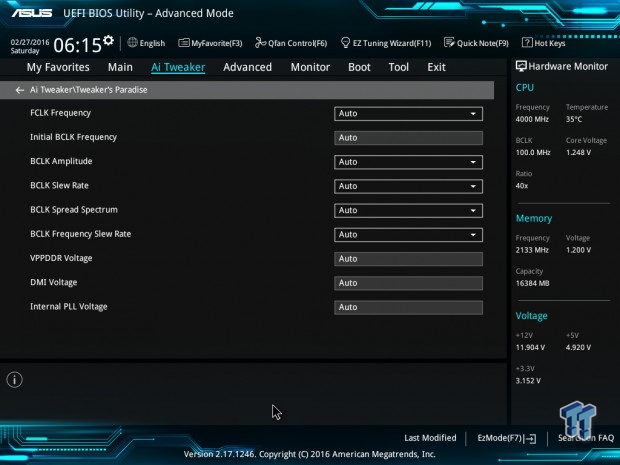
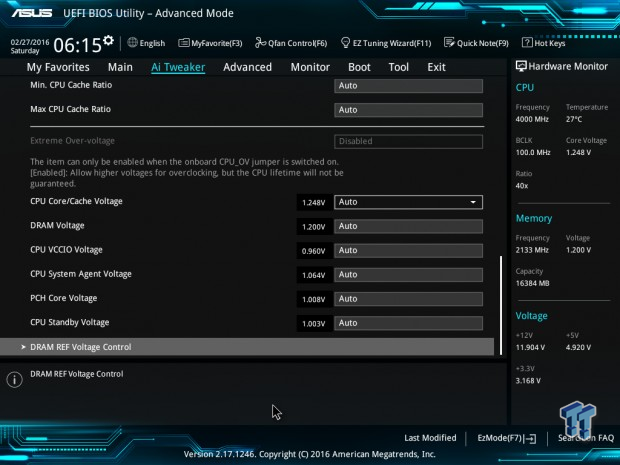
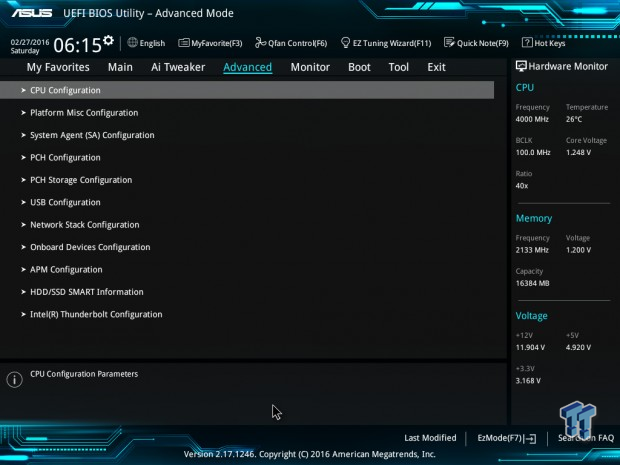
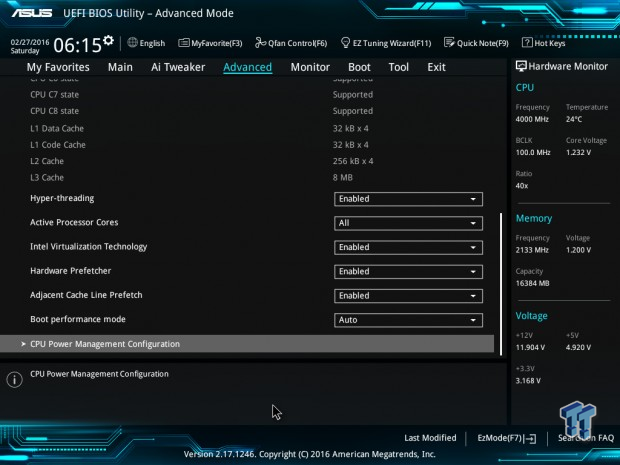
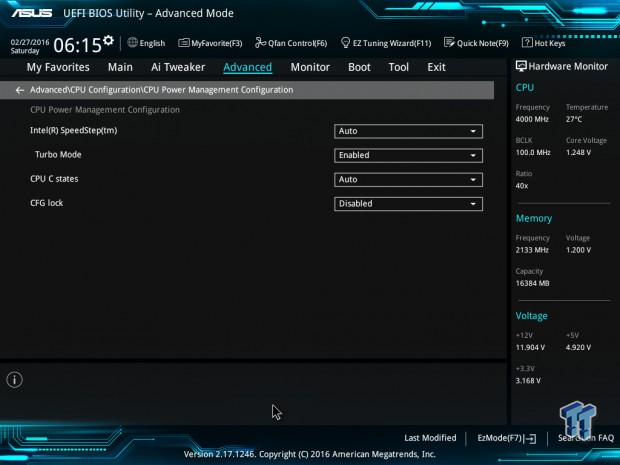
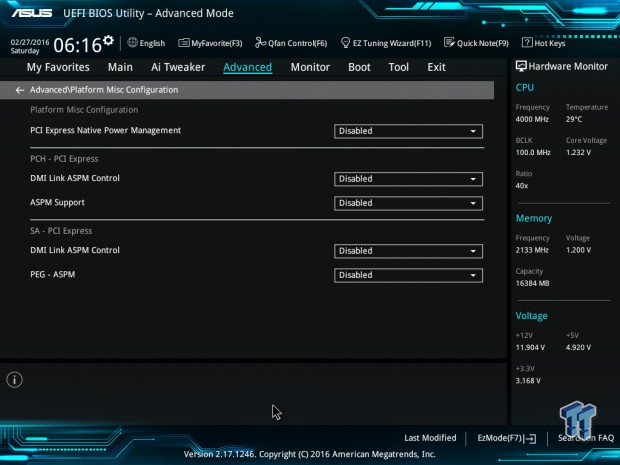
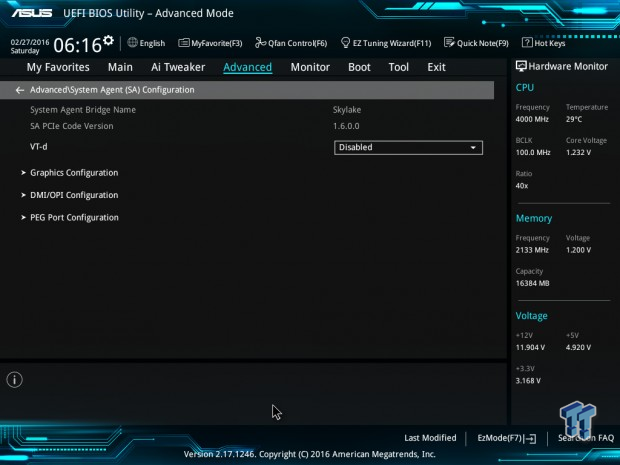
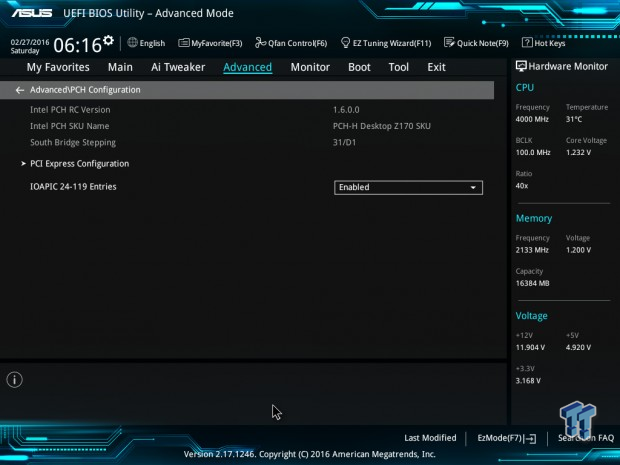
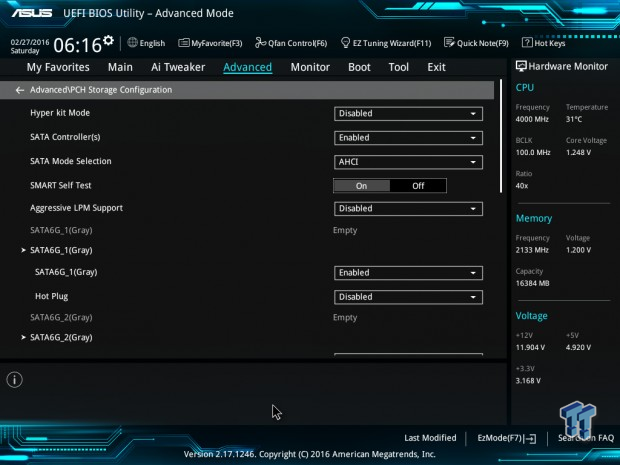
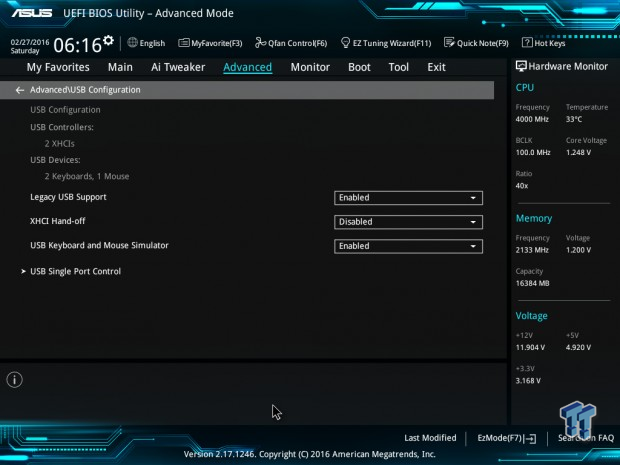
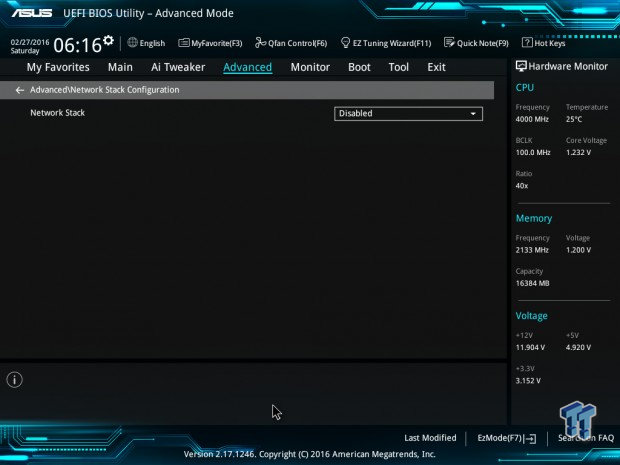
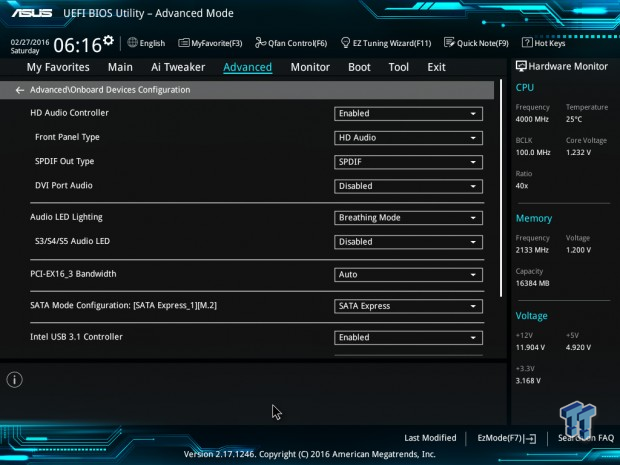
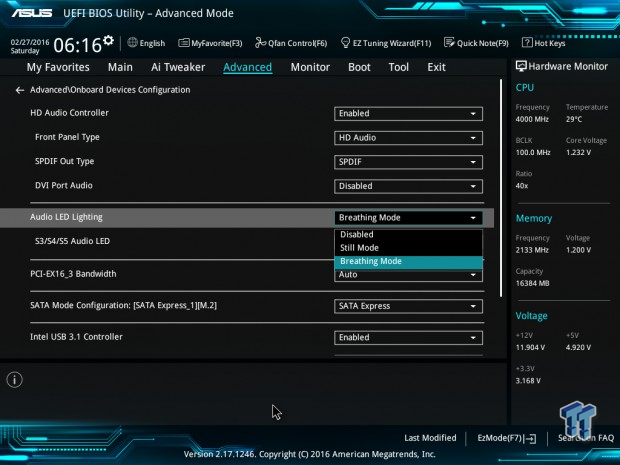
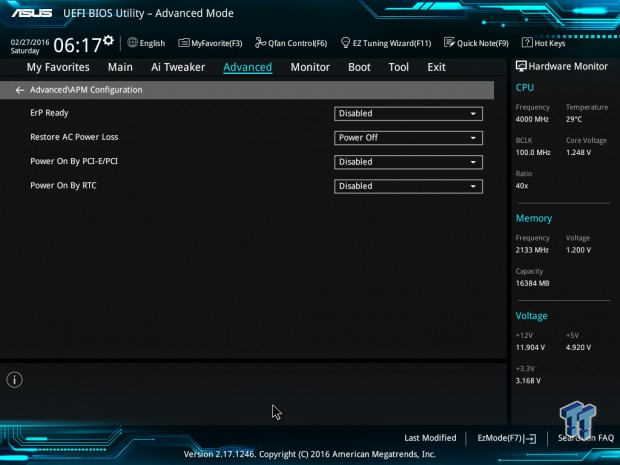
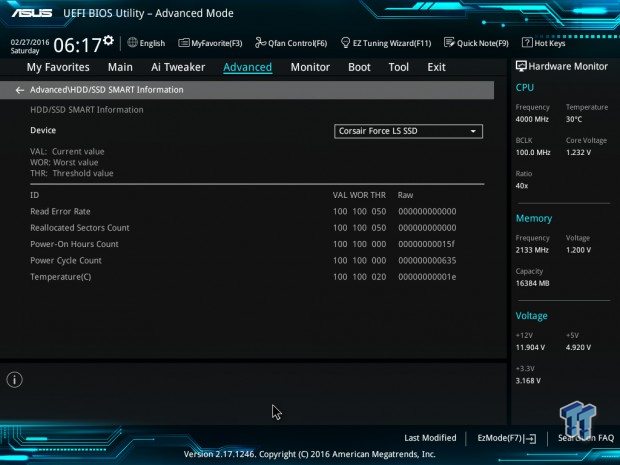
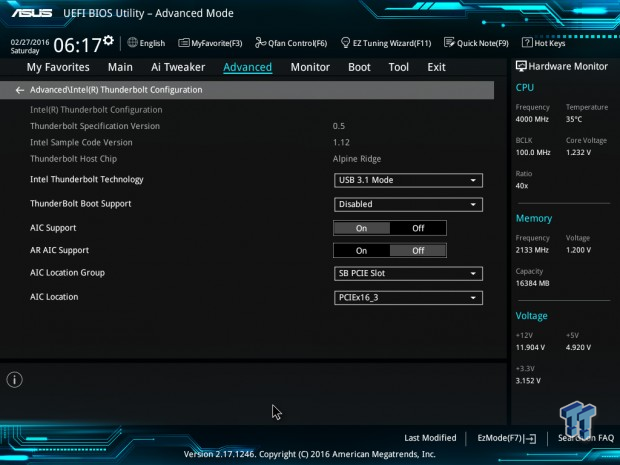
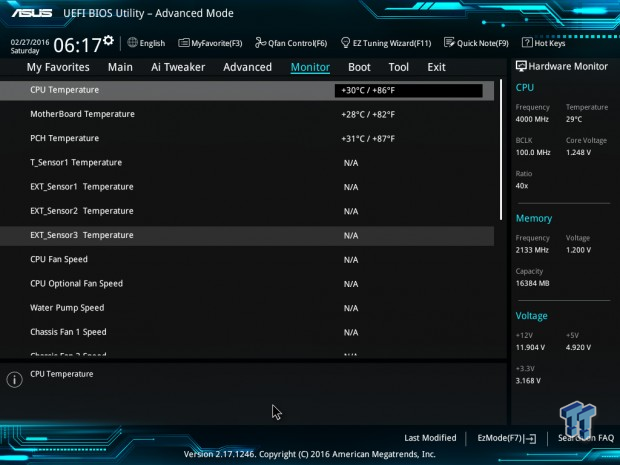
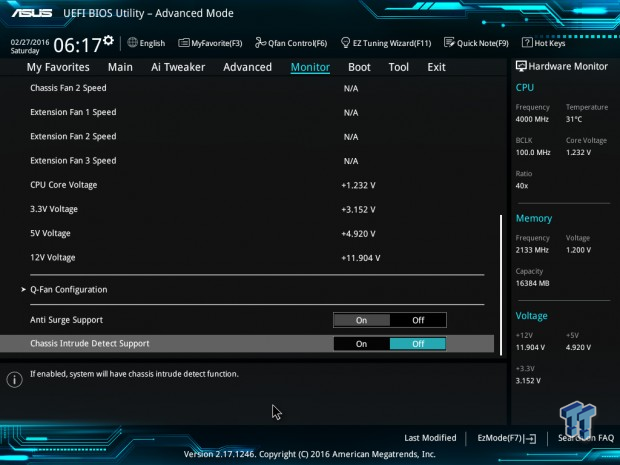
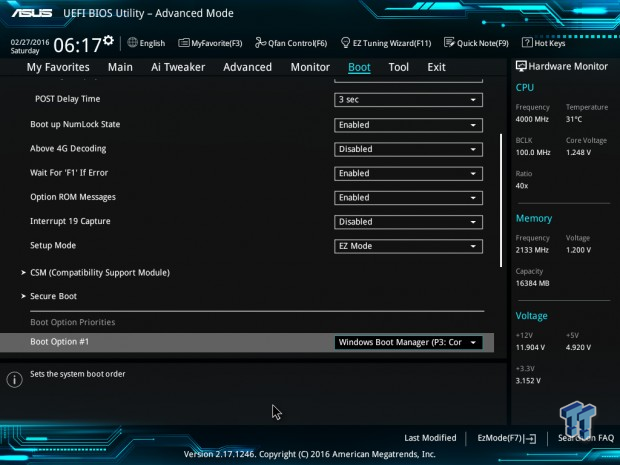
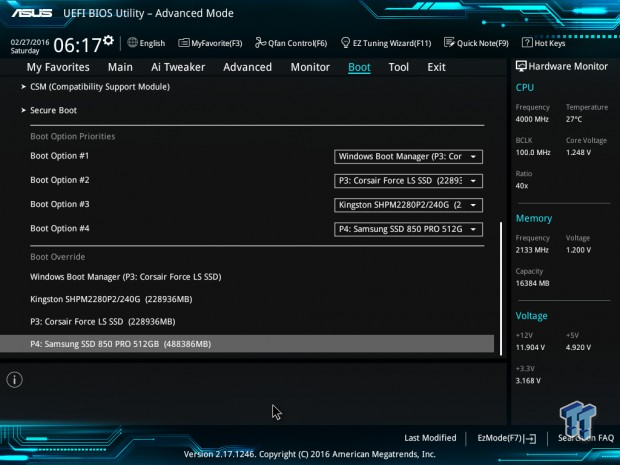
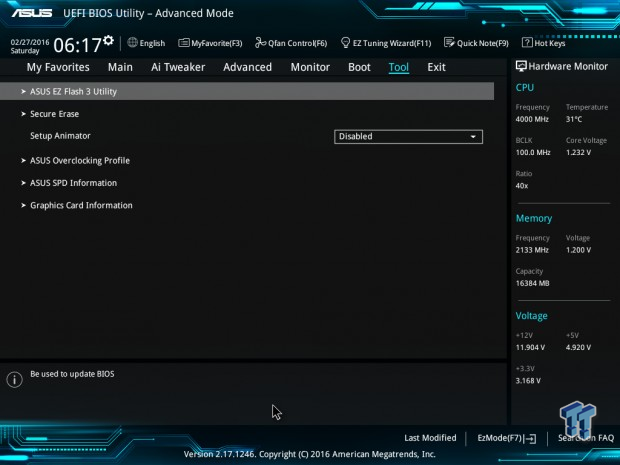
ASUS's Z170-PRO has the standard ASUS Z170 UEFI. The sleek blue and black theme add to the overall responsiveness of the interface. The UEFI has two operating modes: EZ Mode and an Advanced Mode. The EZ Mode will be the landing page for this motherboard, and you just have to press F7 to access the more advanced UEFI interface. In the EZ Mode, you can tune the fans with a GUI shown below.
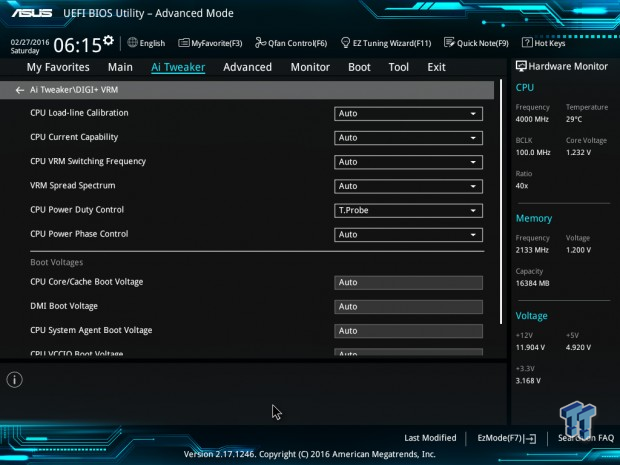
The Z170-PRO's advanced mode provides a lot more overclocking options than EZ Mode. There are multiple levels of LLC that you can use, 1-7 levels which does a good enough job of reducing voltage droop under load.
Software
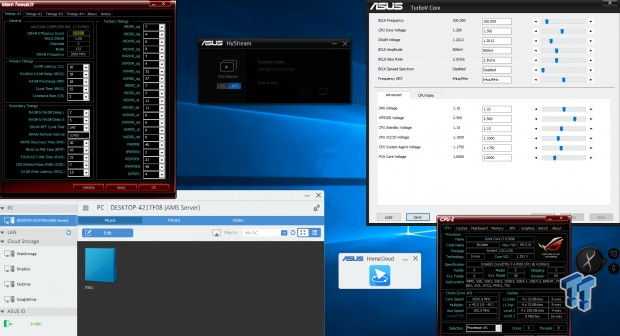
The Z170 Pro works well with ASUS's overclocking programs such as TurboV Core and MemTweakIt. ASUS also provides other programs such as HyStream and ASUS Home Cloud.
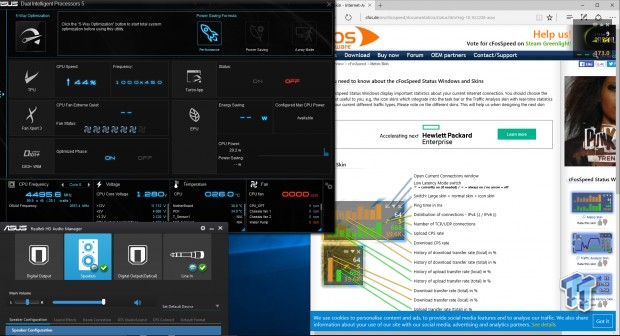
The Z170 Pro also supports ASUS's Dual Intelligent Processors 5 (DIP5) program that has a bunch of other ASUS programs built into it. Since the motherboard has an Intel NIC, you can use ASUS's version of cFOS for handling the LAN.
Test System Setup
Steven's Motherboard Test System Specifications
- Motherboard: ASUS Z170-PRO
- CPU: Intel Core i7 6700K - Buy from Amazon / Read our review
- Cooler: Corsair H110i GT - Buy from Amazon
- Memory: Corsair Vengeance LPX 16GB (2x8GB) 2666MHz - Buy from Amazon
- Video Card: NVIDIA GeForce GTX 980 - Buy from Amazon / Read our review
- Storage - Boot Drive: Samsung 850 Pro 512GB - Buy from Amazon / Read our review
- Storage - SATA6G Drive: Corsair Force LS 240GB - Buy from Amazon / Read our review
- Storage - M.2 Drive: Kingston HyperX Predator 240GB PCIe x4 - Buy from Amazon
- Storage - USB Drive: Corsair Voyager GS 64GB - Buy from Amazon / Read our review
- Case: Corsair Obsidian 900D - Buy from Amazon / Read our review
- Power Supply: Corsair AX1200i - Buy from Amazon / Read our review
- OS: Microsoft Windows 10
- BIOS: 1602
- Drivers: Intel INF: 10.1.1.7, Intel ME: 11.1.1.1162, NVIDIA Graphics: 353.82, Audio:6.0.1.7629, Intel LAN: 20.2.4001
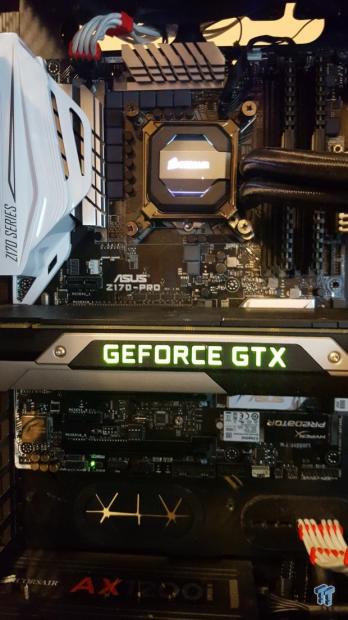
The Z170-PRO looks much better than the Z170-A in the case, mainly due to the black PCB.
The new test bench is designed to test every aspect of the motherboard and IO. I have designed it so that the motherboard sits in a case and is cooled by fans always-on at a constant rate to keep the conditions similar in all tests. I have cut out part of the case behind the motherboard so I can get thermal images of the back of the PCB where the VRM heat spreads. System and CPU power measurements are now digitally logged.
I am also using a Netgear Nighthawk X4 AC2350 for our network (including wireless AC) tests. The latest M.2, SSD, and USB technologies are also being utilized to test the maximum potential of the motherboards that are tested.
Overclocking
Overclocking Results
CPU Overclocking
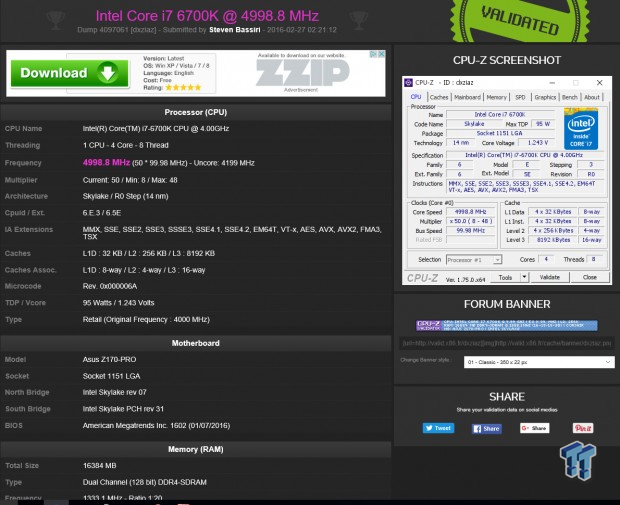
This test applies 1.4v VCore measured, and then I try to get the highest possible validation frequency. The Z170-PRO did 5GHz.
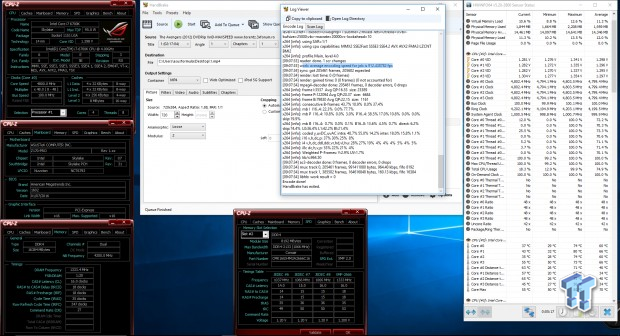
On the Z170-PRO, I was able to run 4.8GHz core, 4.2GHz cache, and DDR4 2666MHz as a stable overclock.

I measured the VCore manually at the output capacitor of the CPU VRM; I measured at many different levels so you can reference them. CPU-Z isn't very accurate on this motherboard. Also, I counted eight levels of LLC on the Z170-WS and Maximus VIII Formula, but I only found 7 for the Z170-Pro.
Compatible Memory Overclocking Kits
Test 1: 4x8GB (32GB) Corsair Vengeance LPX 2666MHz C16
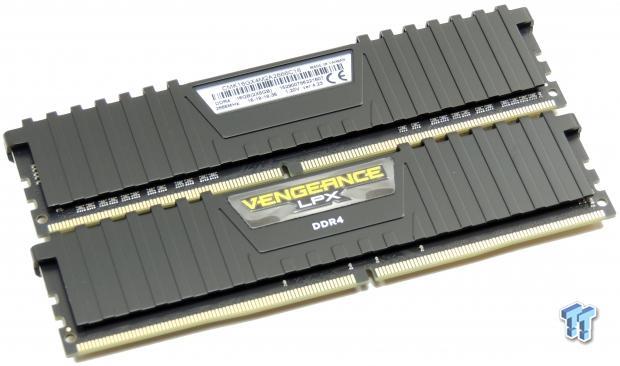
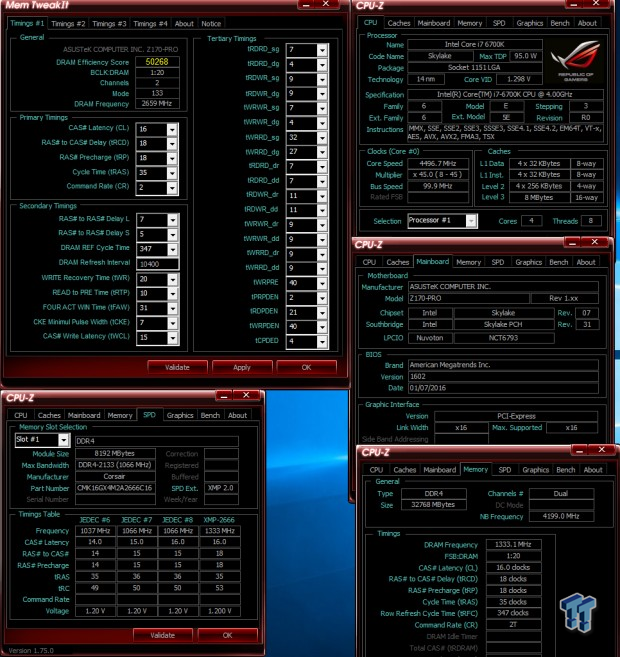
The Z170-Pro works well with this kit.
Test 2: 4x4GB (16GB) Corsair Dominator Platinum 3200MHz C16
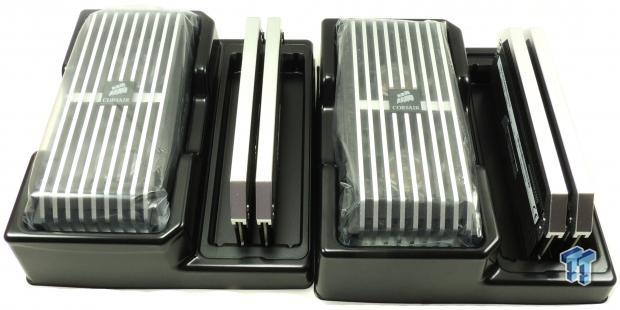
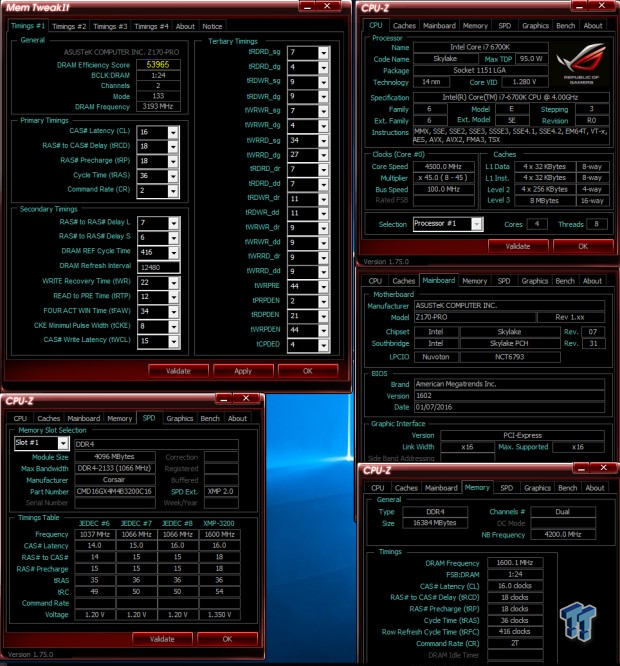
The Z170-Pro works with this kit, but instead of setting XMP, you should set the memory multiplier and CAS latency manually along with proper voltages.
Test 3: 2x4GB (8GB) G.Skill Trident Z 3733MHz C17
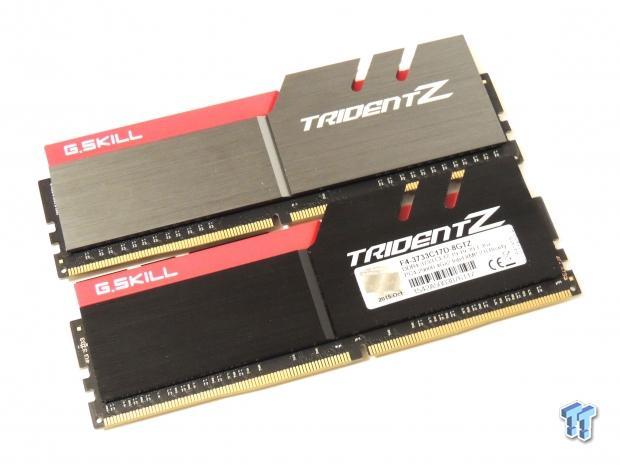
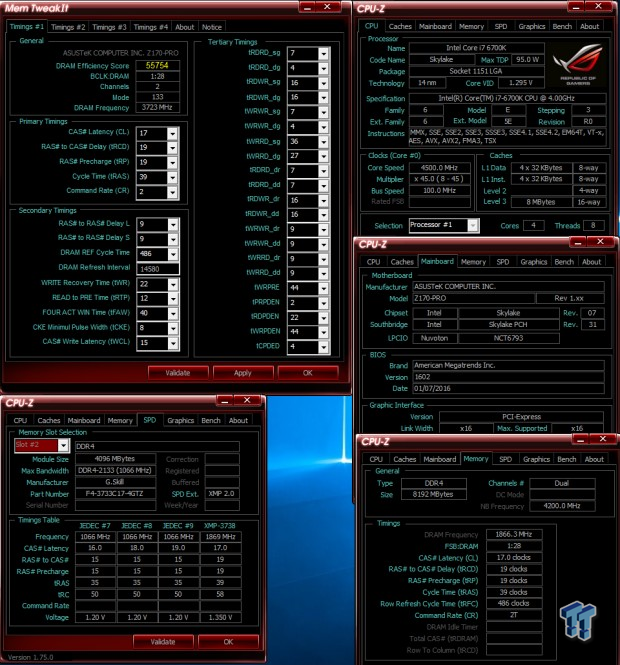
The Z170-Pro surprisingly works quite well with this kit.
Test 4: 2x4GB (8GB) Corsair Vengeance LPX 4000MHz C19
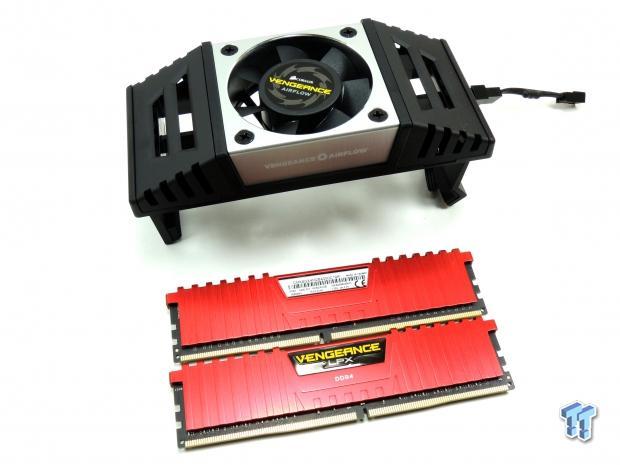
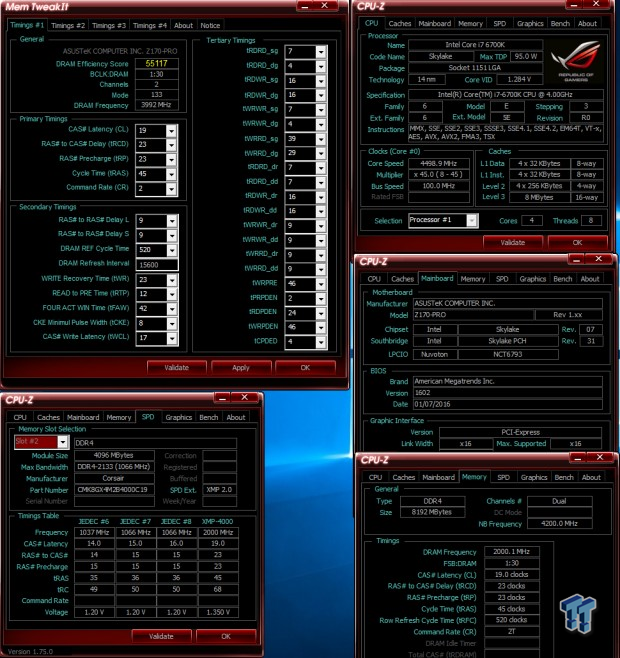
I was shocked that the Z170-Pro booted this kit. All I did was set XMP and the proper VCCIO and VCCSA voltages.
CPU, Memory, and System Benchmarks
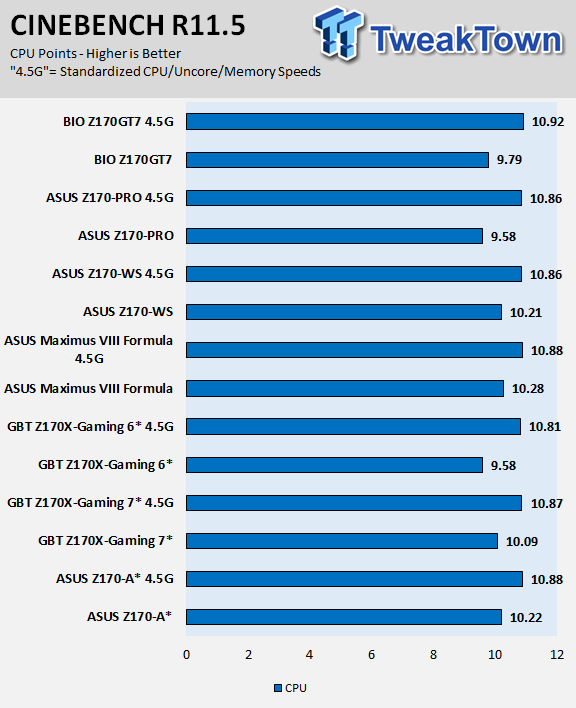
CINEBENCH 11.5
wPrime

AIDA64 AES and HASH

AIDA64 FPU

AIDA64 Memory

PCMark8 Home Test

3DMark: Cloud Gate

3DMark: Fire Strike

ASUS's Z170-PRO does quite well compared to many of the other motherboards. I was surprised to find that multi-core enhancement is off by default, so the motherboard is running at Intel specifications out of the box. When I standardize the settings, the motherboard becomes quite competitive.
Some motherboard reviews put a lot of weight into motherboard CPU, memory, and GPU benchmarks, but for me CPU, memory, and GPU benchmarks on motherboards should be more about finding anomalies, and I do that at standard settings (4.5G in graphs).
System IO Benchmarks
CrystalDiskMark SATA6G:

CrystalDiskMark M.2:

CrystalDiskMark USB 3.0:

ixChariot Network Throughput:

Storage, USB, and network performance are all where they should be, the motherboard's IO speeds are healthy.
Audio RMAA 5.5:
I disable all audio features, set the correct bitrates, and then test the audio with a loopback test.
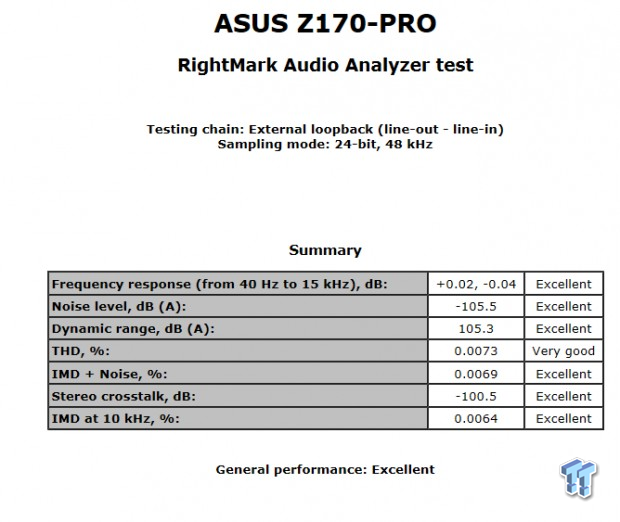
Sound Judgment by Ear: Very good. There are five ratings for audio: 1. Problems, 2. Okay, 3. Acceptable, 4. Very good, 5. Excellent
Thermal Imaging and Power Consumption
System power usage is measured at the AC/DC PSU (the Corsair AX1200i) which I have connected to another system to measure the test system, and as a backup, I have a wall meter to verify. The CPU power is measured through the 8-pin connector, which is hooked up to a hall effect IC, which measures current and puts out a voltage in proportion to the current. That voltage is logged by a National Instruments ADC, which logs the DC voltage level that I then convert into current.

Note on Thermal Images: In the temperature section, we use our Seek thermal imaging camera to capture the surface temperatures of major components on the board. I look at the VRM and then all other things that light up the screen. If there is something to worry about, then I will state it. Otherwise, I will just show the hotter running parts of the board for fun. Unless some component is over 80-90C, then there isn't anything to worry about.
All systems will act differently, so I will look for commonalities, such as how far from the VRM the heat spreads through the PCB and the difference in temperature between the front side and backside of the PCB. Keep in mind, the majority of the heat from the VRM goes into the PCB as it is a giant soldered on copper heat sink. A larger difference in temperature between the back and front of the PCB points towards a more effective heat sink.
Thermal Testing at Stock Speeds:
The image on the left is always at idle, and the image on the right is at load. During ALL TESTS, fans above the VRM that cool the CPU cooler's (Corsair H110i GT) radiator are turned on to high (12v).
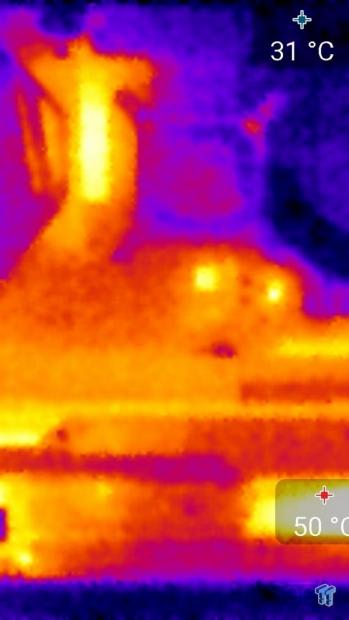
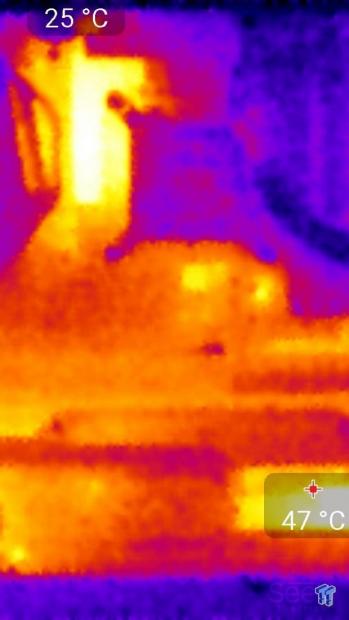
Full frontal.
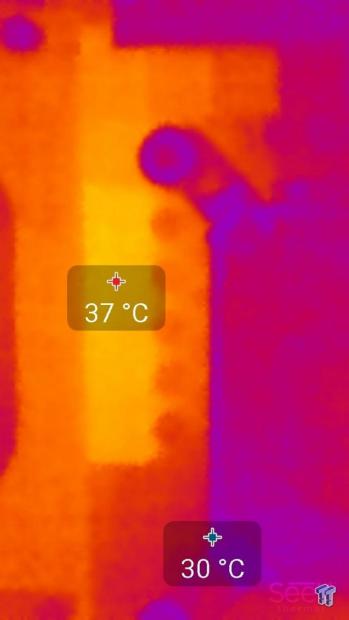
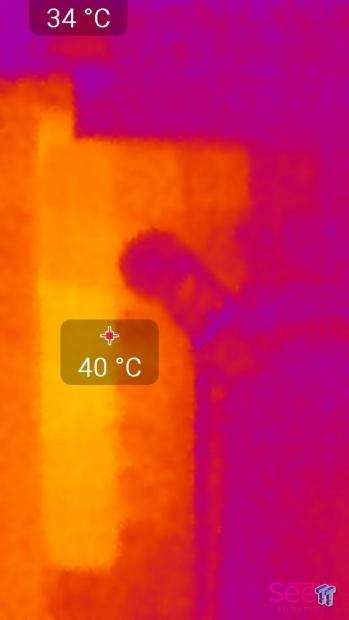
Up-close of the front of the VRM.
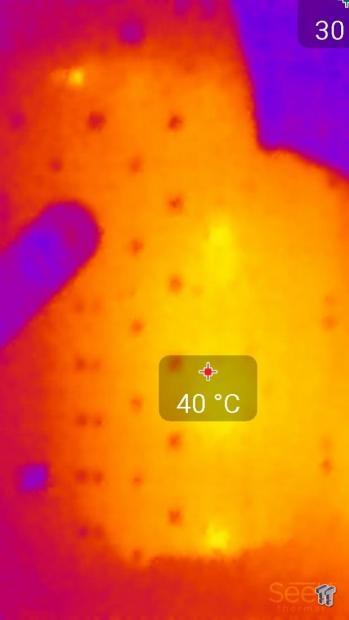
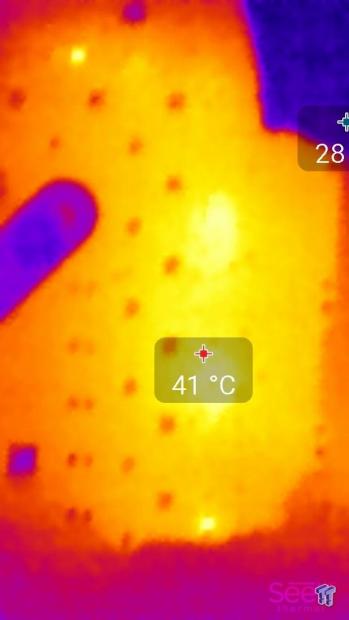
Up-close of the back of the VRM.
Thermal Testing at 4.5GHz Overclocked Speeds:
The image on the left is always at idle, and the image on the right is at load. During ALL TESTS, fans above the VRM that cool the CPU cooler's (Corsair H110i GT) radiator are turned on to high (12v).
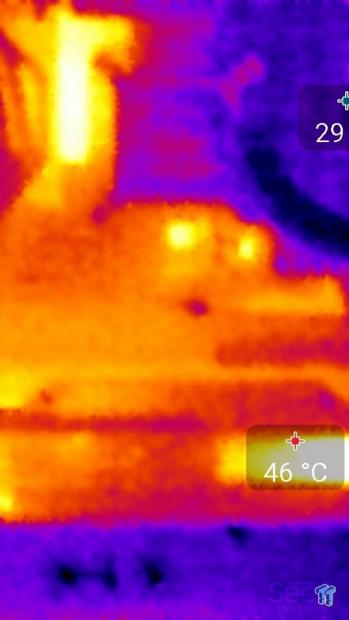
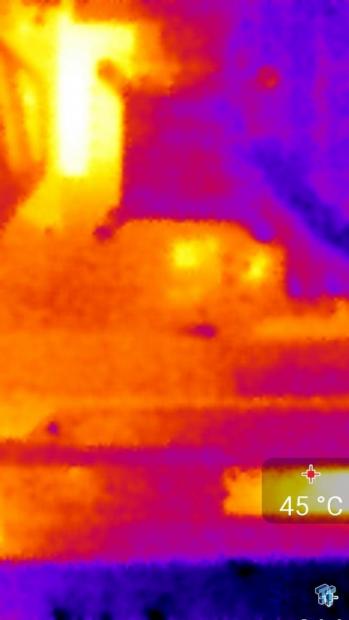
Full frontal.
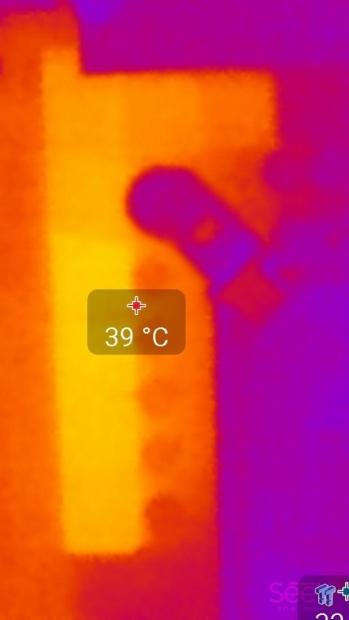
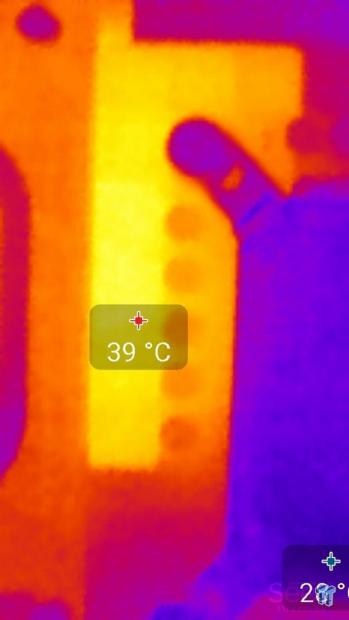
Up-close of the front of the VRM.
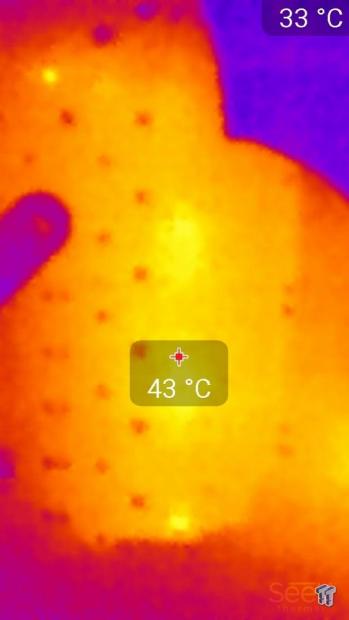
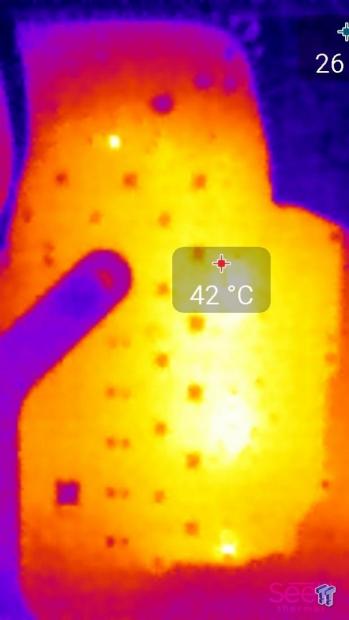
Up-close of the back of the VRM.
Thermals show that the VRM does engage power savings at idle or low load situations. At full load, the heat is evenly spread throughout the PCB. The VRM performance isn't bad, the difference between stock and full load is minimal.
I looked at the thermals from the Z170-A since both boards have the same VRM parts, and I found that the temperatures on the Z170-Pro are much lower at full load. I believe that this is due to a better PCB. The motherboard itself feels a bit sturdier, and that might hint to more copper in the PCB, which would account for lower VRM temperatures at full load.
Anything under 60C is great, 60-80C is acceptable, and anything above 80C is a bit worrisome (if at stock).
What's Hot, What's Not & Final Thoughts
Here are key points about the ASUS Z170-Pro.
What's Hot
Intel USB 3.1 and LAN: The Z170-Pro has Intel's pricey USB 3.1 controller providing two USB 3.1 ports. Both Type-A and Type-C USB 3.1 ports can be found on the back panel IO. ASUS also uses the Intel i219v PHY on the Z170-Pro.
High-Speed Memory Compatibility: I was quite shocked to find that all my high-speed memory kits work quite well with this motherboard. My TridentZ 3733MHz and Corsair Vengeance 4000MHz kits worked perfectly with XMP.
Higher Quality: The Z170-Pro offers higher quality for a higher price. Compared to the Z170-A, quality is much higher. Manufacturers typically remove quality features such as extra copper in the PCB or higher-end power components as price goes down. In this case, the Z170-Pro provides that high level of product quality in line with its price. It is hard to see quality, but the thermal tests done on both the Z170-A and Z170-Pro revealed that the Z170-Pro had much better load temperatures, perhaps due to a higher quality PCB.
Great Fan Control: ASUS's Fan Xpert 3 in Windows, Q-Fan in the UEFI, and expansion port for more headers all work quite well and add value to the Z170-Pro. Each header can also work in either PWM or DC mode to support all types of fans.
What's Not
Some premium features missing: The first time I boot up any motherboard my eyes are glued to the POST Code display. If there is an issue, more times than not the POST code display saves me a lot of time. I was surprised to see the Z170-Pro does not have one, and I was surprised to find the motherboard does not have USB BIOS Flashback. I should mention that the board does have Q-LED, which lets you know which component isn't working correctly, but exact codes are more helpful.
Final Thoughts
ASUS's Z170-PRO is an interesting product. Having looked at the Z170-A, I was a bit surprised when I was working with the Z170-Pro. The Z170-A has almost identical VRM, more switches, some extra legacy features, and an almost identical modern feature set.
What the Z170-Pro offers over the Z170-A is quality. The USB 3.1 controller is Intel on the Z170-Pro and ASMedia on the Z170-A, the Z170-Pro uses the ALC1150 while the Z170-A uses the ALC892, the Z170-Pro has a much better looking and higher quality PCB, and the Z170-Pro has a better accessory package including a higher quality IO shield.
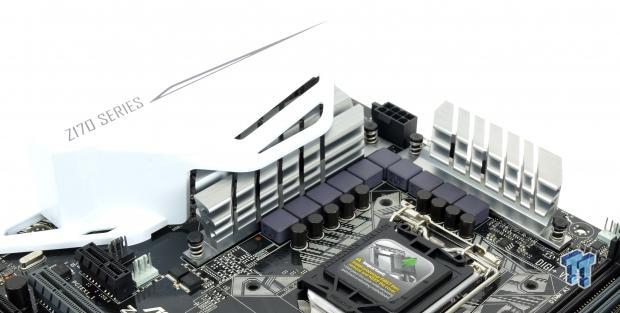
Overall, the Z170-Pro feels like a high-end product, and specifications and hardware aren't the only things which make that true. Overclocking on the Z170-Pro was also much better than one might expect, especially when dealing with memory. But, at close to $200, the Z170-Pro is not a cheap motherboard. While you can find less expensive motherboards with almost the same feature set, the Z170-Pro offers higher quality in areas not readily apparent.