
Windows 11's big annual update has finally arrived for 2023, and while it certainly brings goodies in tow as you'd expect, you may be a little underwhelmed.
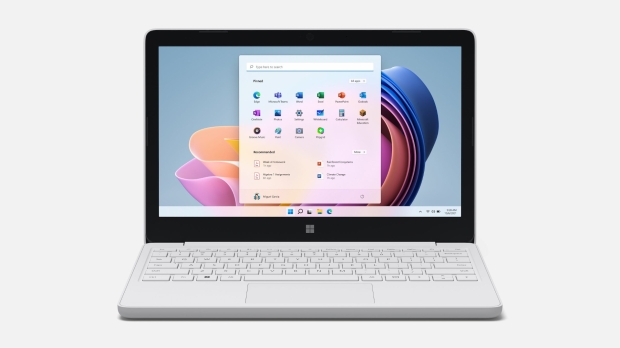
That's because some of the major features for 23H2 - which Microsoft is calling the Windows 11 2023 Update (we'd prefer Windows 11 Fall Creators Update Part 7 ourselves) - have already been rolled out to those on 22H2.
That includes the most important new feature for Windows 11 this year, the Copilot AI (though it's still very barebones). This began rolling out at the end of September, but not quite everyone has it yet - if you grab the 23H2 update, you'll be assured of getting the AI assistant.
The same is true for a number of features, although 23H2 does bring in some new stuff that no one has seen before. Not a great deal of it, mind, but Microsoft outlines those fresh capabilities in the usual blog post.
Firstly, we're told that a change in labeling default apps in the Start menu - which has previously been floating around in testing - has made it through to release. When you peruse the menu, any of the core Windows 11 apps (system components, like Calculator, Notepad, and so on) will have a 'system' label stuck on them.
System components also gets their own panel in Settings, as opposed to before when these applications were listed with all the apps on the PC, under Installed Apps.
Secondly, Chat has been turned into Microsoft Teams (free) and you'll find this is pinned to the taskbar by default. The software giant describes this as a 'mini communications experience' encompassing chatting and calling, firing up meetings and so on.
It pops up in a compact window that you can stick in a corner of your desktop in order to keep an eye on chats or whatever else might be going on.
That's about it for the new introductions, though as mentioned, there is a lot of other stuff here that you may, or may not, have already, depending on how your PC has been catered for with the rollout of previous features.
Windows 11 23H2 is a swift upgrade (an enablement affair), meaning it won't be a lengthy download, and should run through pretty quickly like a monthly cumulative update.
You can get it by heading to Windows Update and checking for updates as ever, but first make sure that you've turned on the 'Get the latest updates as soon as they're available' option.
Of course, bear in mind that far from every system will be offered Windows 11 23H2 as there could be known compatibility issues (on the software or hardware front) that result in a block being in place for the upgrade, until Microsoft has addressed the problem in question.