












The First Day Looking #throughglass
I think I'm becoming a Glasshole. It's either that or a robot. Either way, my Google Glass unit arrived today, and boy what a day it has been. My Glass unit was stuck with Customs for nearly two weeks, but today the courier knocked on my door and had the box I had been ever so patiently (or not) waiting for.
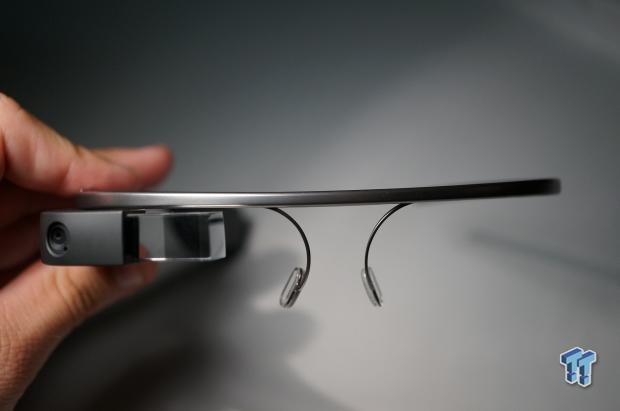
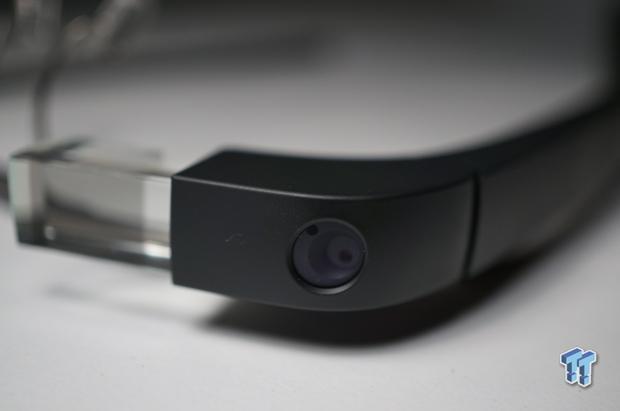
I took it out of the box, slipped it on for a few seconds, and instantly knew I was in love. I had to be patient, though, as it needed to be charged. I put it on to charge and finished writing up some news for the day before I went out for the day with my wife and daughter.
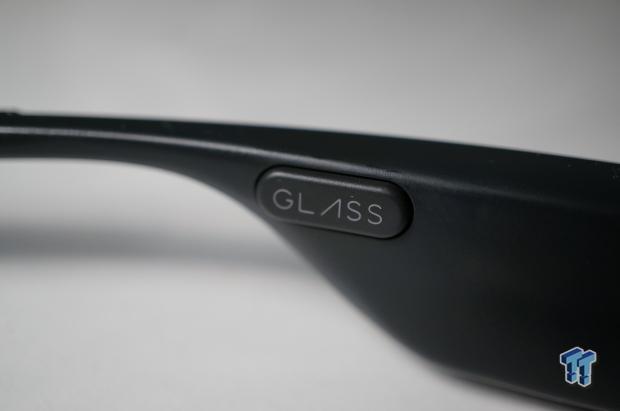
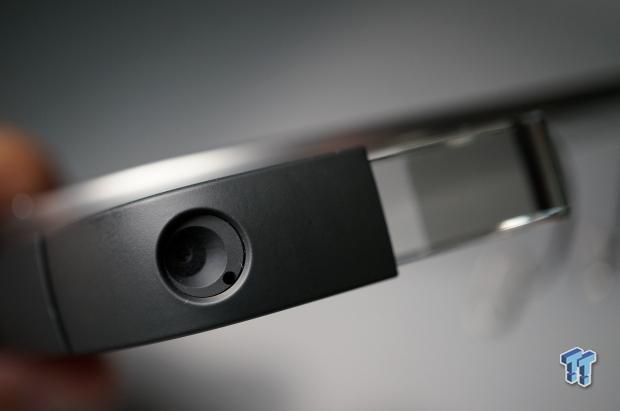
My wife continuously laughed at me, poking fun at "what an idiot" I looked like. I didn't care because I was one of the exclusive Glass members of the world now. Whatever, wife. I charged up Glass to 100 percent, grabbed it off the desk, put it on, and walked out the door with my daughter (Delilah) in my arms.
Walking to the car, she didn't notice that I had a computer on my face, but as soon as I was putting her into her seat, I said "OK Glass." She replied with "what, Daddy?" I forgot... instantly. I knew what to say to bring Glass to life, but I forgot that an innocent 3-year-old would have no idea what I was talking about.
I explained to her that I was "talking to my computer," thinking it was too hard to explain what Google Glass was to her. She said, "but Daddy, your computer is inside," and pointed back into the house. I said I had a computer on my face, which was called "Google Glass," to which she replied with this face:

She doesn't look impressed, does she? Delilah is a quick learner, so I told Glass to start recording a video and asked Delilah to talk into the camera. My first video with Glass, and I caught a beautiful moment with my daughter, something I had on my wish list of things Glass would do for me.
The quality comes out quite good for something shooting video from the side of your face, and this is perfect proof that if I had pulled my phone out of my pocket, I wouldn't have caught this moment on camera.
Our Latest Wearable Computing Article Coverage
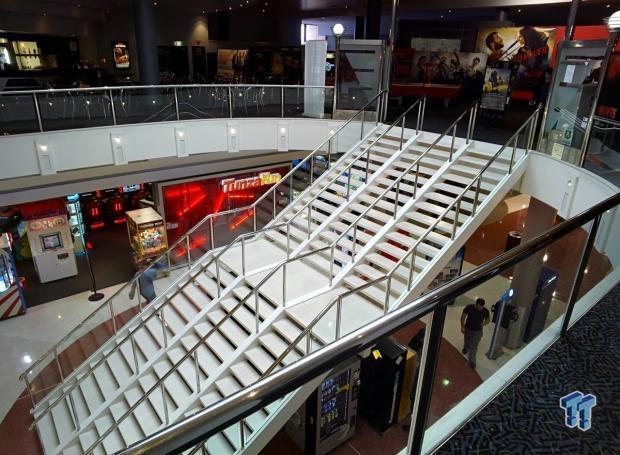
I continued on with my day, taking it out to my parents' house to drop my daughter off for the day, out to the local shopping mall to see a movie, and to dinner with my wife. All the while, I continued to use it for navigation, snapping photos, and taking video.
Navigating Around with Glass
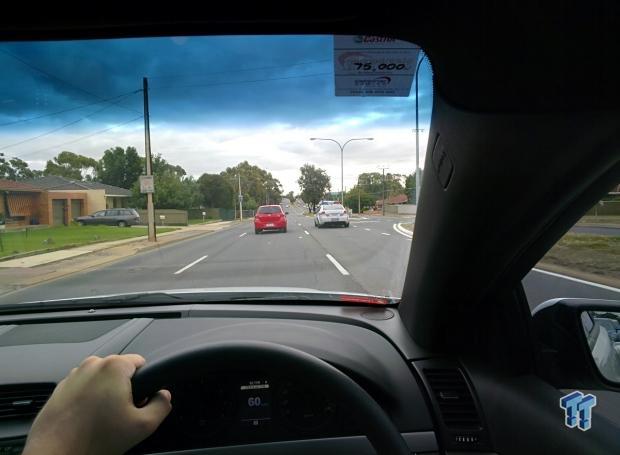
Navigation on Glass is incredible, absolutely incredible. I wanted to have Nando's for dinner, so I said "OK Glass," then "navigate to" followed by my destination: "Nando's Northpark". Glass pulled the required information from the Internet and popped up a navigation window into Glass' PRISM screen. I continued driving, having directions in my top right hand side of my view.
It never obstructed it at all because the Glass screen turns off after 10 or so seconds. Every time I got close to needing to turn, it would gently beep, and then have the screen pop back on. This is great for battery life, and with navigation if I'm travelling somewhere on a long stretch of road (which I was), I don't need the screen on the entire time--not until I turn, at least.
Quick Impressions of the Camera
The point-of-view camera is one of the main reasons for purchasing Glass, as I have a 3-year-old daughter and another girl on the way (just over a week to go!). Glass gives me the incredible freedom of snapping photos with just a wink from my right eye, or a quick tap on the top of the unit itself.
This freedom can allow you to snap photos within one or two seconds versus the 5-10 seconds of getting your device out of your pocket, unlocking it, getting to the Camera app, and snapping that photo.
Video recording abilities on Glass are much better than I thought they'd be, as the camera records 1280x720 video. 720p is absolutely fine for something of this size, but I truly can't wait until I'm able to record 1080p @ 60FPS or, better yet, 4K.
More Photos and Videos #throughglass
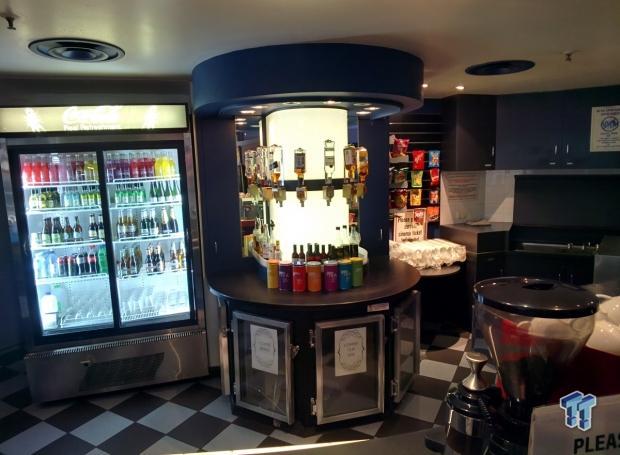
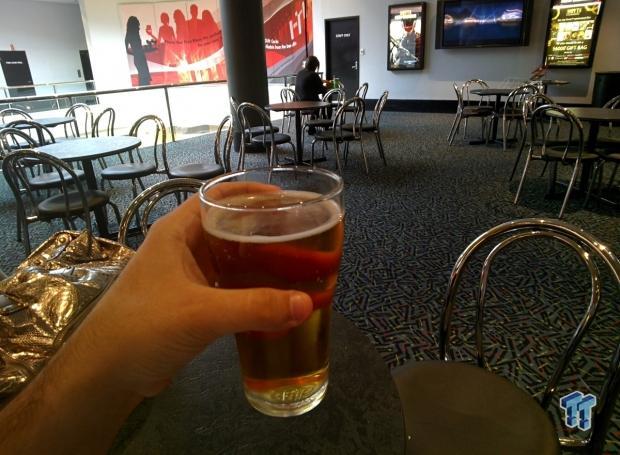
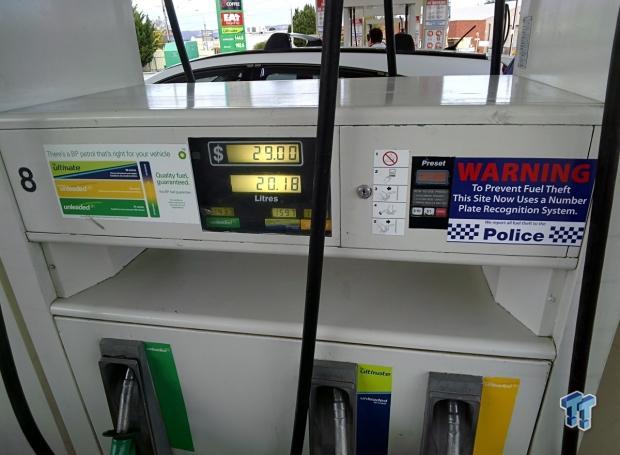
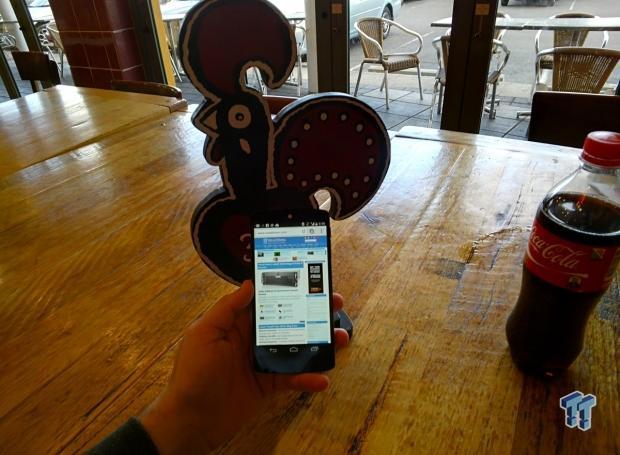
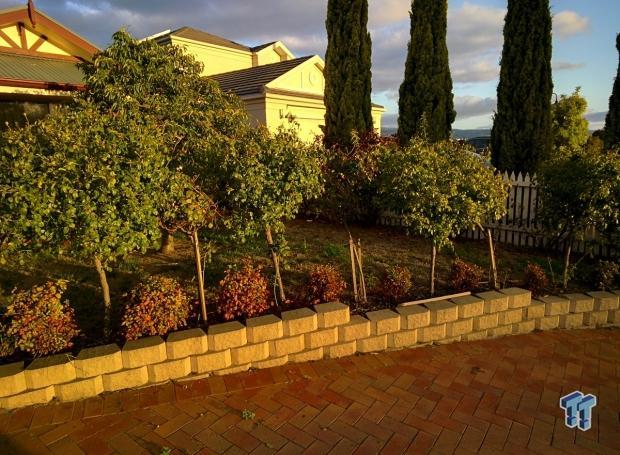
What's an article about Glass without a few examples of its camera abilities? Here's a variety of shots taken #throughglass.

And now, a couple of extra videos:
[Not So] Final Thoughts
This won't be the last thing you see from me with Glass, as you can expect another article in a week or so with a better look into Google's wearable device, after I've had much more time to play with it. I haven't gone into specifications, buttons, the packaging, or anything just yet.
Right now, after approximately 8 hours of use, I'm in love with Glass. Sure, it's in its early days and it's not perfect; the camera could be better and it could have much better battery life, but I knew what I was signing up for.
It's far from perfect in its current state, but right now, Google is leading the pack in wearable devices. Something I don't see changing anytime soon.
 Thinkware U3000 Pro Review - Smart Dashcam with Wi-Fi quirks
 UGREEN FineTrack Mini 2 Air Tracker Tag Review - Long battery life, lesser performance
 Navman MiVue Smart True 4K Surround Dashcam Review - Seeing In All Directions At Once
 Samsung Galaxy Fold 7 Review - A $2000 Pocketable Two-in-One Smartphone-Tablet
 Apple Intelligence - a full breakdown of Apple's AI features in iOS 18.1
 Twitch opts streamers into gen AI training by default, faces harsh backlash
 Sean Murray still plays the 2016 launch version of No Man's Sky
 China's YMTC has climbed to third place in global NAND flash shipments
 $100 GTA 6 version makes up 89% of pre-orders, analysts estimate
 HWiNFO's latest update quietly confirms Intel is working on Razor Lake-AX
 Nintendo puts Switch 2 price increase warnings on store demo kiosks ahead of September 1 hike
 GIGABYTE launches two new B450 motherboards as demand for AM4 stays high in 2026
 Microsoft finally makes up its mind and unifies Copilot features into one big app
 PS5 suffers from severe overheating after liquid metal eats into the heatsink
 AMD Ryzen 7 7800X3D CPU burns and swells even after using AMD's updated BIOS
 D-Link F518 5G Wi‑Fi 6 AX1800 Mobile Hotspot Review: All-Day Mobile Hotspot
 Bose Lifestyle Ultra Speaker Review - Impressively Detailed Room-Filling Sound
 MSI Z890 Gaming Plus WIFI6E Review - Z890 for under $200
 Mortal Kombat (1995) 4K Ultra HD Blu-ray Review
 CPS PCCOOLER YS1200 ATX 3.1 80 PLUS Gold PSU Review
 ASRock X870E Taichi White Review: a premium AM5 motherboard with 10G LAN and WiFi 7
 Asetek Initium Pedal Modular Upgrades Review
 Montech TG3 Mid-Tower Chassis Review
 ASUS ROG Strix X870E-A Gaming WiFI7 Neo Review - A New Enticing Option
 I ditched the Windows 11 context menu for this open-source tool, and here's why
 Windows 11 may be encrypting your drive already, and I checked where my recovery key went
 GIGABYTE's 40 Days of INFINITY celebrates 40 Years of Innovation with stunning GeForce RTX graphics cards and rewards
 I swapped File Explorer for this free file manager and finally got the layout I wanted
 How to tell if someone has been using your Windows PC without your permission
 6 Task Manager tips for troubleshooting Windows performance problems
 ASUS ROG's 20th Anniversary Line-up of Premium PC Gaming Gear has Arrived - Here's Everything You Need to Know
 Six File Explorer tips every Windows user should know
 I switched my PC to encrypted DNS in Windows 11, and browsing felt more private
 Printer Not Working in Windows? How to fix detection, print queues and drivers