
Our Verdict
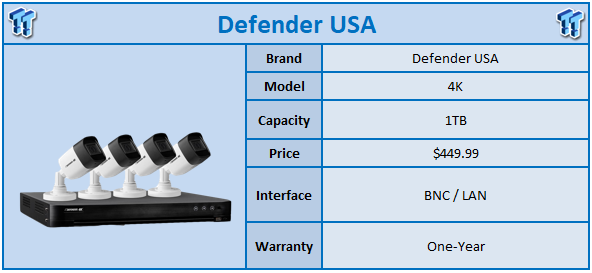
Security "kits" have gained in popularity over the last few years with more and more consumers wanting local recording of their homes and property. This has resulted in no shortage of vendors offering systems that can be installed "DIY" and setup with apps on iOS or Android.
Defender USA offers several models; wireless and wired allowing consumers a little flexibility when choosing a new system. The model sent over for review today is their 4K CCTV system offered with 4,8 and 16 cameras; we opted for the four-camera system for ease of installation.
Specifications of the Defender 4K start with a 4-channel DVR paired with a 1TB HDD. Video output is supplied via HDMI and VGA with a peak 4K display resolution. Additional audio in out connections are available via RCA plugs and network connectivity is available via a RJ45. As mentioned, this is a CCTV system, so the DVR offers four BNC connections along with USB for mouse and keyboard support.
As for the included cameras; We have 8.2MP image sensors offering an 80-degree FOV with 100ft night vision. Frame rates include 8megapixels and 15FPS, 5 megapixels at 20FPS and 4MP or 1080p @ 30FPS.
MSRP of the Defender 4K Four-Camera system comes in at $449.99 with a one-year warranty.
Best Deals: Defender 4K


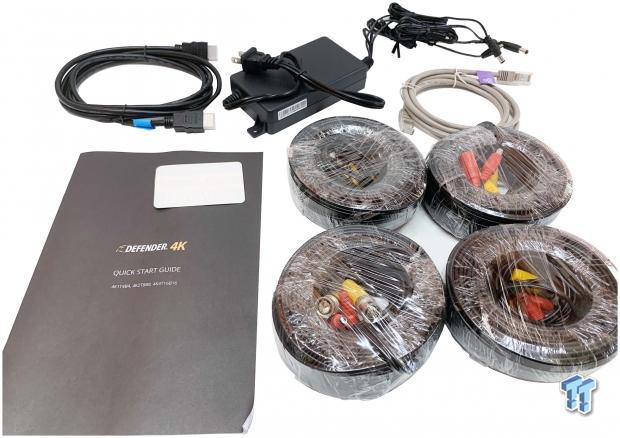
Starting with box contents, the Defender 4K comes with a full set of wiring for all four cameras. We also have the power adapter and HDMI cable.
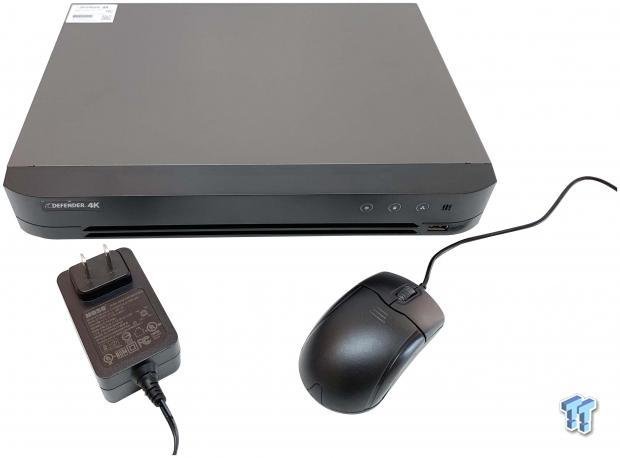
In the second box we find the DVR, mouse and power adapter.
Our Latest Security & Automation Review Coverage

The front of the DVR offers a slim design with power, HDD and LAN activity LEDs to the right and USB port for the mouse below.

On the backside, we have the BNC connections followed by USB, HDMI and VGA. Further down we have RCA audio and HDMI output.
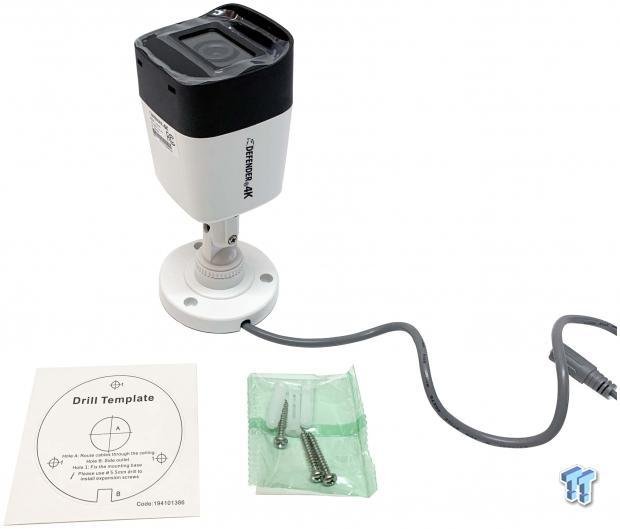
The cameras are plastic bodied units, still IP67 certified. Each camera comes boxed separately with a drill template and screws.
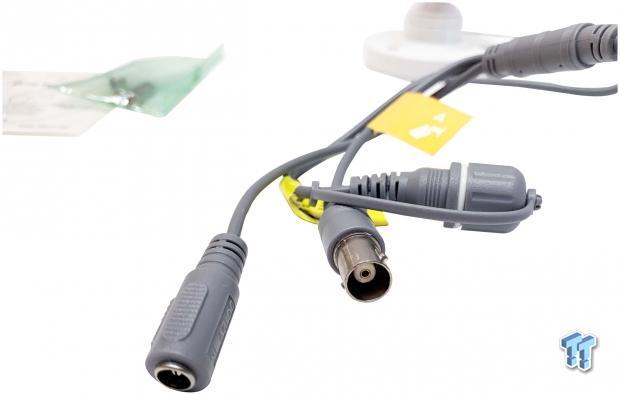
On the business end of the cameras we have the power and BNC connection.
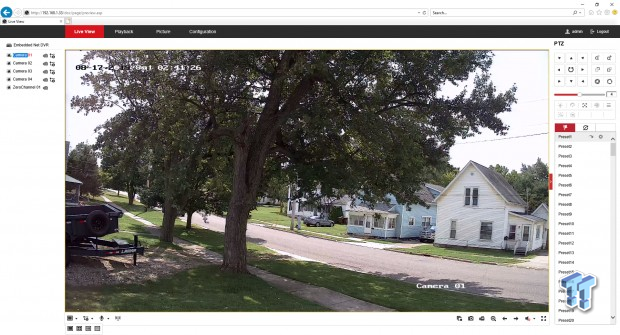
Most will opt for mobile setup with the available apps and it is the recommended method, but I have chosen to use the legacy browser method just to show image quality a little better. With that said, the landing screen for the Defender 4K requires an active control for viewing; in my experience this only works on internet explorer. At the landing, we get a view of the cameras; this can be setup to show a single or all four channels at once.
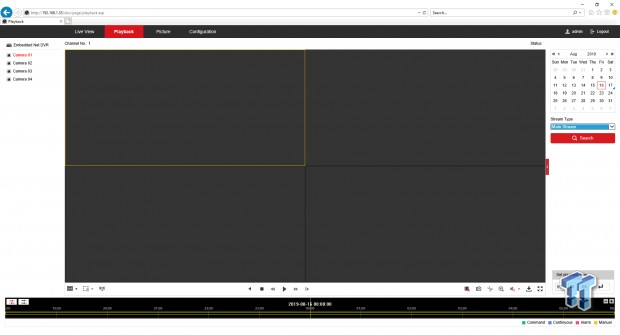
The playback tab allows you to change dates and time to the right and camera on the left.
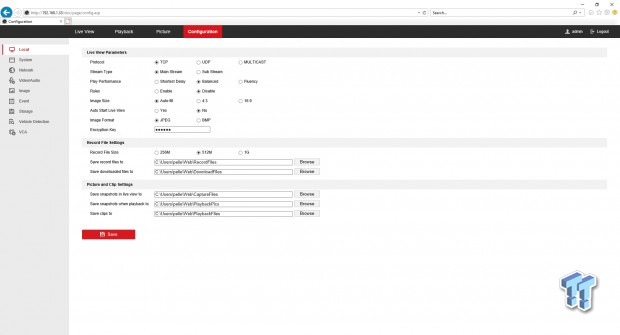
The configuration menu offers Live View setup along with recording size and location.
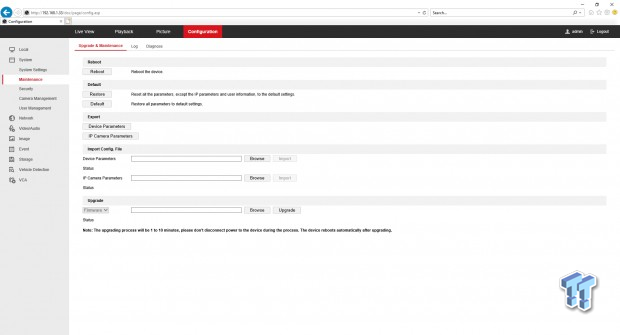
Moving through the menu to system maintenance you will find the reboot and reset options along with the ability to save config files and import/export them.
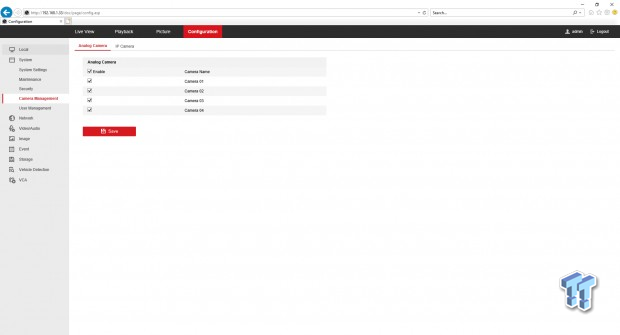
The Camera Management menu allows you to add, enable or disable cameras
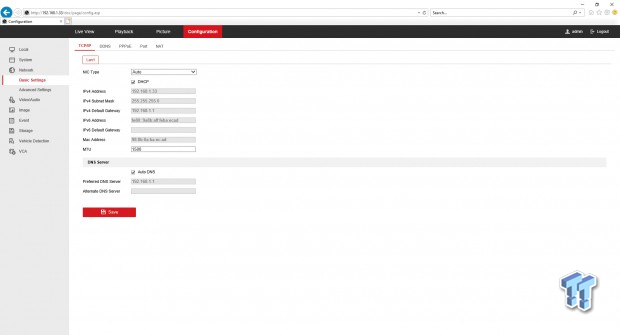
Network settings offer the basics, you can choose to use default setup with DHCP or static if needed.
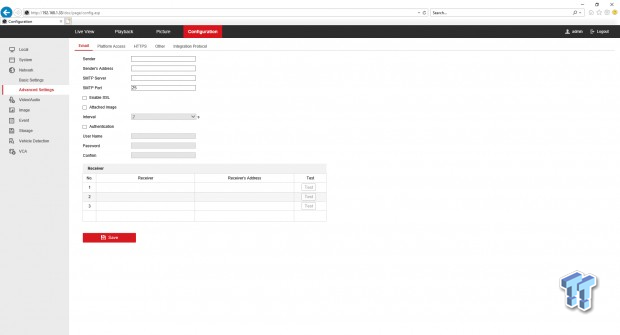
Defender allows setup of email notifications for motion alarms.
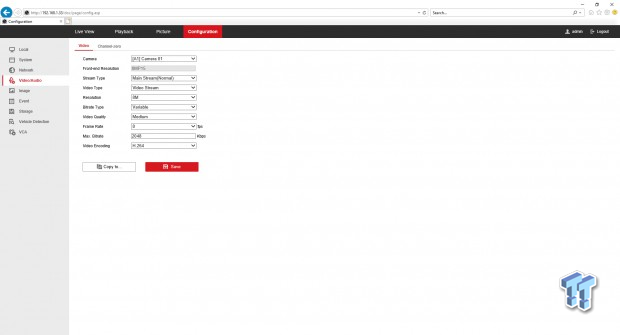
A/V setup includes resolution,bitrate and frame rate for each camera. You can also change the encoding method at the bottom.
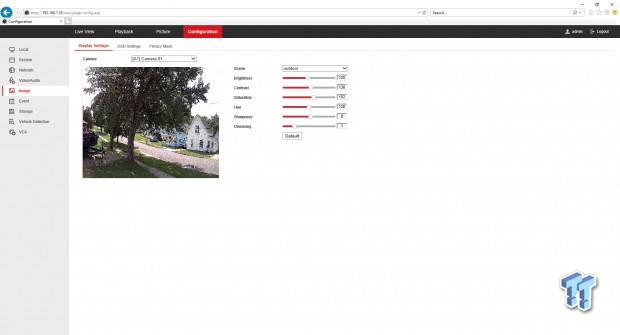
Image settings offers a preview window along with brightness, contrast and sharpness controls.
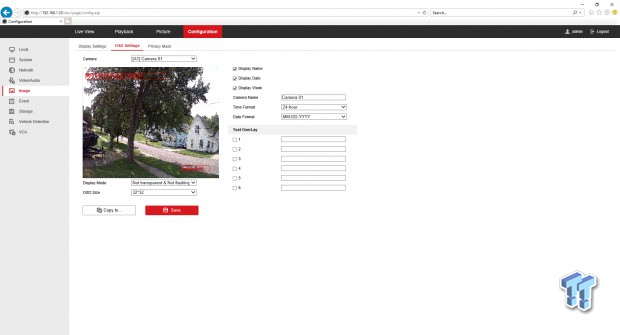
A secondary option while in the image setup menu is to configure OSD settings.
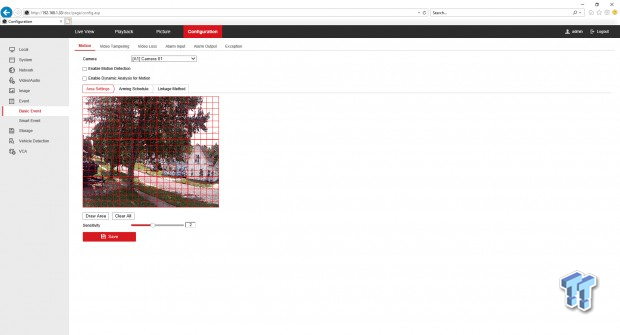
Event setup allows configuration of motion zones and sensitivity.
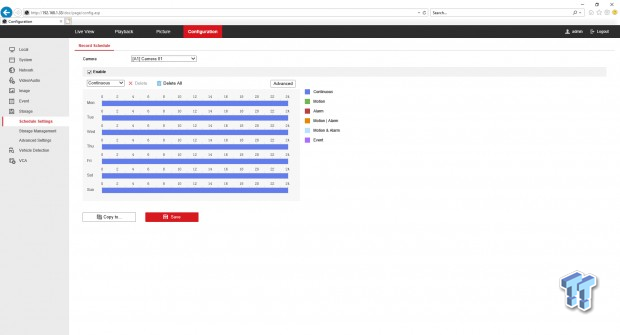
Storage menu includes scheduling of cameras by time and day or continuous.
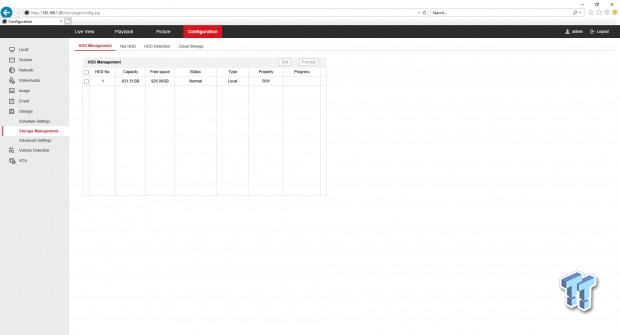
Management moves to show storage capacity. You will also need this menu if you decide to upgrade the internal drive.
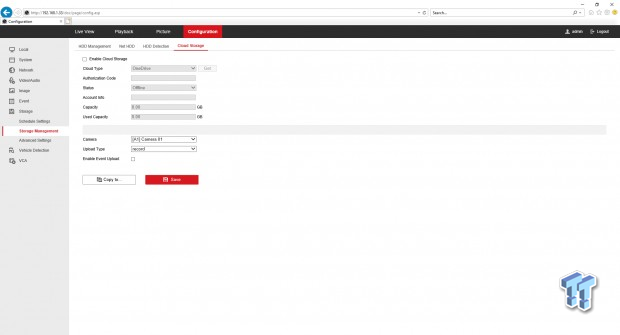
Defender does offer Cloud storage options like OneDrive.
Closing this review, Defender has a pretty solid system for those that know what they need and aren't looking for future expansion. That said, the 4K system does offer a certain level of flexibility with three models to choose from. As for build quality, Defender 4K is basic no frills. The DVR and Cameras are plastic and if I had to make a bet, id say this is where corners were cut.
The webgui for this unit is plenty to get it setup and configured the way you want. It allows a better look at the settings because it is browser based which for some that enjoys old school menu systems, is my preferred method. The app itself is clean and much more forward than the webgui setup, which may be preferred for novice users.
Performance is quite good with the Defender; the analog BNC connections offer an uninterruptible video feed that while it can be configured for higher quality does have it limits with resolution and FPS. That said, default setup with these cameras offers "good enough" clarity for persons that come within 10-15ft but nothing further or special like reading license plates etc.
As for pricing, Defender is quite aggressive in this field coming in with an MSRP of $449.99 and one-year warranty. That said they are offering a discount code for our readers through the end of the year with code: TWEAKTOWN20.