

Our Verdict
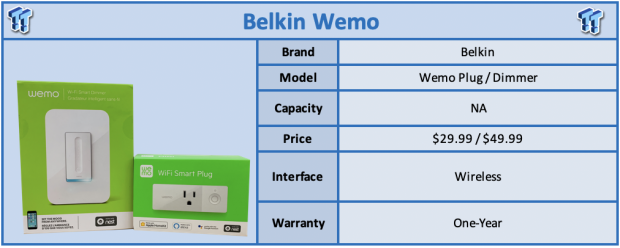
Wemo is one platform we haven't had the chance to look at but recently I reached out to Belkin and was able to get a sample of two of their newest products; Wemo Dimmer and Mini Smart Plug.
Wemo is Belkin's Smart Home brand, and behind it, they offer plugs, switches, and dimmers. Starting our review with the latest solution, the Smart Wi-Fi Dimmer, we have a single pole replacement solution that offers remote control of your lights from anywhere. This includes full "dimming" capabilities both physically and through the app. Features include a night mode for limiting brightness at night and those early morning hours and schedule mode if you want to set your lights to turn on at certain times of the day. The maximum workload for the dimmer is rated at 400w incandescent and 150w for CFL and LED lighting.
Switching gears to the Mini Plug, we have a single outlet solution that offers you the ability to turn on and off lights and appliances like fans, space heaters or humidifiers. Specifications include 120v support at 15A up to 1800w peak with control over 802.11n.
Pricing for the Wemo Mini Plug comes in at $29.99 while the Smart Dimmer is set at $49.99. Compatibility of the Belkin Smart Wi-Fi Dimmer and Mini Plug includes iOS 10 and Android 4.4 and later. Both solutions are compatible with Google, Alexa and Apple Homekit and each solution has a three-year warranty.
Best Deals: Wemo Mini Smart Plug, Wi-Fi Enabled, Works with Alexa
Price Trend:
Prices last scanned 52 minutes ago

7 days ago: $25.90 USD30 days ago: $39.97 USD
7 days ago: $95 CAD30 days ago: $65.33 CAD


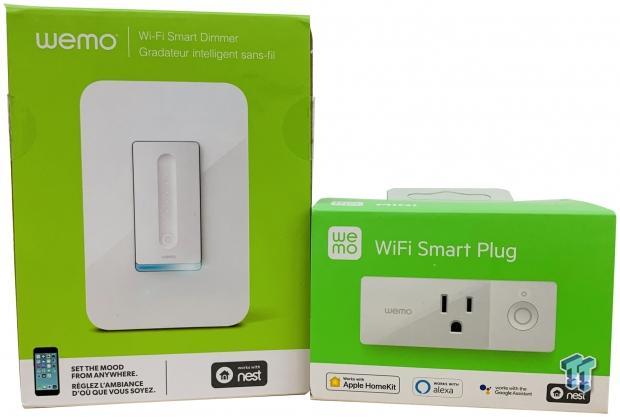
Starting with packaging, each solution offers a bright green box with an image of the device centered. Along the bottom, we have supported ecosystems.
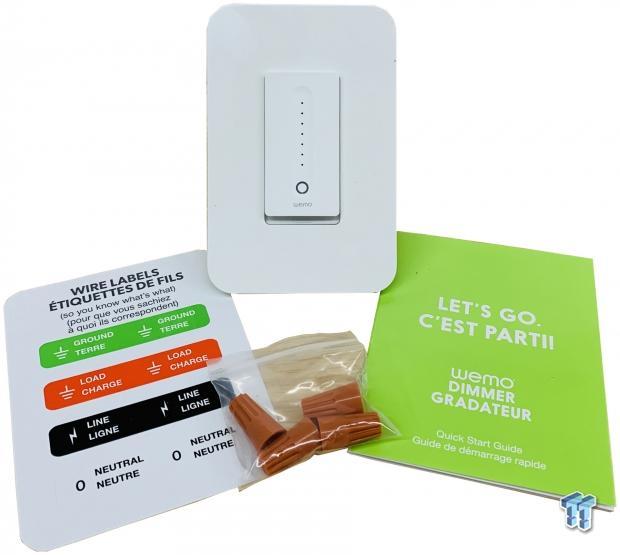
Starting with the Dimmer, we have wire nuts and manual included.

On the backside, we have max output listed at the top with each of the wires below labeled as well. This solution does require a neutral wire but will function without the green hooked up.
Our Latest Powerline Review Coverage
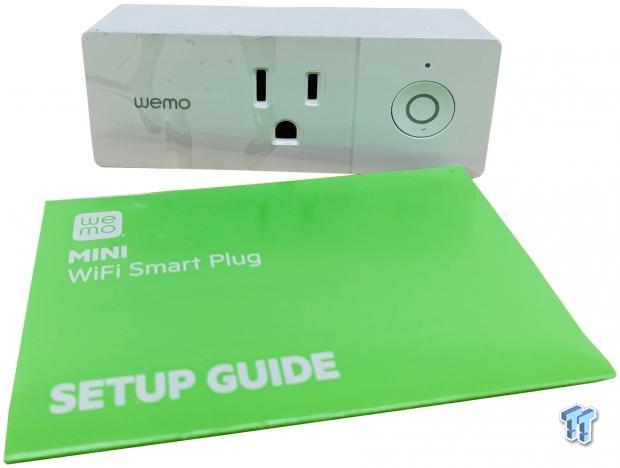
The Mini Plug offers a small form factor design that doesn't block adjacent plugs when in use. To the right, we have the physical power button and LED for device status.
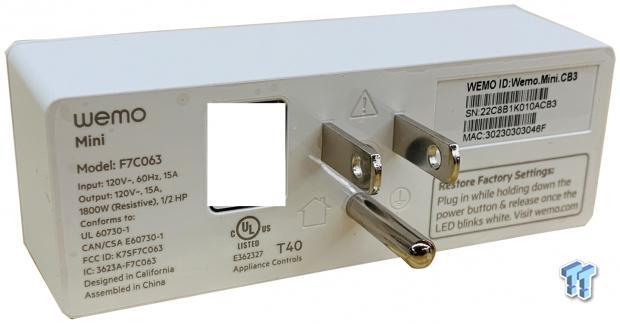
The backside is your typical American 3 prong lead.
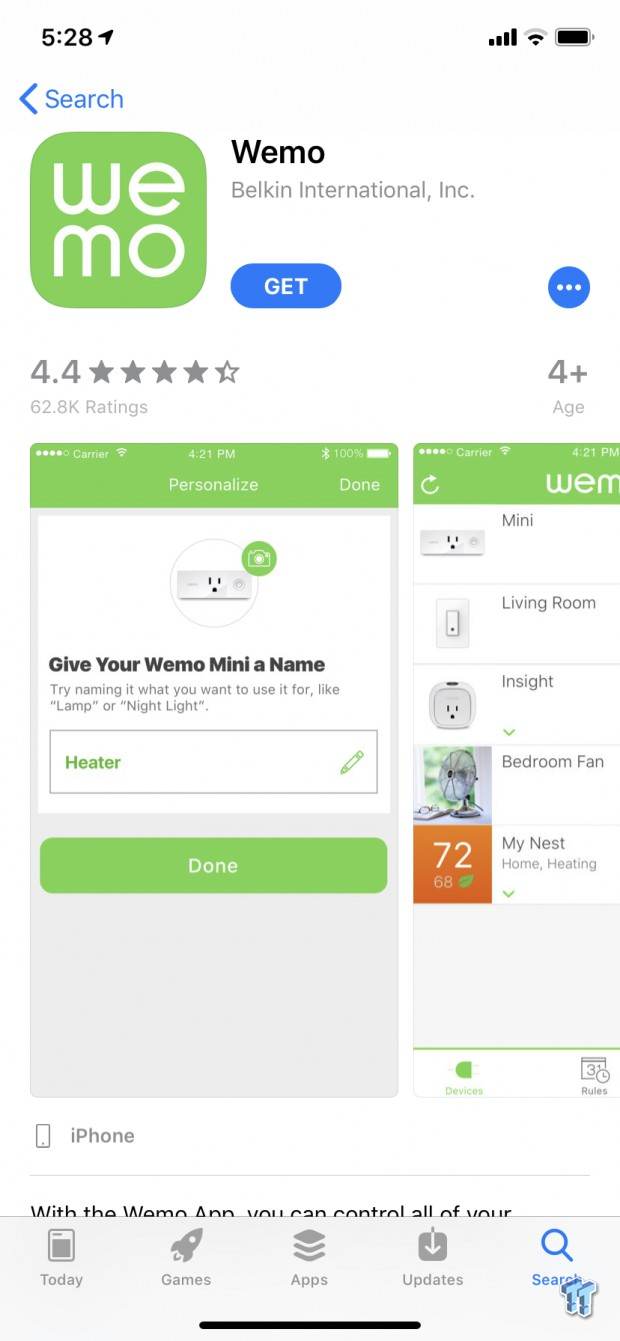
Getting set up with the app, we are using iOS 12 for this review.
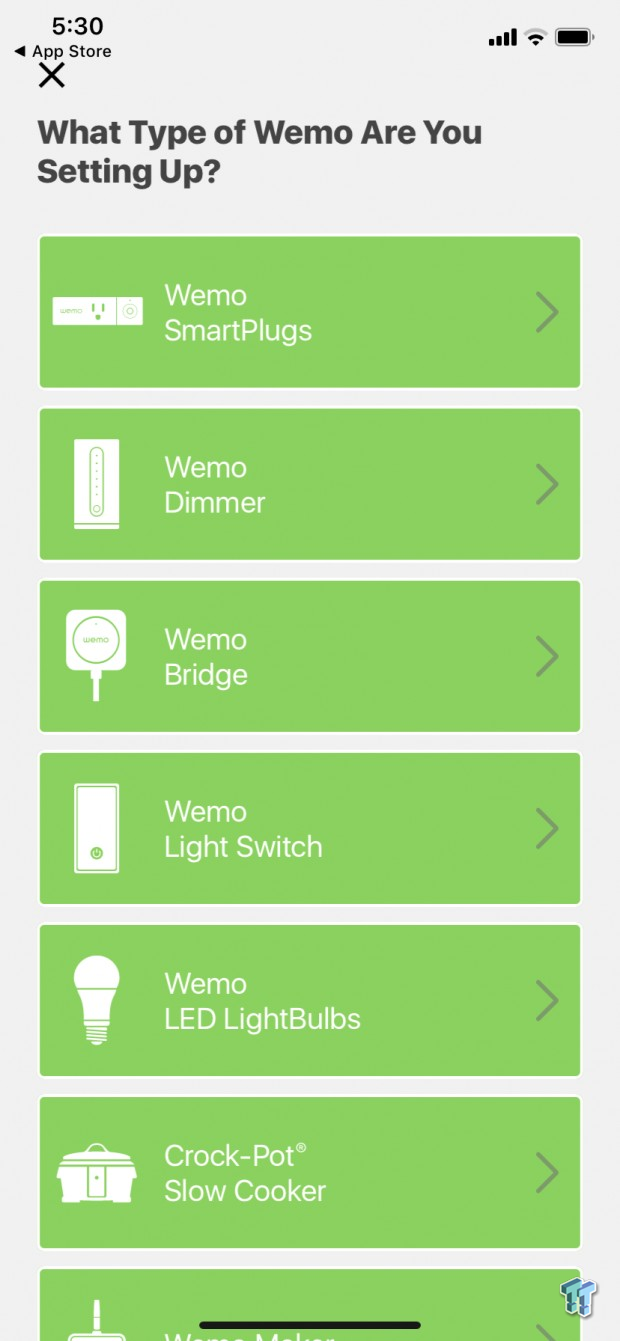
Diving in, we have a menu of solution to choose from. For this review, we are setting up a plug and dimmer.
Selecting the Smart Plug, the app then searches for devices nearby. As you can see it has detected our device.
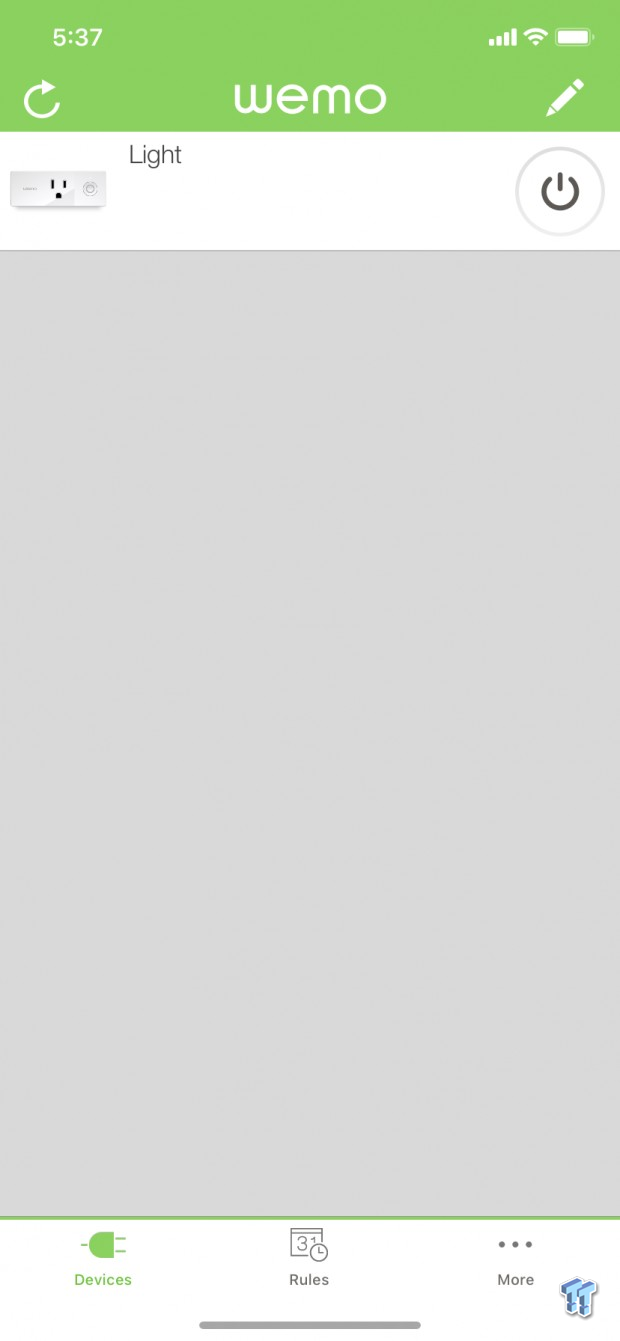
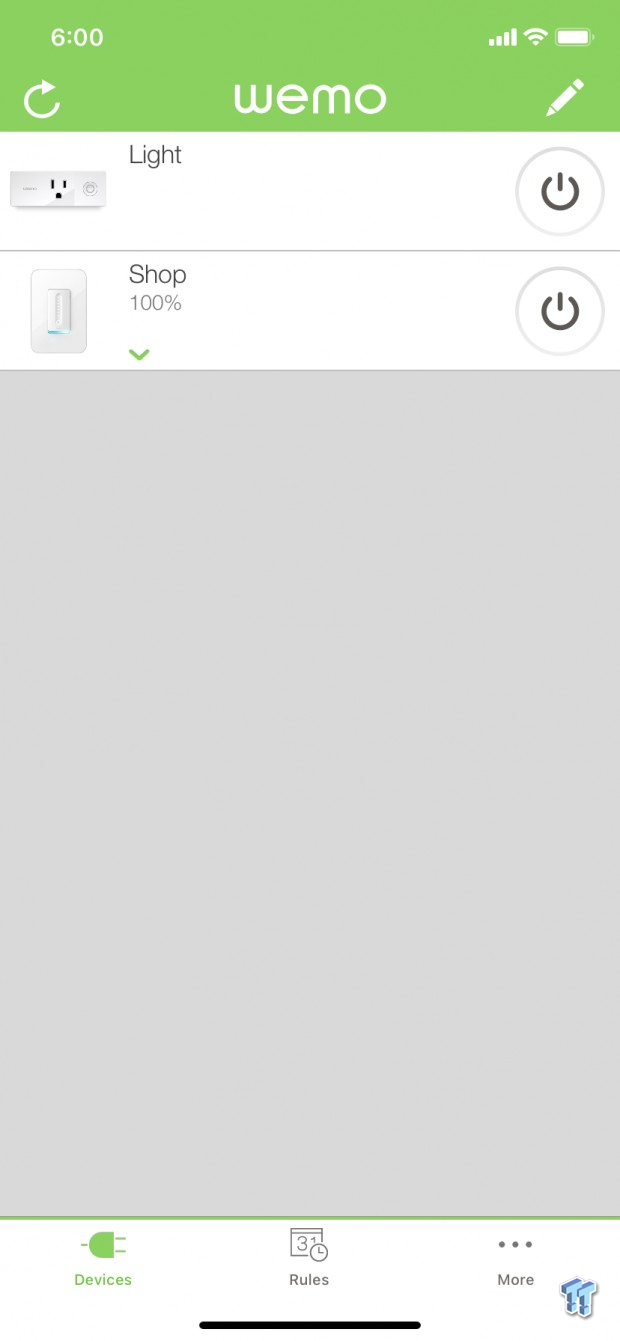
Once setup is complete, you will have all of your devices on this dashboard. Down below we have the ability to setup rules for the devices.
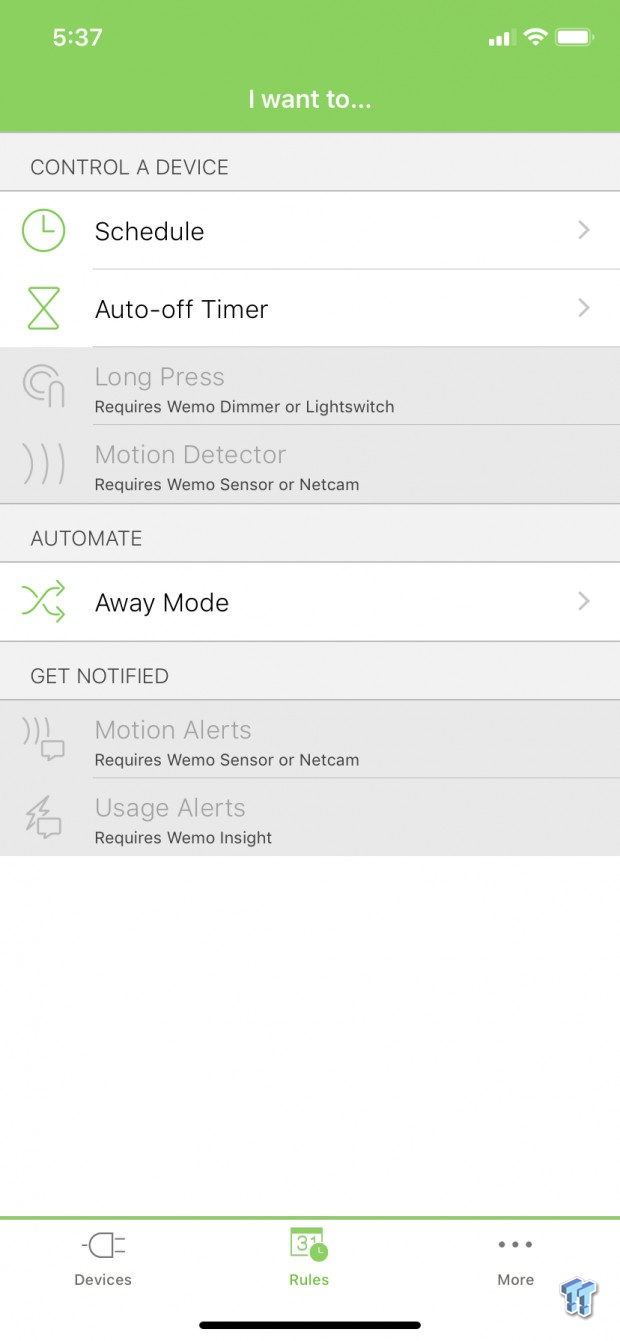
In the rules menu, you can use scheduling or auto timers to control your plug or if you have additional devices like a Dimmer or Switch you can setup long press. If you have a Wemo Sensor or Netcam, you can enable motion control.
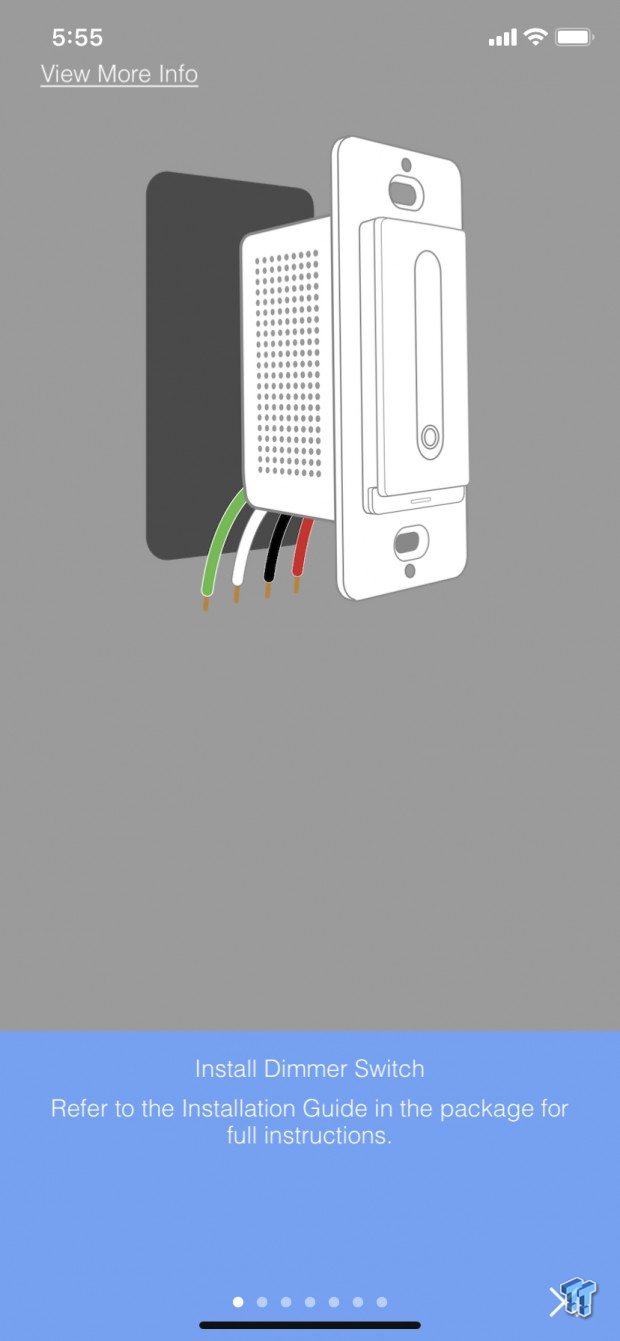
Moving over to the Dimmer, installation is straight forward if you have ever wired a plug or switch yourself. That said older homes may have trouble due to missing neutral wire.
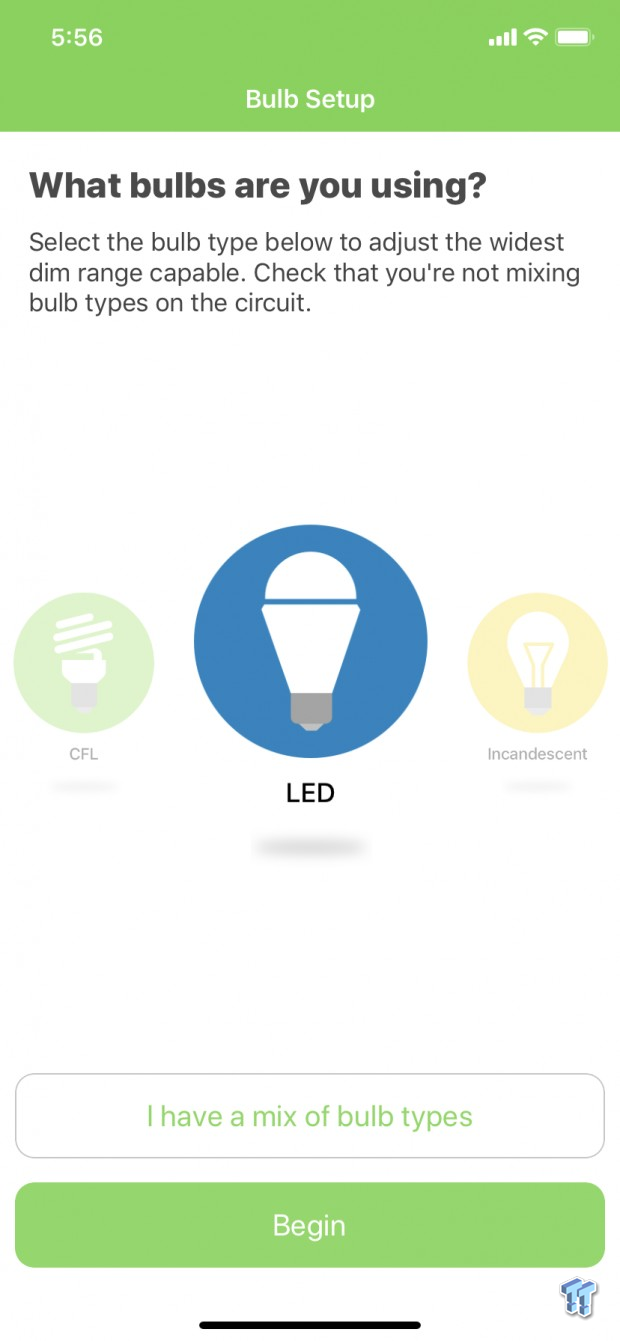
After installation is complete, we start setup through the app and choose what types of bulbs we are using. For this installation is was in my shop, and I'm using LED shop lights.
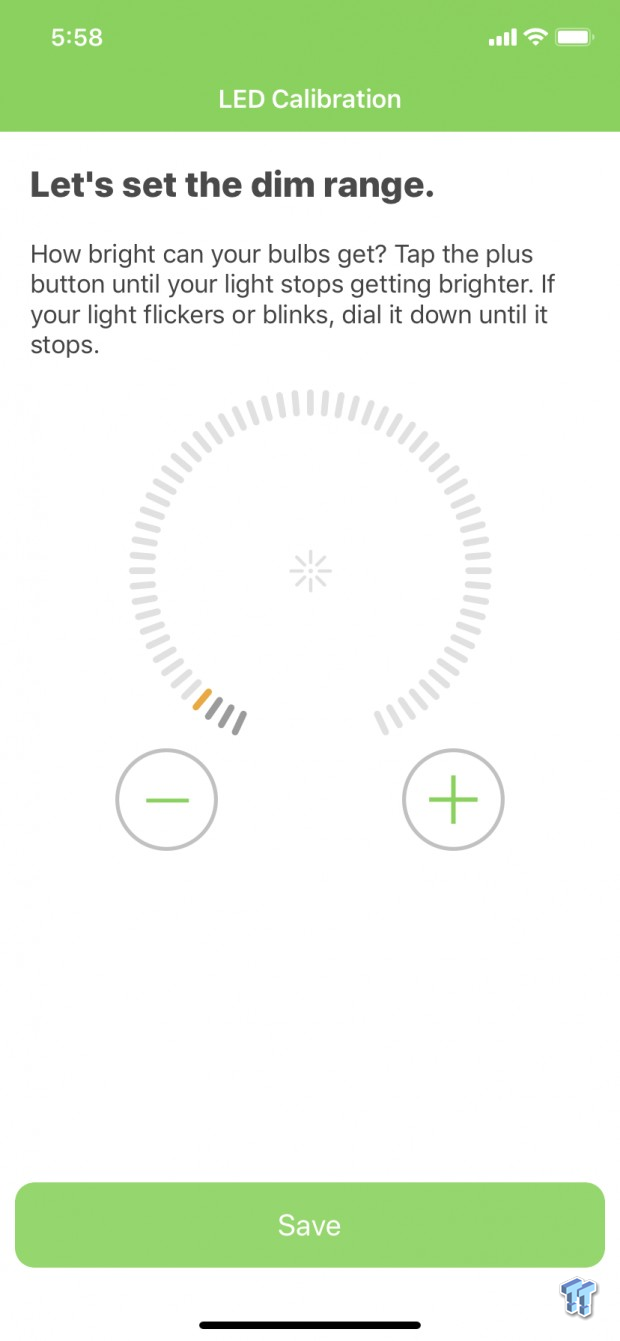
After choosing your bulb type, setup will find the range for your bulbs with the test above. If your bulbs are not dimmable set both to the lowest setting here.

For the Dimmer, we have a sleep timer and fade out mode that can be setup in the menu. We also have Night mode and long press available.
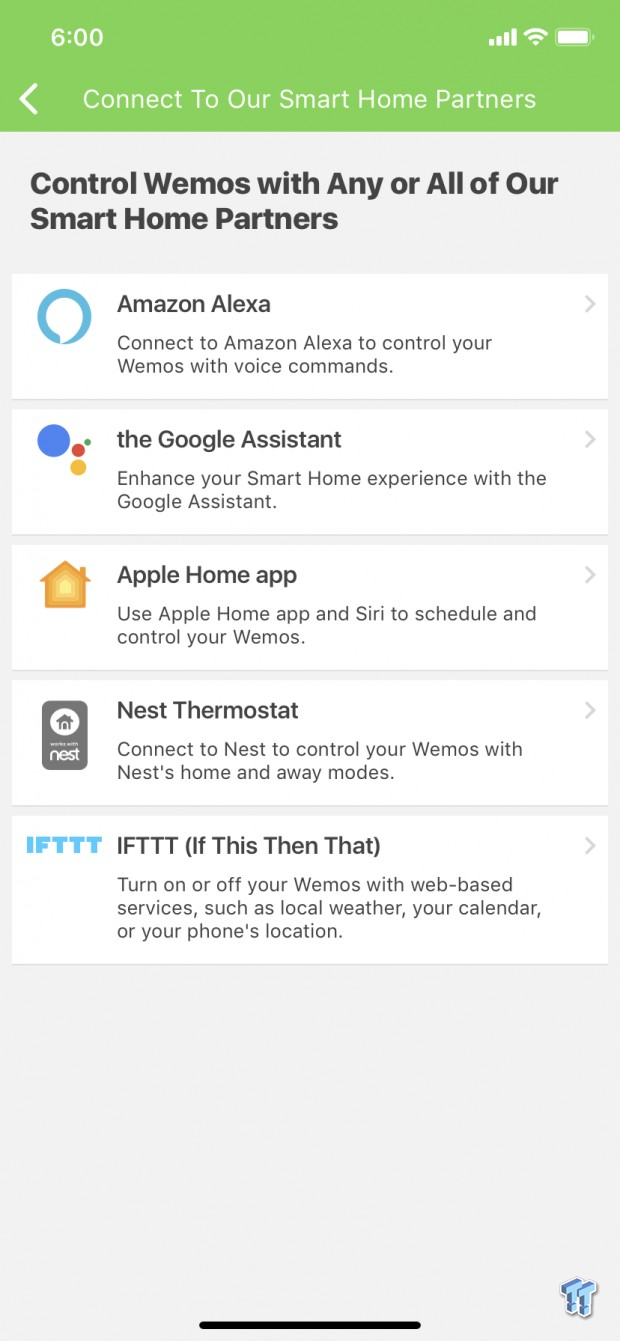
As mention above, the Wemo lineup is now compatible with Alexa, Google, Apple HomeKit along with Nest and IFTTT.
Over the last few years, I've had a good number of plugs, switches, and bulbs come through the lab and to be honest not all of them have made it to the review stage. That said we have had good luck with a number of products and the Wemo solutions fit right in.
Build quality is on par with expectations, the plastics all feel good in the hands and the devices overall have no physical issues. Wiring of the Dimmer is straight forward and fits nicely into a single gang box, and Belkin does state they can be used in a multi-gang situation with standard rocker plates.
In my use, I wasn't able to test the "dimmer" function since I have no devices that accept that input, but I was able to setup long press with the Mini Plug and schedule light functions within the app. The Mini Plug is perfect for those that need a single device solution as they don't block adjacent wall plugs.
The most important feature for me is the integration into larger ecosystems such as Alexa, Google, and Homekit. In my situation, Homekit takes precedence as all family members use iOS and as some of you know, Homekit seems to be one of the hardest platforms to develop for with the tight standards Apple has for it. That said, I'm quite happy with the Wemo solutions and moving forward it's certainly my go-to lineup when expanding my smart home.
Tyler's Test System Specifications
- Motherboard: ASUS Prime Z370 (buy from Amazon)
- CPU: Intel Core i3 8350K (buy from Amazon)
- RAM: Corsair Vengeance 32GB 4x8GB DDR4 3200 (buy from Amazon)
- Cooler: Corsair Hydro H115i (buy from Amazon)
- Case: Corsair Air 540 (buy from Amazon)
- OS Storage: Samsung 960 EVO 250GB (buy from Amazon)
- Power Supply: Corsair RM850x (buy from Amazon)
- OS: Microsoft Windows 10 (buy from Amazon)
- Wi-Fi NIC: ASUS PCE-AC88 (buy from Amazon)
- 10Gbe NIC: ASUS XG-C100C (buy from Amazon)
- Thunderbolt 3: ASUS Thunderbolt EX3 (buy from Amazon)