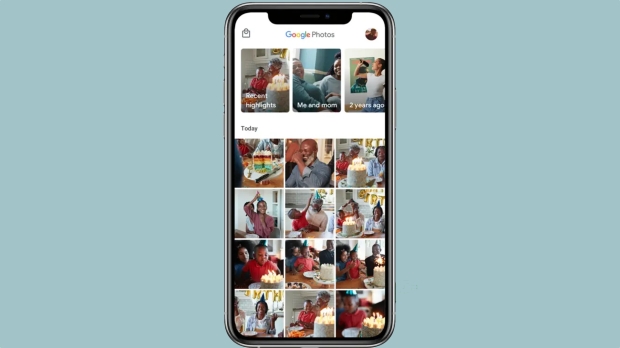




Keeping all of your photos and videos safe in Google Photos just got a lot easier, particularly if you're using an iPhone or the web. That's after Google announced a new update that brings the Locked Folder feature to both platforms for the first time.
Locked Folder has been around on Android for years now, but this is the first time that those who manage their media via the web or their iPhone have been able to take advantage of it. It's also the first time that those who use multiple devices have been able to access their Locked Folder media on those devices - they simply weren't accessible on an iPhone or via a web browser if added to a locked folder via Android.
Google says that Locked Folder will offer a passcode-protected space for saving sensitive photos and videos that then won't show up in the photo grid or in other apps. That can be useful for compromising photos, obviously, but is also of benefit from private information like photos of driver's licenses and other identity cards.
Photos and videos saved in the Locked Folder still won't appear in Memories or albums, even when searching for them, which is of course a good thing. And because everything is now backed up to Google Photos online these more private types of media can also be accessed on multiple devices as well.
Google says that updates to Google Photos are rolling out now, so make sure that you're using the latest version of the app on your iPhone if you want to make sure you can access Locked Folder.