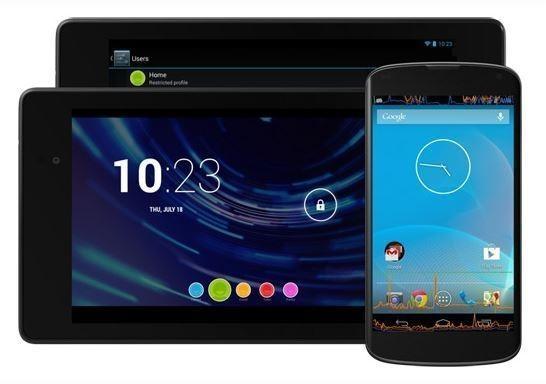
Google released Android 4.3 into the wild last week, but the latest iteration in their mobile OS includes some improvements to Photo Sphere. Photo Sphere is used to take 360-degree photos, and is quite a nice ability of Android.
The latest software improvements to Photo Sphere in Android 4.3 make it easier to upload and share pictures on Google Maps. Google have taken the how-to a step further by providing a couple of handy tips:
- Hold the phone close to your body
- Keep the phone in portrait orientation
- Make full rotations holding the phone at each angle until a full 360 is achieved