
Our Verdict
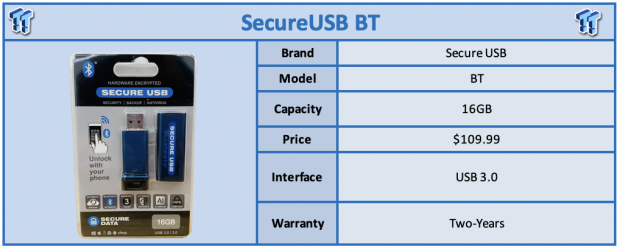
As portable SSDs have taken over the market with both performance and capacity, flash drives have seemingly gone by the wayside, but not all is lost with these ultra-portable solutions. For those that need a shuttle device for documents, images or both these drives still come in handy, and when it comes to shuttles, you want security.
SecureDrive, a vendor we are becoming increasingly familiar with has taken their technology used in the SecureDrive BT, that we reviewed a month or so back, and applied it to flash drives. This has brought to life the Secure USB BT, a solution available in capacities ranging from 4GB to 8,16 and 32GB and for those that need even more a 64 and 128GB model is available. This solution is FIPS 140-2 L3 validated and offers AES 256bit encryption. It is also OS independent, working with all operating systems.
MSRP of the SecureUSB BT 16GB comes in at $109.99 with a three-year warranty.
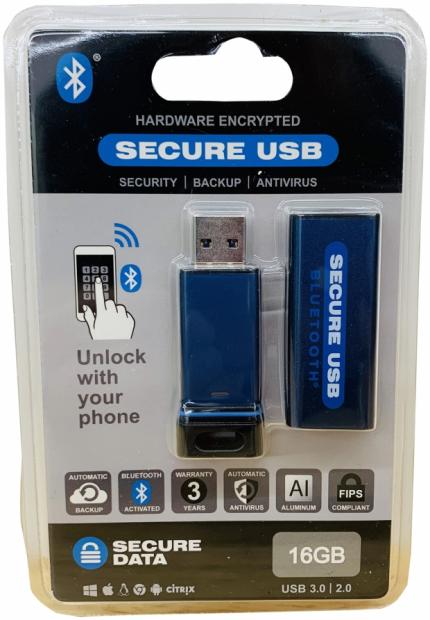
The packaging is the typical bubble pack we have all seen before. Capacity and compatibility are listed across the bottom with features just above.

Best Deals: Samsung T5 Portable SSD - 1TB - USB 3.1 External SSD
Price Trend:
Prices last scanned 5 hours and 44 minutes ago


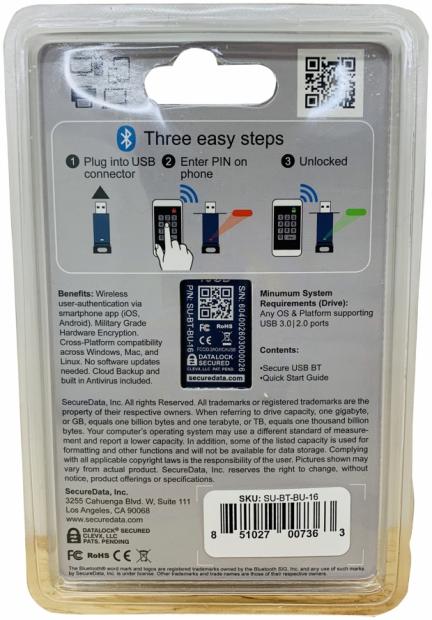
On the backside, we have instruction listed and down below a little about the drive and company.
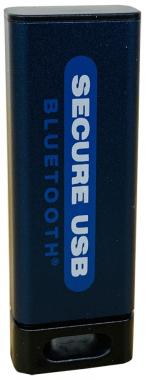
Looking at the drive we have a full encased solution with opening at the bottom for a lanyard. We have branding on the chassis tube.
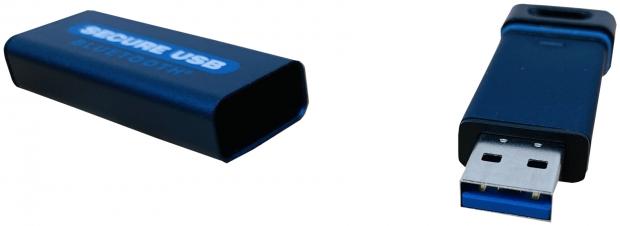
Pulling the drive from the tub, you can see it has a waterproof seal at the base and USB 3.0 port on the opposite end.
Our Latest USB Drives Review Coverage
- TeamGroup X2 Max 2TB External SSD Review - Ultra Portable and Versatile
- Transcend ESD310C 1TB Pen Drive SSD Review - Dual ports of awesomeness
- Kingston DataTraveler MAX 1TB Type-A USB Pen Drive Review
- Kingston DataTraveler Max 1TB USB-C Review - World's Fastest Pen Drive
- Patriot Supersonic Rage Prime USB 3.2 Gen2 1TB Flash Drive Review
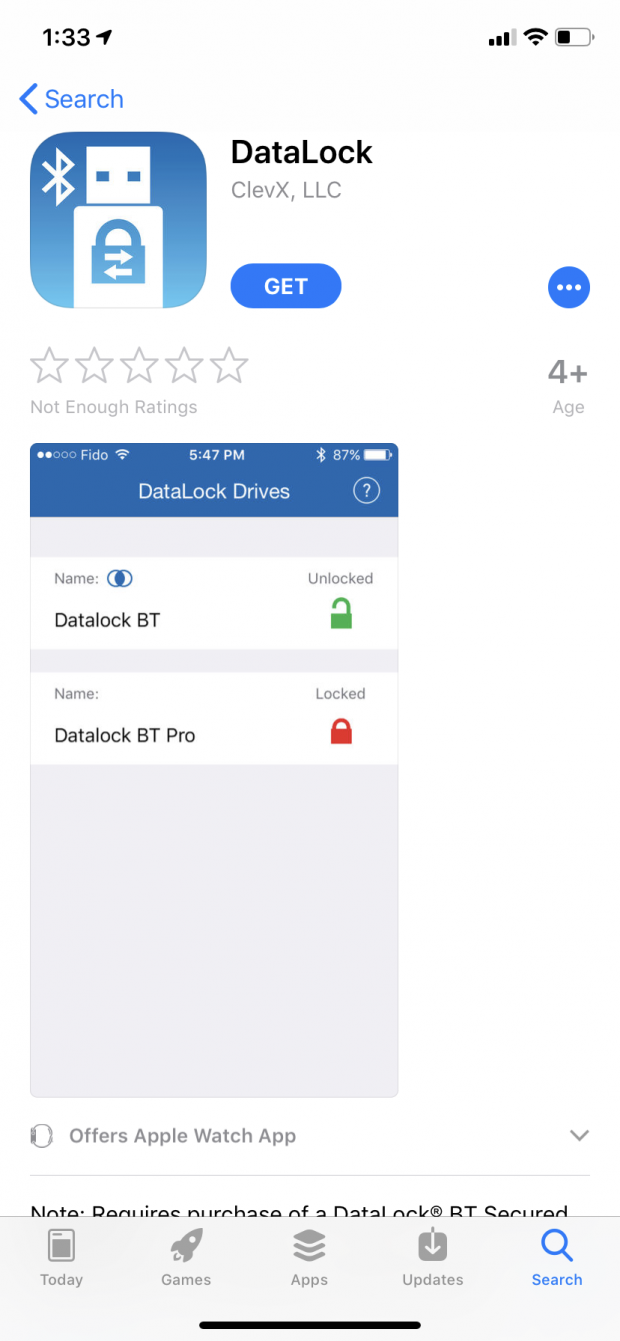
The drive like the BT SSD uses the DataLock app.
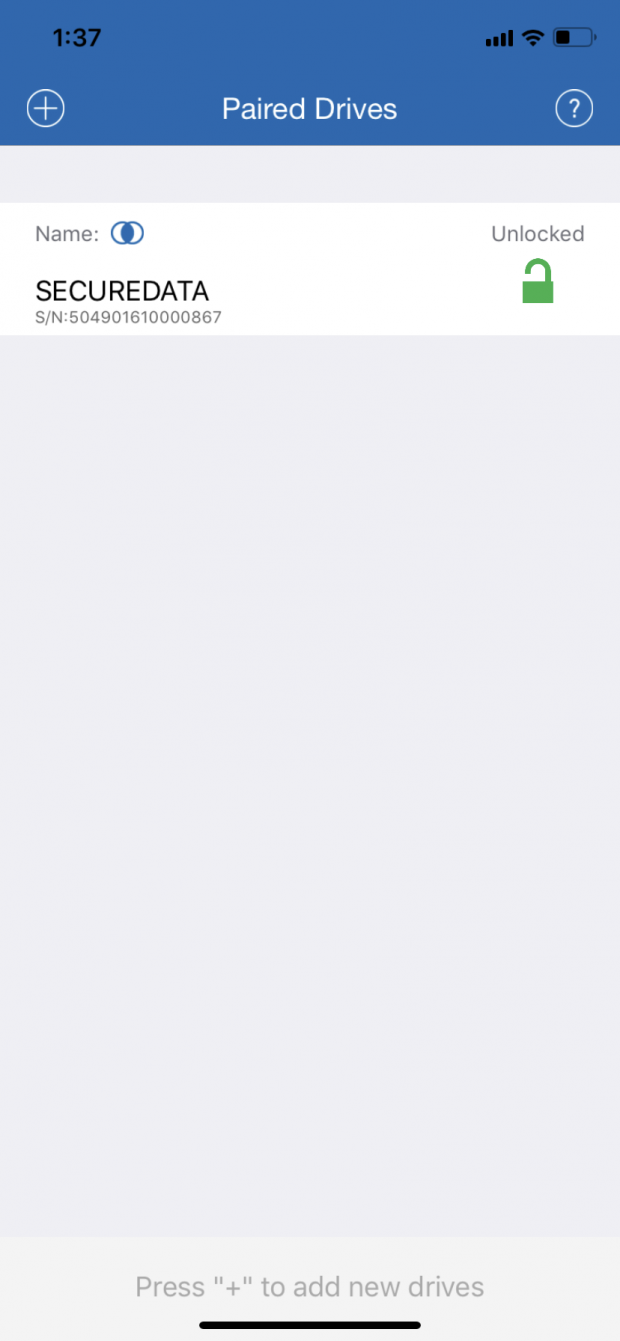
Once inside and you go through the three easy steps to pair it, you will see it listed above. From there you can simply plug the drive-in select it, and it will unlock and lock.
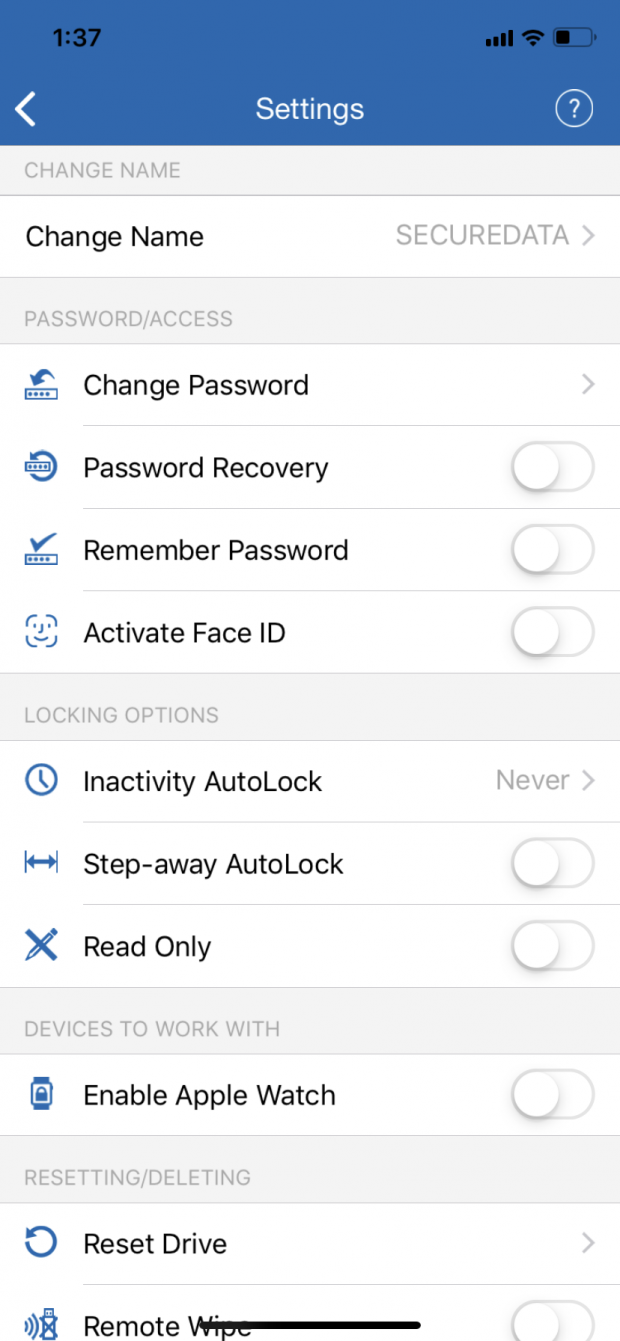
Once you are in, you can change setting for the drive including the drive name, password or if on iOS Face ID. Locking options include and auto lock and step away feature, and if you are a watch user like myself, you can enable your AW to unlock the drive.
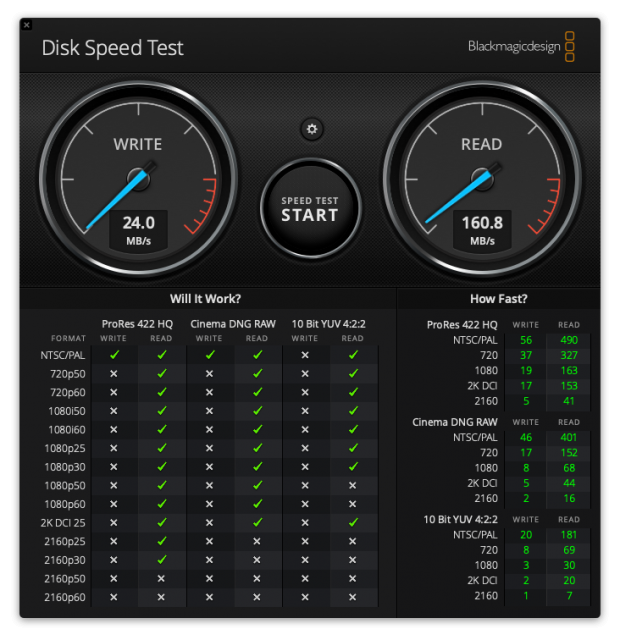
As far as performance goes, the SecureUSB isn't going to be the drive you put large files on. In my testing, I was able to reach 160 MB/s read, and 24 MB/s write.
Following the SecureDrive, the USB solution is just as pleasing when it comes to build quality and aesthetics. Moving away from those chunky number pads is the best thing ClevX did with this lineup.
As far as performance was concerned, I had to look at this solution for its use case and it's highly unlikely anyone would ever move large files with a 16GB drive. That said, performance is quite low peaking at 24 MB/s write while read performance does bounce back up to 160 MB/s.
The app works fantastic with this solution. Adding a drive is simple using the code on the drive itself, and after setup, you can punch in your password on your phone, and it unlocks your drive. Optionally you can take this further with Apple Watch or FaceID.
Just like the SecureDrive, pricing is tough for encrypted USB flash drive solutions. The 16GB model in house carries a $109.99 MSRP along with a three-year warranty and looking around not one vendor offering an encrypted solution can do any better. Apricorn offers their Secure Key 3.0 at $129.99, and iStorage has the datAshur coming in at the same $109.99 price tag, albeit slightly higher performance.
Tyler's Test System Specifications
- Motherboard: ASUS Prime Z370 (buy from Amazon)
- CPU: Intel Core i3 8350K (buy from Amazon)
- RAM: Corsair Vengeance 32GB 4x8GB DDR4 3200 (buy from Amazon)
- Cooler: Corsair Hydro H115i (buy from Amazon)
- Case: Corsair Air 540 (buy from Amazon)
- OS Storage: Samsung 960 EVO 250GB (buy from Amazon)
- Power Supply: Corsair RM850x (buy from Amazon)
- OS: Microsoft Windows 10 (buy from Amazon)
- Wi-Fi NIC: ASUS PCE-AC88 (buy from Amazon)
- 10Gbe NIC: ASUS XG-C100C (buy from Amazon)
- Thunderbolt 3: ASUS Thunderbolt EX3 (buy from Amazon)