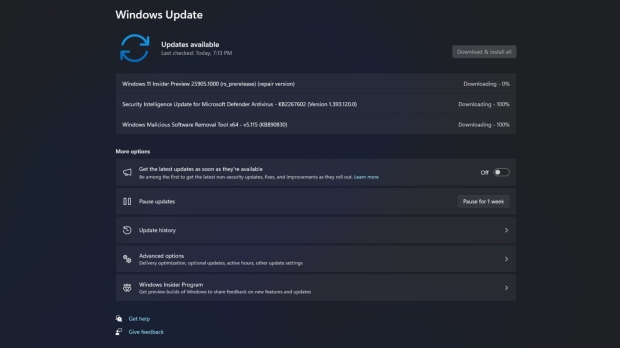




Windows 11 should soon get a handy new way of fixing the OS via Windows Update when things go wrong.
As discovered by XenoPanther on Twitter, this new in-place repair feature is present in build 25905 (in the Canary channel), and the functionality is fully working.
Testers can find it under Recovery options (Settings, System), where there's an option to 'Fix problems using Windows Update.'
Click this, and Windows 11 will search for your current build and begin the process of reinstalling it - while keeping all your data, installed apps, and chosen settings in place.
The idea is that refreshing the system in this way will hopefully get rid of any glitches you might have been encountering, all in a relatively painless fashion. It's a convenient touch that's likely to make the cut for the release version of Windows 11.
Elsewhere in build 25905, another useful option has been added in the ability to get rid of Cortana easily. Yes, the digital assistant is very much on its way out, and will no longer be supported later this year, due to Microsoft's Copilot arriving in Windows 11. (Rumor has it that Copilot will debut with the 23H2 update, but we remain unconvinced given the lack of functionality in the AI in testing right now).
With build 25905, you can uninstall Cortana with a click directly from the Start menu, just like any other app.
Build 25905 also brings new 3D-like emoji to Windows 11, something Microsoft promised would be in the operating system at launch. Better late than never, as they say, but almost two years late is rather pushing it, to put things politely.