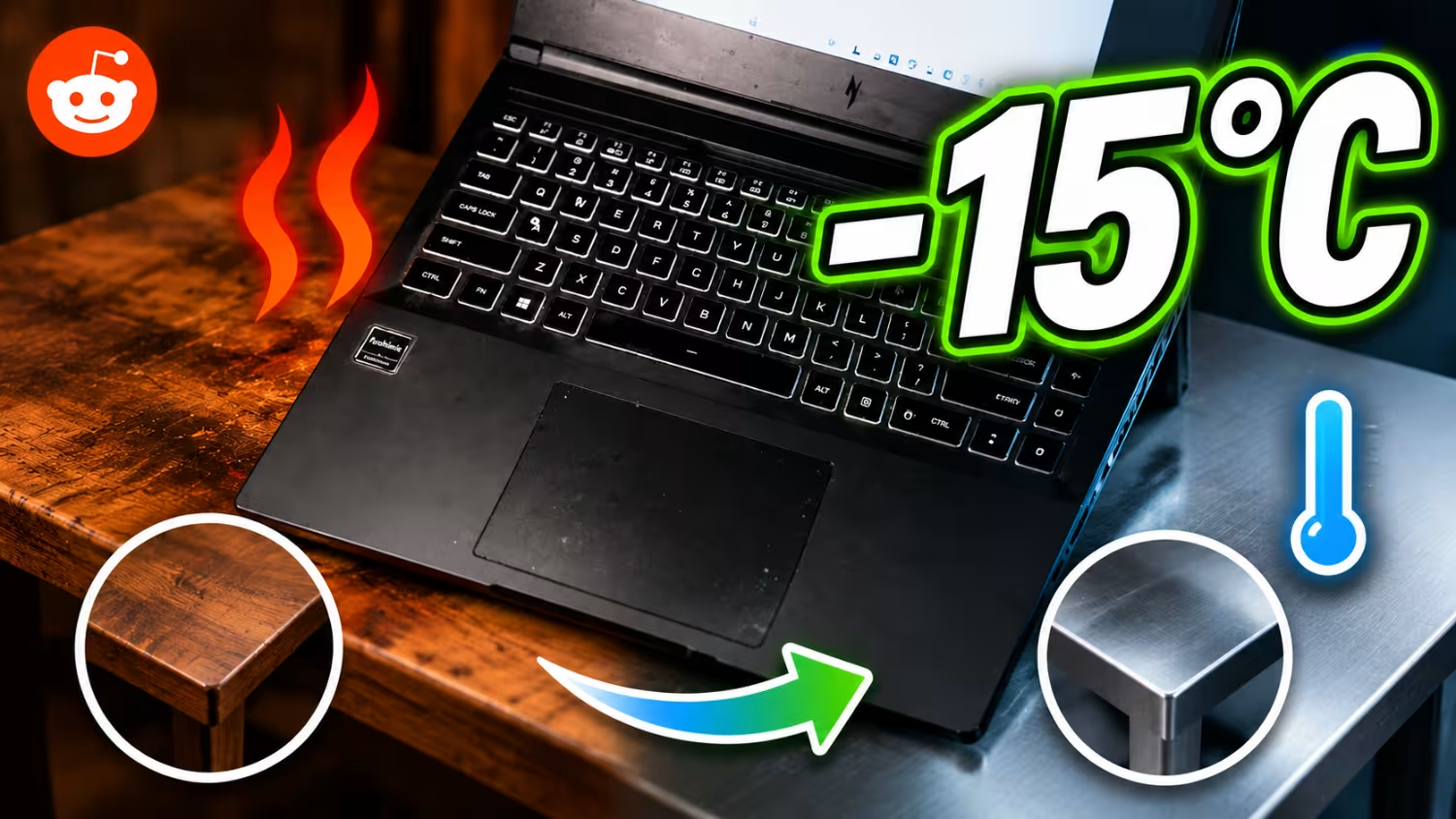





A Redditor has stumbled onto a surprisingly effective way to keep a gaming laptop running cooler, and it does not involve spending a single dollar on new cooling gear. Posting in r/GamingLaptops, user MentalReserve2351 explained that switching from a wooden desk to a metal surface made a noticeable difference to his laptop temperatures in an air-conditioned room.
Temperatures while playing Cyberpunk 2077 reportedly dropped from the 80-90°C range down to 75-83°C, just by changing the material underneath the machine. The user was initially worried about the metal getting too hot to touch, but said it stayed cooler than the wood the entire time, and never hot enough to be uncomfortable.
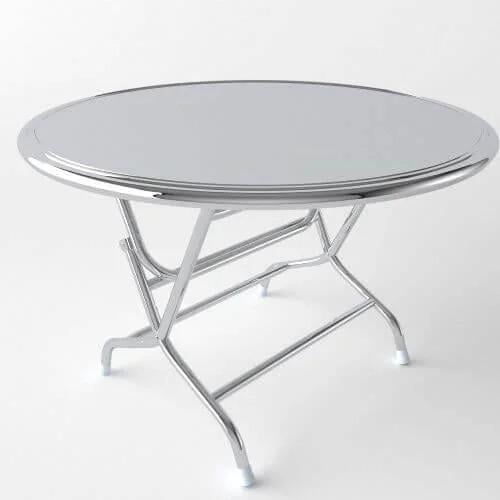
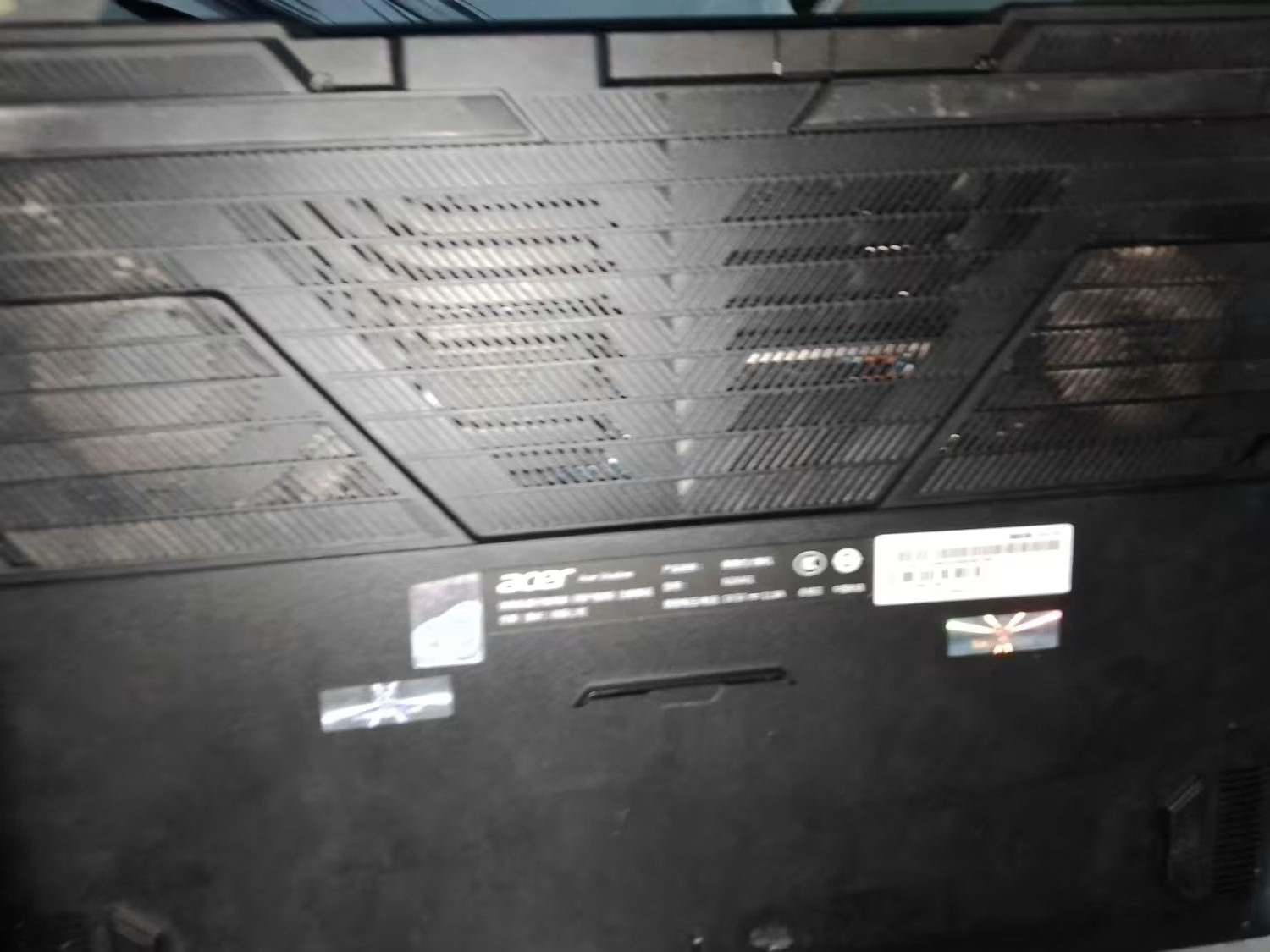
It looks like the explanation comes down to how many laptops pull intake air from the bottom panel before exhausting it out the side vents. Metal simply conducts and dissipates heat far better than wood, so it stays cooler than a wooden table, especially in a room with air conditioning. The Redditor even put up an image of his metal table in the replies, which is nothing out of the ordinary.
Intake fans then draw in cooler air, which does the rest of the job. The metal is not doing active cooling in the way a fan or a liquid loop would, but it is pulling heat away from the chassis faster than a wooden desk. That seems like a meaningful advantage on modern laptops, where GPUs already run close to their thermal ceiling and even a few extra degrees of headroom can matter.
One thing worth flagging: the original poster warned against actively icing the metal surface, since condensation forming underneath could cause real damage to the laptop. A cool room and a naturally cooler material seem to be the safe way to get the benefit here, but you have to be careful not to give your laptop an ice bath. That's a quick way to put an unplanned trip to the repair shop on your schedule.
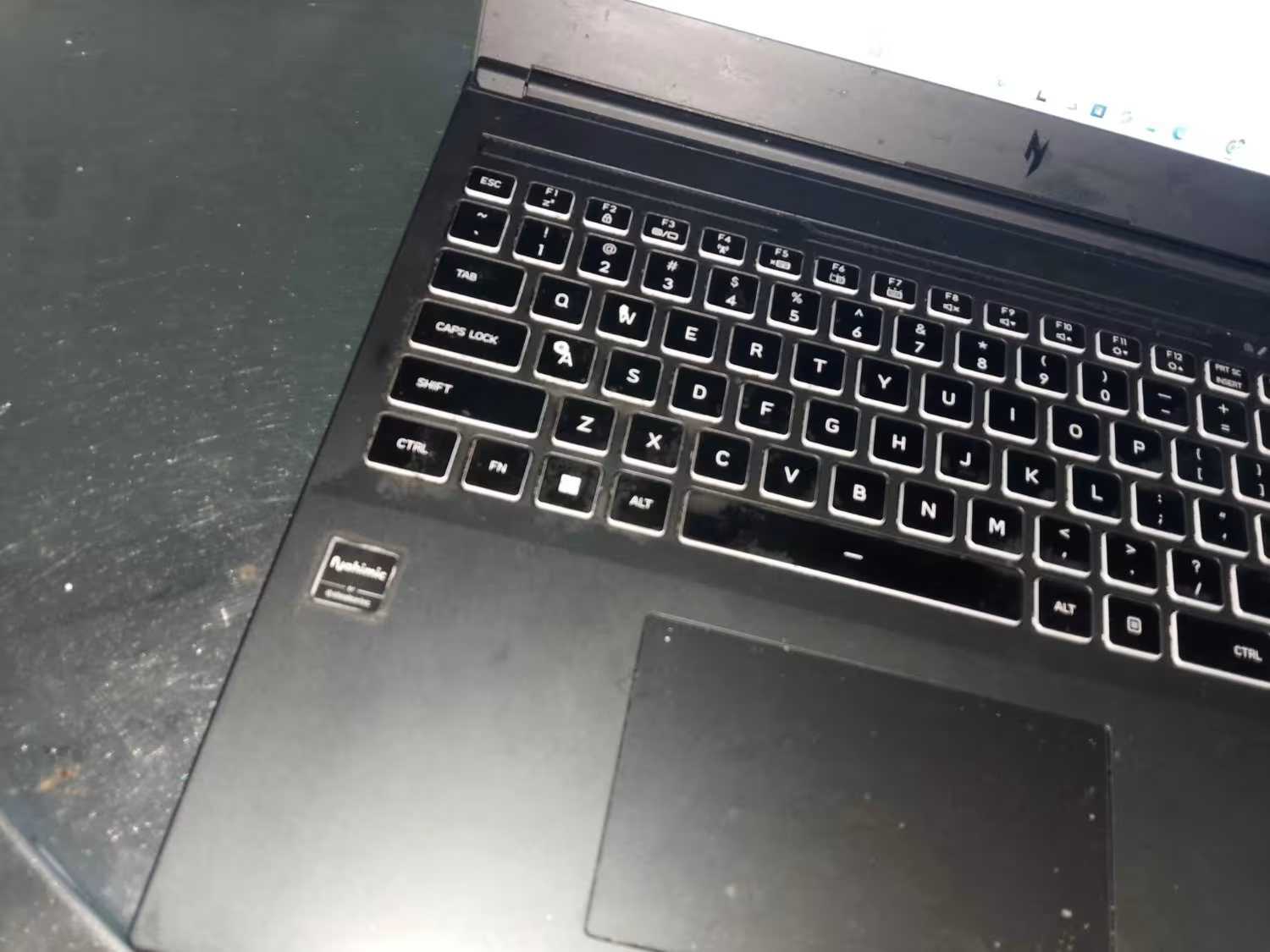
For anyone dealing with a gaming laptop that runs hot, a few basics still apply regardless of the desk material. Elevating the chassis slightly to improve airflow underneath, using a proper cooling pad, and keeping the intake vents free of dust all help, and none of it requires much effort.

Story Q&A
Powered by TweakBot
From TweakTown's coverage of this story.
How much did laptop temperatures drop when the Redditor switched from a wooden desk to a metal surface while gaming?
Why does placing a gaming laptop on a metal surface reduce intake-air temperatures compared to wood?
Besides changing the desk material, what basic steps does the article recommend to improve gaming laptop cooling?
Will using a metal table under my laptop replicate active cooling from a fan or liquid loop?
Want something else? Ask TweakBot.

It is also worth watching for the actual signs of throttling rather than guessing. Sudden frame rate drops during long sessions, fans pinned at full speed, or a chassis that is hot to the touch near the keyboard are all signs the cooling system is struggling to keep up. These fixes will not turn a gaming laptop into a full-fledged desktop, but you can certainly improve your laptop's thermal headroom for free.