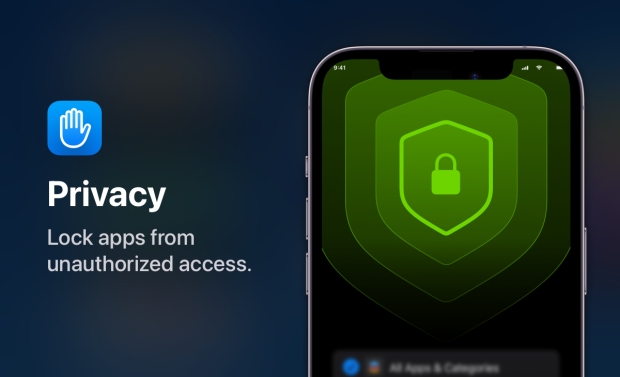




If you own an iPhone you're already familiar with the option to use your passcode to secure it from prying eyes. You can also use Face ID or Touch ID if you prefer to go the biometric route, too. Some apps like banking apps can also give users the chance to protect them using in-app passcodes and biometrics, too. But what if you want to do that with an app that doesn't have the feature built in?
For those apps, App Lock is available in the App Tore and it does exactly what you think it will do based on that name. Once configured, App Lock lets people completely hide apps and lock them behind Face ID or Touch ID. It's all made possible using the Screen Time API to control access to apps so there are no hacks or potential privacy implications here. What's more, users can even choose to have the app disappear from the Home Screen entirely. In fact, the apps will even be hidden from the App Library. too.
Choosing apps to be locked behind biometrics is simple and users can even decide to have entire categories covered, too.
There are additional features as well including the ability to block apps from being deleted and even to block all in-app purchases, too.
The downside? While App Lock is a free download, it requires a subscription to fully unlock. That subscription is costly at $30 per year, but if you want to be sure of keeping apps away from prying eyes, this could well be worth every penny.