










The Review
I've had my Nexus 5 for a few weeks now, with my review coming out shortly after you read this review. A little after I secured my Nexus 5, I pulled the trigger on a Nexus Wireless Charger. This is Google's second Nexus Wireless Charger, the first coming out with the Nexus 4 smartphone.
The new Nexus Wireless Charger is great-looking, magnetic-connecting wireless charger, with a very, very small footprint. Let's take a look around the box.
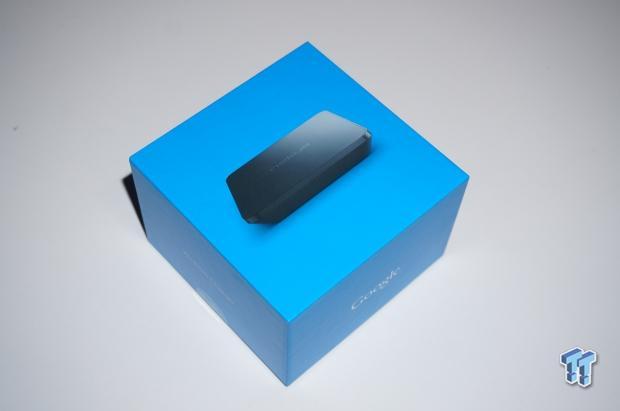
The box that it comes in is the same styled box, and color choice, that Google opted for its Nexus 5 smartphone, and Nexus 7 (2013) tablet.
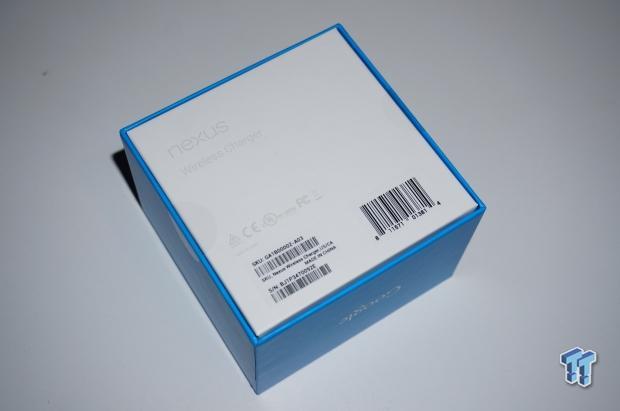
There's not much going on when we flip the device on its back.
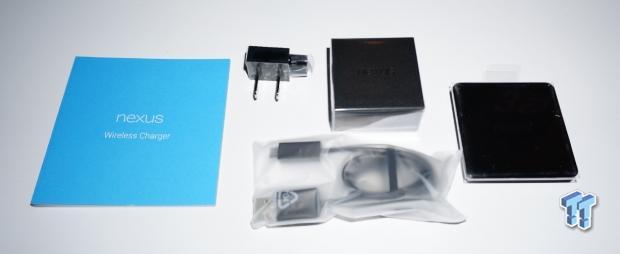
Out of the box, we have a Nexus Wireless Charger booklet, power connectivity, USB cable, and the Nexus Wireless Charger itself to the far right.
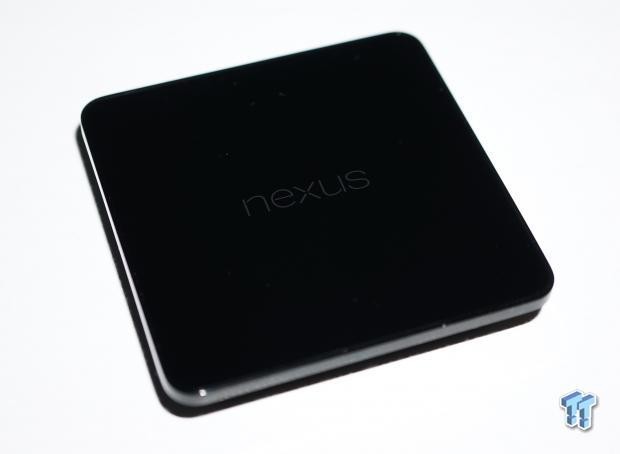
Up close, it has a gorgeous mirror finish - but right out of the box I found a tiny hairline scratch on mine, which was really disappointing.
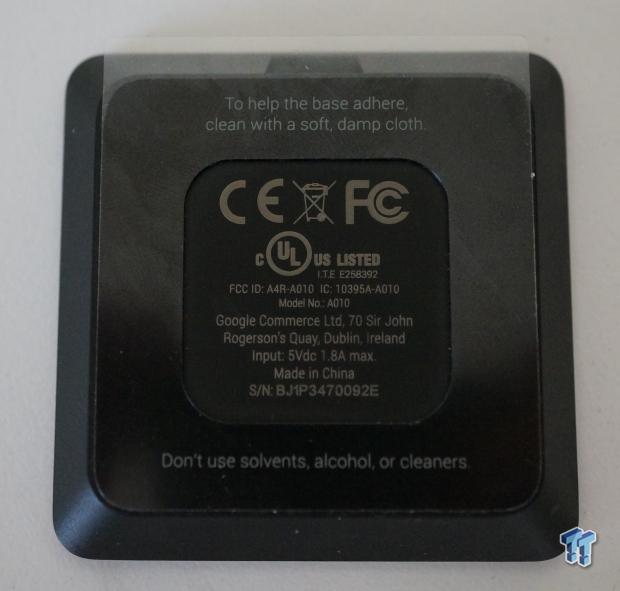
On the back of the charger, we have a sticky pad - something that is really unique. I never pulled the plastic off of it, as I didn't feel like having my $400 smartphone charging wirelessly, hanging vertically. But, for those that want to do this - it's a great option with the new Nexus Wireless Charger.
Our Latest Portable Chargers Review Coverage
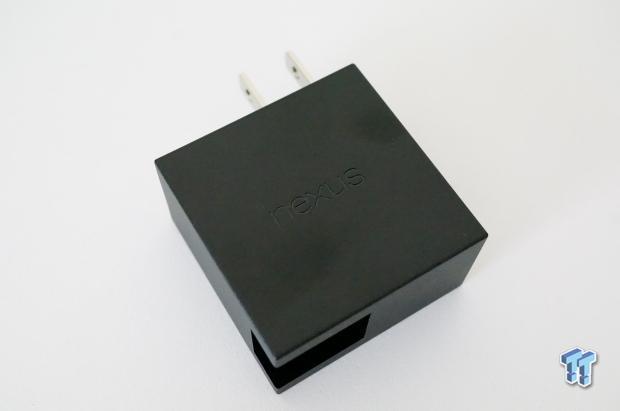
A closer look at what powers the Nexus Wireless Charger.
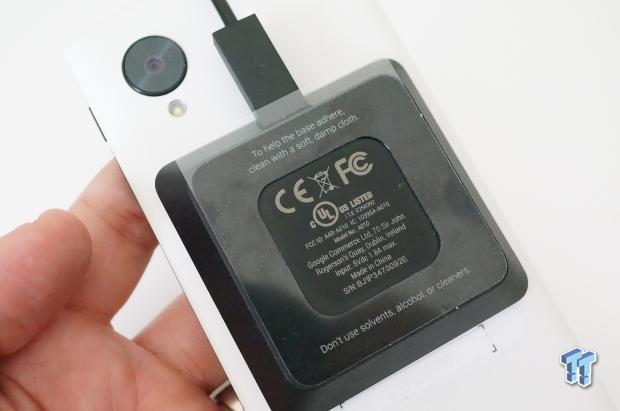
This is the Nexus Wireless Charger magnetically connected to the rear of my Nexus 5. It connects very tightly, and even takes a bit of muscle to pull it off.
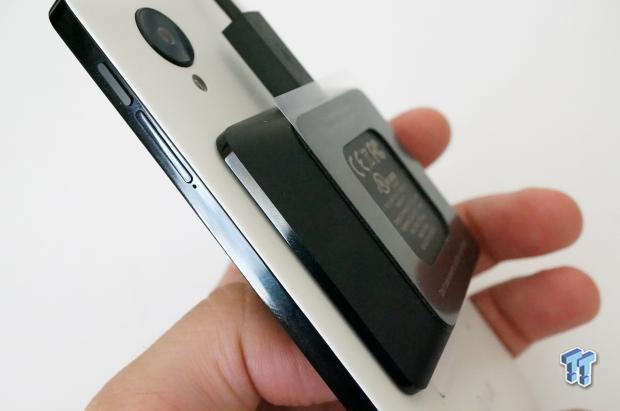
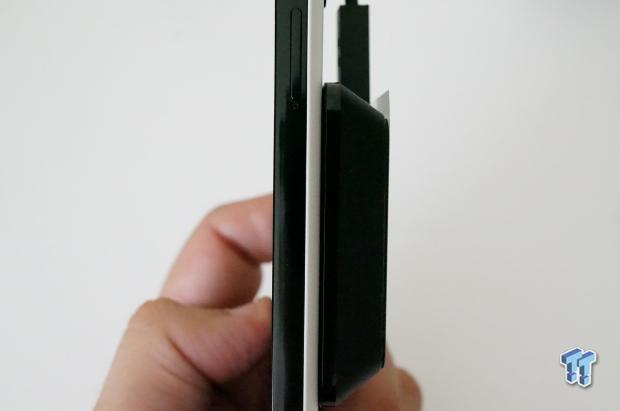
Next, we have two shots of the Nexus Wireless Charger attached to the Nexus 5 again, to give you a sense of just how thin this wireless charger is.
As for the actual use of the Nexus Wireless Charger, the first thing I have to say is: if you own a Nexus smartphone, especially the Nexus 5, you owe it to yourself to grab the Nexus Wireless Charger. Wireless charging is just so useful, and after you've docked your smartphone to your wireless charger a few times, you'll find it so weird plugging a cable in.
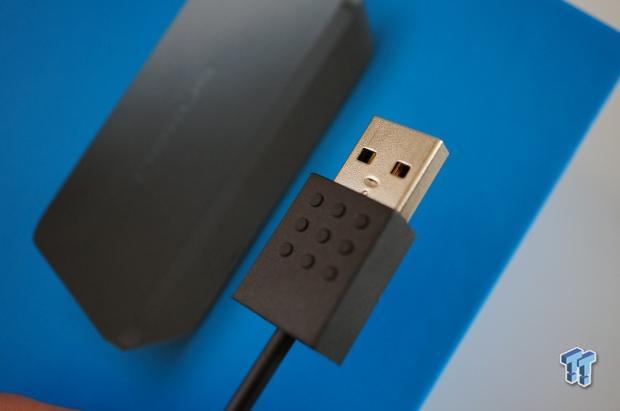
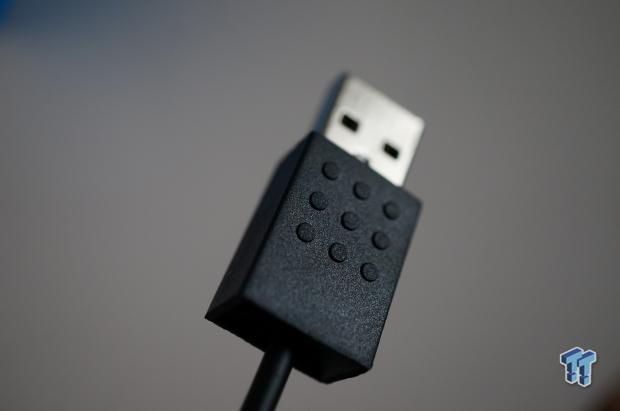
Google concentrated on the design of the Nexus Wireless Charger, everything looks great - from the packaging, to the USB cable included itself. It all looks great, and just works perfectly without any configuration needed apart from plugging the cables in and placing your Nexus smart device onto the charger.
It took around two hours to charge my Nexus 5 smartphone from around 20% charge or so, to 100% charge. I found by placing it next to my desk, I slotted the Nexus 5 smartphone down onto the Nexus Wireless Charger every time I sat at my desk.
This gave me a fully-charged smartphone every time I left my desk, and without a USB cable being plugged in every time, the convenience is just perfect. Charging our Nexus 5 smartphone was nearly as fast as having a physical cable plugged in, charging the Nexus 5 from around 20% charge to 100% within a little over two hours. Considering the Nexus Wireless Charger works so easily be placing your Nexus device on top of it, there's no excuse to not have a fully charged smartphone when you're sitting at your desk.
I also took the time to fully charge my Nexus 7 (2013) tablet, which had been sitting with absolutely no charge for around two weeks. From 0% to 100% full charge was a scrape under three hours, which is nothing short of impressive, considering the charge is completely wireless!
I don't think there's anything else I need from a wireless charger, Google seems to have nailed it down. Sure, it could feature an adjustable height or angle - like the Tylt Vu Wireless Charger, but that's just clutching at straws for something to complain about.
Google pricing it at $50 might seem like a bit of a stretch, but considering its top-of-the-line smartphone costs just $400, for $450 you can get a Nexus 5 and Nexus Wireless Charging package, and still save hundreds of dollars from buying something similar from Samsung or Apple.
If you were looking at getting a Nexus 5, or already have one - you simply need to buy the Nexus Wireless Charger, you will not be disappointed.


 Navman MiVue Smart True 4K Surround Dashcam Review - Seeing In All Directions At Once
 Samsung Galaxy Fold 7 Review - A $2000 Pocketable Two-in-One Smartphone-Tablet
 Apple Intelligence - a full breakdown of Apple's AI features in iOS 18.1
 Aura Smart Sleep Mask Review - Much more than 100% blackout sleep
 Fitbit Charge 4 Special Edition Advanced Fitness Tracker Review
 Apple's first touchscreen MacBook Pro is '100% confirmed', leaker says
 AMD reversed a warranty rejection for a swollen Ryzen 9 7950X3D after Hardware Unboxed called it out publicly
 ASUS' $50 ROG Equalizer cable meant to stop GPU connector burns reportedly burns itself
 Intel's 18-core Core Ultra 7 251HX is matching its 20-core siblings in early PassMark results
 Elon Musk is the world's first trillionaire - enough to spend $1 million a day for nearly 3,000 years
 Anthropic's latest AI model 'Fable' was so powerful the US government banned the world from it
 Xbox prioritizes Elder Scrolls VI, Fallout, and Halo in new strategy shift
 Xbox exec wants to use ads to open up new access points, not just to collect money
 Redditor buys RTX 2080 Ti Super engineering sample on eBay, has the same number of cores as an RTX Titan but half the VRAM
 Report: Xbox may be spun off into subsidiary or joint venture with another company
 MOAIPLAY ORA PRO G1 850W ATX 3.1 PSU Review: high efficiency and 10-year warranty for $119.99
 IQUNIX Magi96 Pro Aluminum Low Profile Mechanical Keyboard Review - Premium Build, Satisfying Sound
 Asetek Forte S-Series Racing Simulator Bundle Review
 Razer Pro Type Ergo Wireless Split Ergonomic Keyboard Review - Built for Comfort and Support
 ASUS ROG Strix Morph 96 Wireless Gaming Keyboard Review - Great Performance, More Affordable
 SAPPHIRE Radeon RX 9070 GRE PULSE OC Review - A New 1440p Challenger Has Arrived
 NZXT H6 RGB+ Compact Dual-Chamber Chassis Review
 ASRock Radeon RX 9070 GRE Steel Legend Review - The RDNA 4 Mid-Range Reshuffle
 ASRock Z890 Taichi Aqua Motherboard Review - Flagship features without the flagship price
 This Windows security feature protects Documents from ransomware, but it is off by default
 Windows 11 already has a voice typing tool, and it is the one most people are not using
 Quick Assist is the only remote-support tool I open when a relative calls about their PC
 The PowerToys utilities I keep enabled on every Windows 11 PC, and the ones I turned off within a week
 TweakTown's Best of Computex 2026 Awards - The Best Hardware, Gaming Gear, and AI
 Phison E37T SSD Controller Exclusive Preview - The Fastest DRAMless SSD Platform Yet
 USB Ports Not Working in Windows 11? Try These Fixes
 ASUS WiFi Routers and Networking Solutions Deliver Long-term Security and Reliability with No Additional Cost
 Second Monitor Not Detected in Windows 11? Try These Fixes
 Turn Your Old Smartphone Into a Dedicated Webcam for Your Windows PC