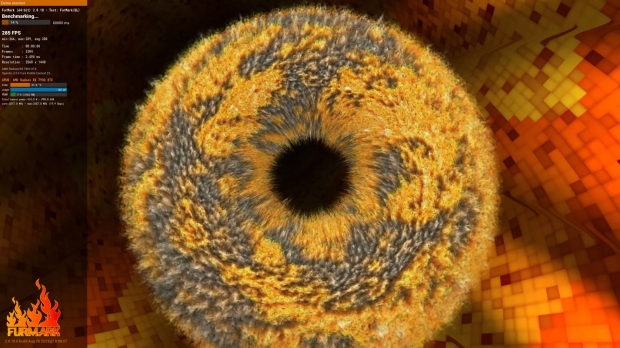




FurMark 2 is now official and available for download right now from here. The new GPU stress testing, diagnostics, and benchmarking tool has been popular for years now, but its successor is here to melt your GPU even harder.
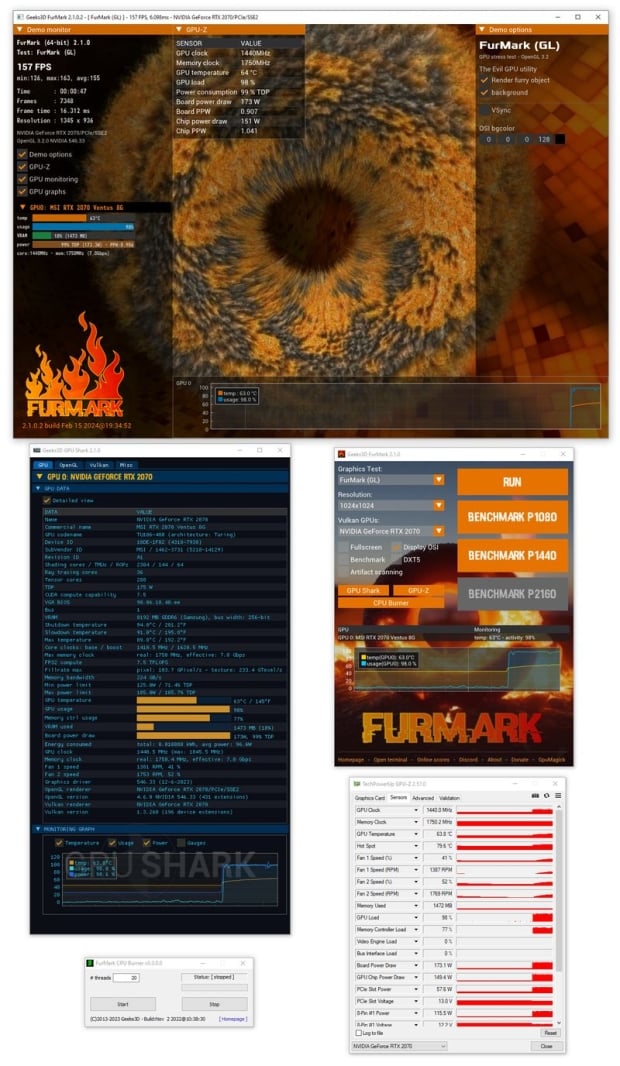
The new FurMark 2 was created using the latest cross-platform tool called GeeXLab with a GUI, while the command tool uses GeeXLab SDK. You've got support with FurMark 2 and Windows 64-bit, Windows 32-bit, and even Linux 64-bit with operating systems.
The next update for FurMark 2 will include support for Linux 32-bit and Raspberry Pi, with possible MacOS support coming in the near future. Future 3D APIs can be added into FurMark 2, including OpenGL 2.1 and OpenGL 3.0/3.1 APIs, but were most likely omitted from the v2.0 release because they're not cross-platform compatible.
There's a new page to show user-submitted scores with FurMark 2, the submitted information from users includes the max GPU core usage, max GPU core temperature, minimum and maximum GPU clocks, and maximum power consumed during the benchmarking session.
FurMark 2.0 changelog:
- Fixed a bug in the display of graphics cards with a long name in the OSI (On Screen Information).
- Added the power in watts in the score submission for NVIDIA GPUs.
- Added FurMark Knot demo in OpenGL and Vulkan
- Improved the use of the following command line options:
- --benchmark, --max-time and --max-frames
- Now they work correctly.
- Score submit is disabled is a renderer is too slow (1 frame in less than 60 sec) or if a fake score is detected (number of points and average framerate do not match).
- (windows) GPU monitoring plugin: added support for GeForce RTX 4070 SUPER, RTX 4070 Ti SUPER and RTX 4080 SUPER.
- (windows) Commercial name: added
- (windows) updated with GPU-Z 2.57
- (windows) updated with GPU Shark2 2.1.0
- updated with GeeXLab 0.57.0 libs
You can download the all-new FurMark 2 release right here.