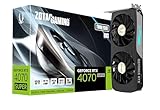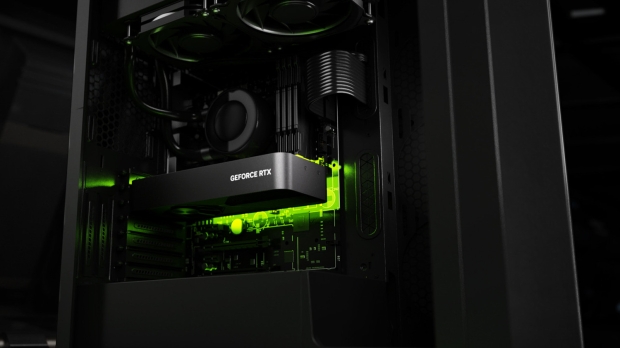




NVIDIA has released a new GeForce Game Ready GPU driver that brings in support for the just-released RTX 4070 Ti Super graphics card, and does a lot more besides.
Probably the most eye-catching trick here is the introduction of RTX Video HDR, which uses the RTX graphics card's Tensor cores to take video in Standard Dynamic Range and seriously jazz it up with far more vivid colors HDR-style.
It also ekes out additional detail that may have been lost thanks to video compression on the likes of YouTube, NVIDIA notes, and you can see RTX Video HDR in action in the video above.
How do you get this new ability? First off, install the new driver (version 551.23) and enable Windows HDR features (in System > Display > HDR) - it goes without saying your monitor will need to support HDR, of course.
Then in the NVIDIA Control Panel, head to Adjust video image settings, and look under RTX Video Enhancement, where you must enable HDR. Then that's it, you're done - just fire up an SDR video and marvel at the improvement (hopefully).
Both RTX Video HDR and the already existing RTX Video Super Resolution - which is DLSS (upscaling) for videos, basically - can be used together to produce some highly souped-up videos (on Chromium-based browsers).
NVIDIA's Game Ready driver also brings in an 'auto' setting for RTX Video Super Resolution, to boot.
A couple of niggling bugs are resolved, as well, plus we have the usual round of optimizing for various games, namely Like a Dragon: Infinite Wealth, Enshrouded, Tekken 8, and Suicide Squad: Kill the Justice League.
- Read more: NVIDIA's RTX 4070 Super is below MSRP already in Europe - another hint this GPU is struggling?
- Read more: NVIDIA and AMD GPU frame generation can be combined for 3x faster FPS - but it's a silly idea
- Read more: NVIDIA's RTX 3060 could be staying around as a budget option to tackle AMD's rival low-end GPUs