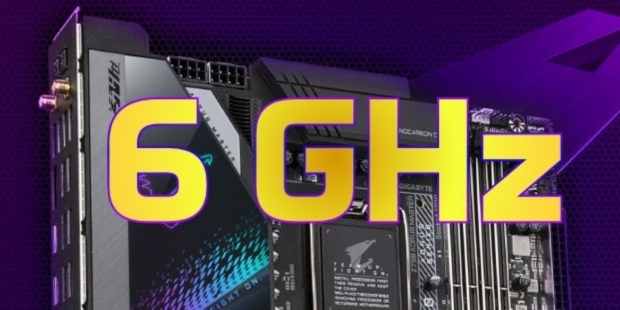




GIGABYTE has just announced that its "Instant 6GHz" feature is now available for their Z690 motherboards with a simple BIOS update, ready to boost performance on Intel's Core i9-13900K and Core i7-13700K processors.
The new Instant 6GHz feature on GIGABYTE's fleet of Z690 motherboards will add another 3% performance for single-core on the Core i9-13900K and Core i7-13700K processors. This new Instant 6GHz feature is great for Z690 motherboard owners who have the new Core i9-13900K or Core i7-13900K, without needing to buy a new Z790 motherboard to hit 6.0GHz.
Popular Now: Linus Tech Tips leaks Steam Frame first impressions, and Valve may be working on native Half-Life: Alyx support
GIGABYTE Z690 motherboard owners will simply need to upgrade to the latest BIOS on their motherboard to enjoy the Instant 6GHz feature, with the system automatically tweaking CPU voltage and Vcore Load Line Calibration of the Intel Core i9-13900K and Core i7-13700K processors, detecting the two most optimized cores to handle 6.0GHz, providing an additional 3% of single-core performance, just like the Z790 motherboards easily do.
GIGABYTE notes that their exclusive VRM design, thermal design, and fine-tuning for convenience on their motherboards provide a superior user experience that offers maximum benefits to their users. With the introduction of the Instant 6GHz feature to the Z690 platform for users with Intel's 13th Gen Core "Raptor Lake" CPUs stops them from needing to buy a Z790 motherboard to enjoy 6.0GHz CPU frequencies.
You'll need to update your BIOS on your GIGABYTE Z690 motherboard through the official GIGABYTE website, or you can upgrade your BIOS through Q-Flash or Q-Flash Plus.